Part of 100+ video lessons
Short, step-by-step lessons you can rewatch anytime.
Hands-on project
Follow along in the host project and build as you learn.
Certificate path
Counts toward your Framer Fundamentals certificate.


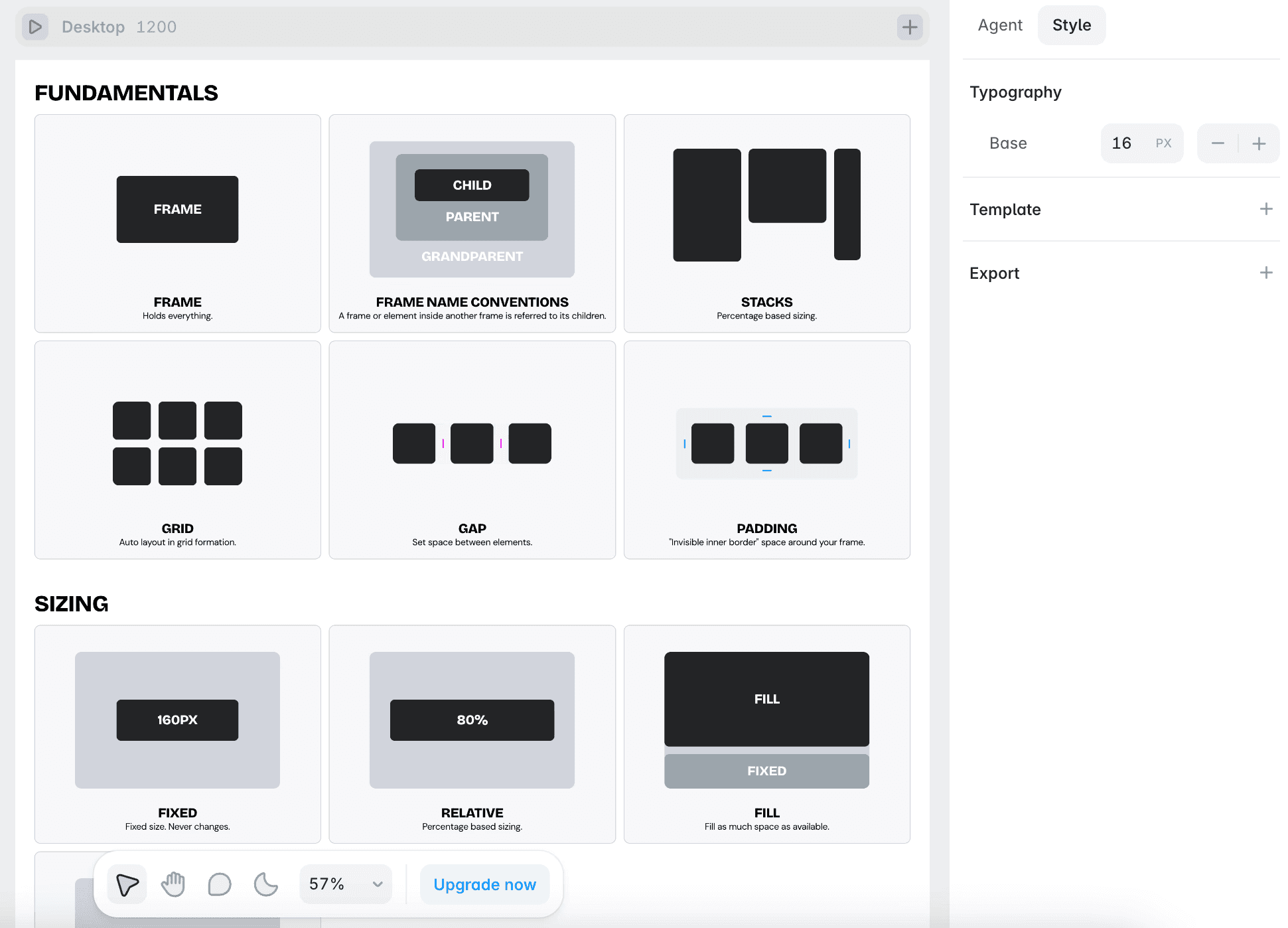
Break two real websites down into their frames, then learn the terminology used for the rest of the course.
A nav bar, a hero section, an image and even a button are each just a frame.
Frames hold the structure; you fill them with text, images and buttons to finish the site.
Elements inside a frame are its children; the frame above is the parent, and above that the grandparent.

Read any layout as frames
Look at a website and see the nested boxes that build it, and describe them using parent and child terminology.

BUILD WITH FRAMES AS YOUR SKELETON
Start every section with a frame, then fill it with text, images and buttons.

USE PARENT AND CHILD CORRECTLY
Name what sits inside what, so your layers and layout stay predictable.

Layout in Framer
Framer's layout system works like auto layout in Figma or Flexbox in Webflow. Learn how stacks and grids bring alignment and order to your elements.

Building Your First Hero Section in Framer
Time to put your skills into action. Build a hero section from scratch and bring together everything you've learned so far in Framer.

CURRICULUM
WHAT YOU’LL LEARN IN THIS COURSE
In the Ultimate Framer Masterclass, you’ll master Framer from the ground up. Follow real projects, get expert feedback, and finally design and ship the way you’ve always wanted to.
Pick any website you like and sketch its top section as boxes. Mark the nav bar, the hero section, the image, the button and the container that holds them, then label which frames are parents and which are children.
03:34
PUBLISH CHECKLIST
Layout read as frames
Parent and child named
Frames nested correctly
Sizes set
Layers renamed
Checked on mobile
TRY IT OUT
Cesar Rodrigues
Founder, Craate Creative
FREQUENTLY ASKED QUESTIONS
Everything you need to know about this lesson.
What is a frame in Framer?
A frame is a box. A website is boxes inside boxes, and in Framer a nav bar, a hero section, an image and even a button are each just a frame.
What's the difference between a parent and a child in Framer?
Elements inside a frame are its children, the frame above is the parent, and the one above that is the grandparent. The terminology keeps your layers predictable.
Where do I start when building a page in Framer?
Start with frames as the skeleton. Build the structure first, then fill each frame with text, images and buttons.
CERTIFICATION
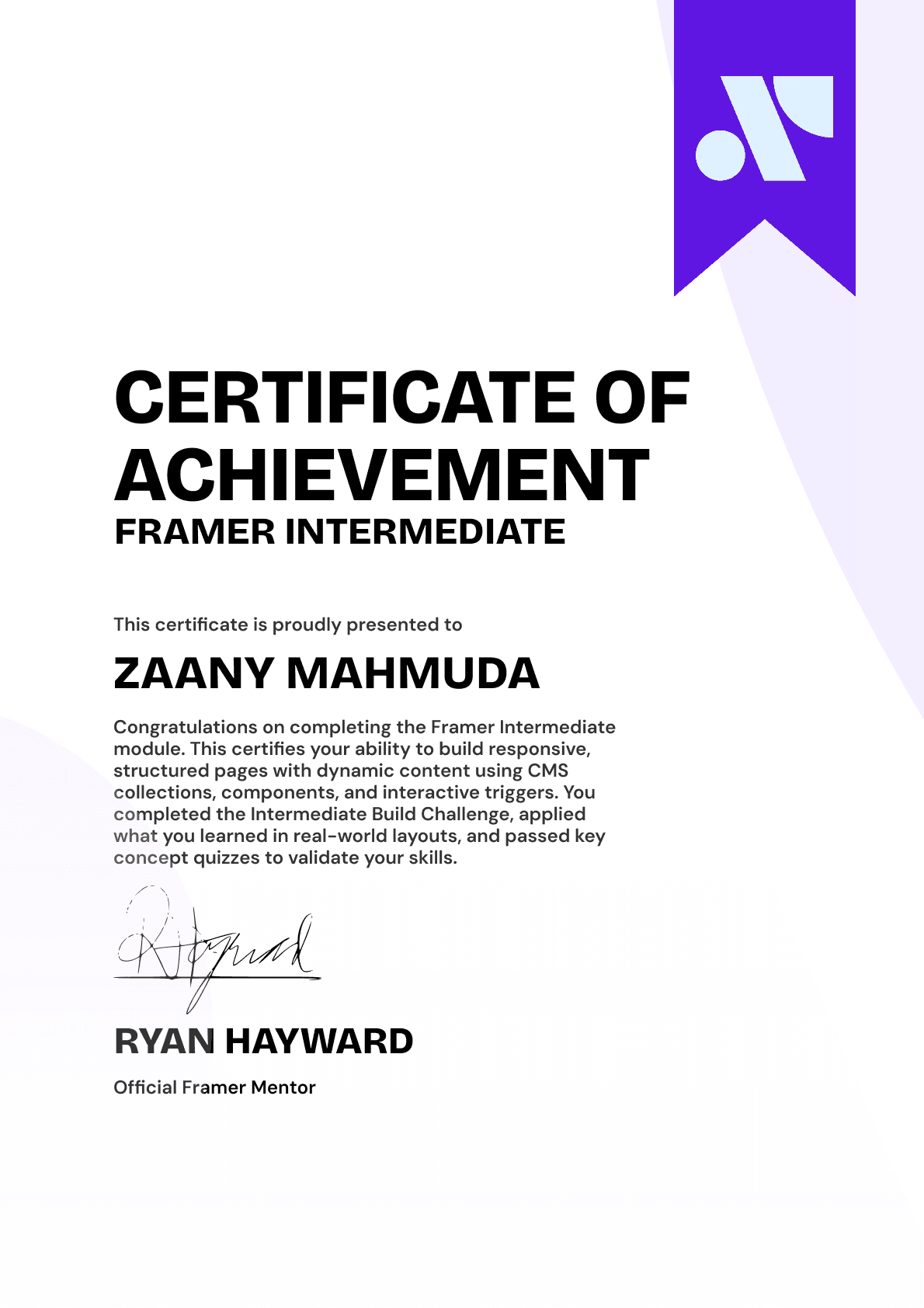
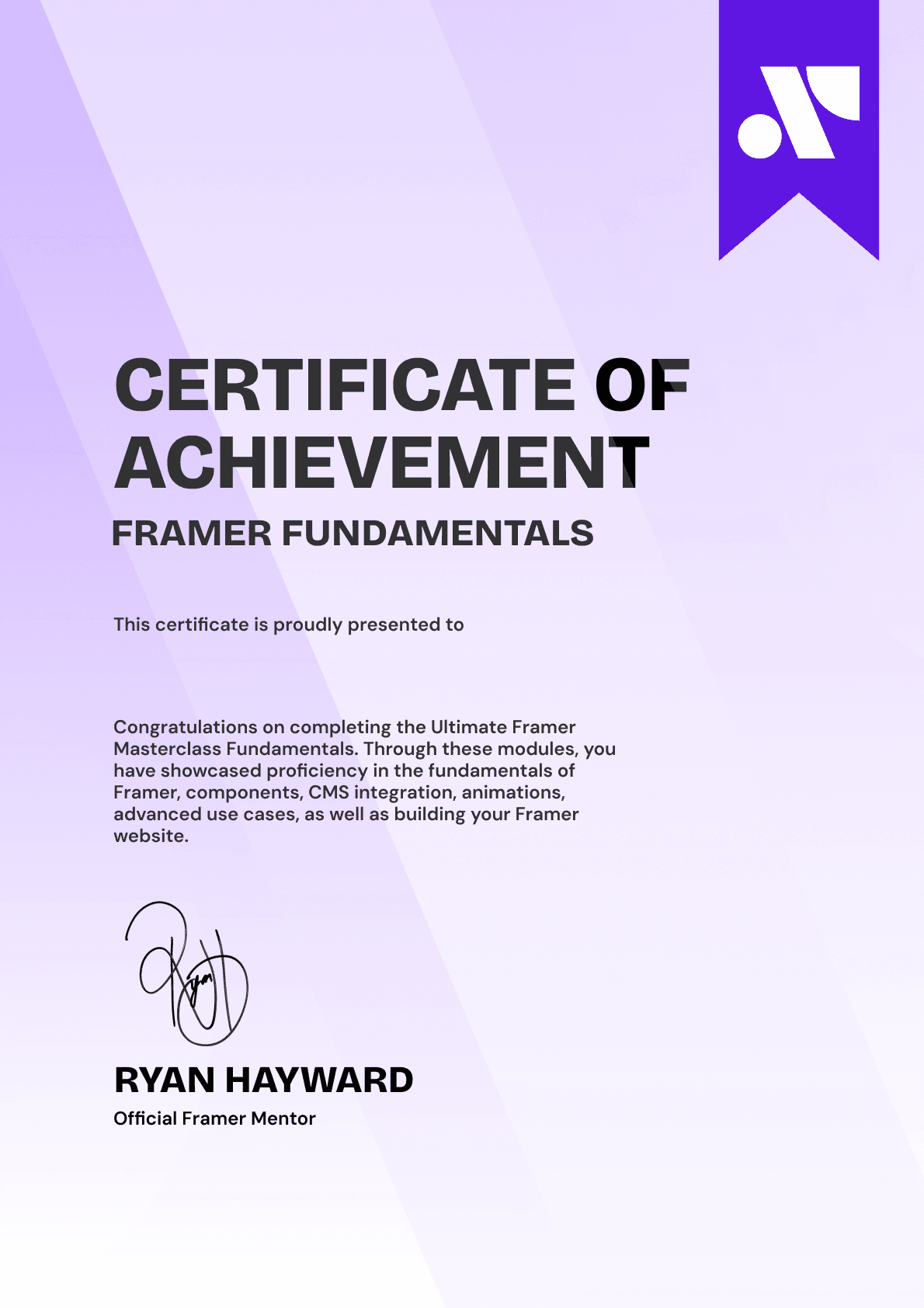
BECOME A CERTIFIED FRAMER MASTER
Earn 3 official certifications that show you don’t just know Framer, but you can
design, build, and execute real pixel-perfect sites.







Rated excellent by 900+ students
4.8
Lifetime access
14-day money-back guarantee
Stream anywhere




