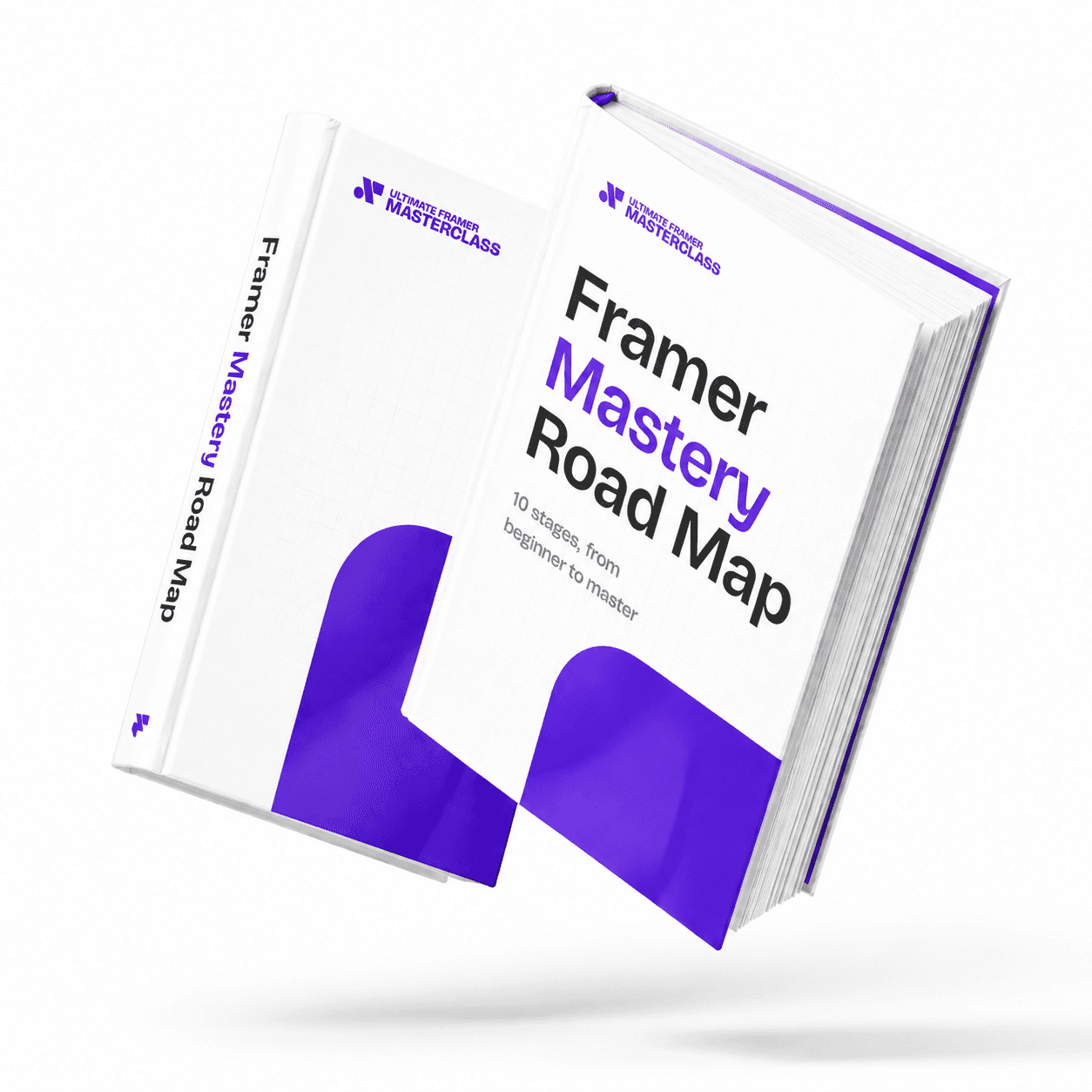
Part of 100+ video lessons
Short, step-by-step lessons you can rewatch anytime.
Hands-on project
Follow along in the host project and build as you learn.
Certificate path
Counts toward your Framer Fundamentals certificate.


Take a set of loose cards and bring them into line with a stack, then a grid.
Layout is controlled on the frame that holds the children.
Choose direction, distribute and align, then set the gap and padding.
Set columns and rows, and use the advanced options for widths and heights.

Align anything with stacks and grids
Use direction, distribution, gap and padding to control exactly where elements sit.

CONTROL SPACING WITH GAP AND PADDING
Gap is the space between elements. Padding is the space inside the frame's edge.

BUILD BIGGER LAYOUTS WITH GRIDS
Set columns, rows and advanced sizing for modular, responsive layouts.

Understanding Frames
Every great site starts with frames, Framer's core building block. In this foundational lesson you'll learn what frames are, how they work, and why they're essential to everything you'll design going forward.

Overflow in Framer
Overflow decides what happens when content is bigger than the frame it lives in. Learn the four overflow types and when to use each one.

CURRICULUM
WHAT YOU’LL LEARN IN THIS COURSE
In the Ultimate Framer Masterclass, you’ll master Framer from the ground up. Follow real projects, get expert feedback, and finally design and ship the way you’ve always wanted to.
Take a handful of loose cards and put them in a stack. Try each distribute option, then switch the frame to a three-column grid.
04:22
PUBLISH CHECKLIST
Cards put in a stack
Distribute options tried
Gap and padding set
Switched to a grid
Columns set
Checked on mobile
TRY IT OUT
Cesar Rodrigues
Founder, Craate Creative
FREQUENTLY ASKED QUESTIONS
Everything you need to know about this lesson.
What's the difference between gap and padding in Framer?
Gap is the space between elements. Padding is the space inside the frame's own edge. Set both on the parent and every child lines up without nudging anything by hand.
How do I align elements in Framer?
Select the parent frame and add a stack, then set direction, distribution and alignment. Layout is always controlled on the frame that holds the children.
When should I use a grid instead of a stack in Framer?
Use a grid when you need columns and rows rather than a single direction. The advanced options control widths and heights for modular, responsive layouts.
CERTIFICATION
BECOME A CERTIFIED FRAMER MASTER
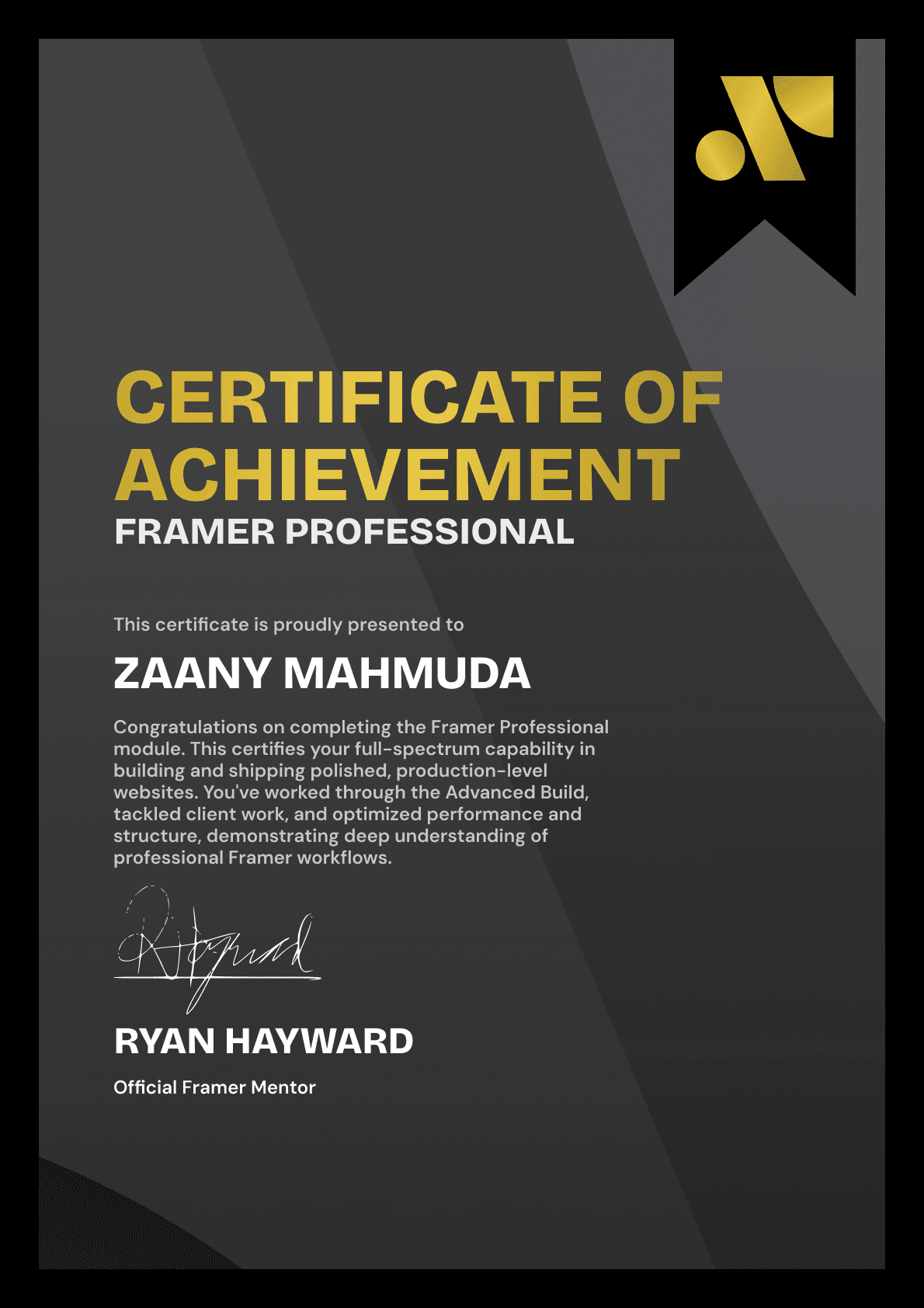
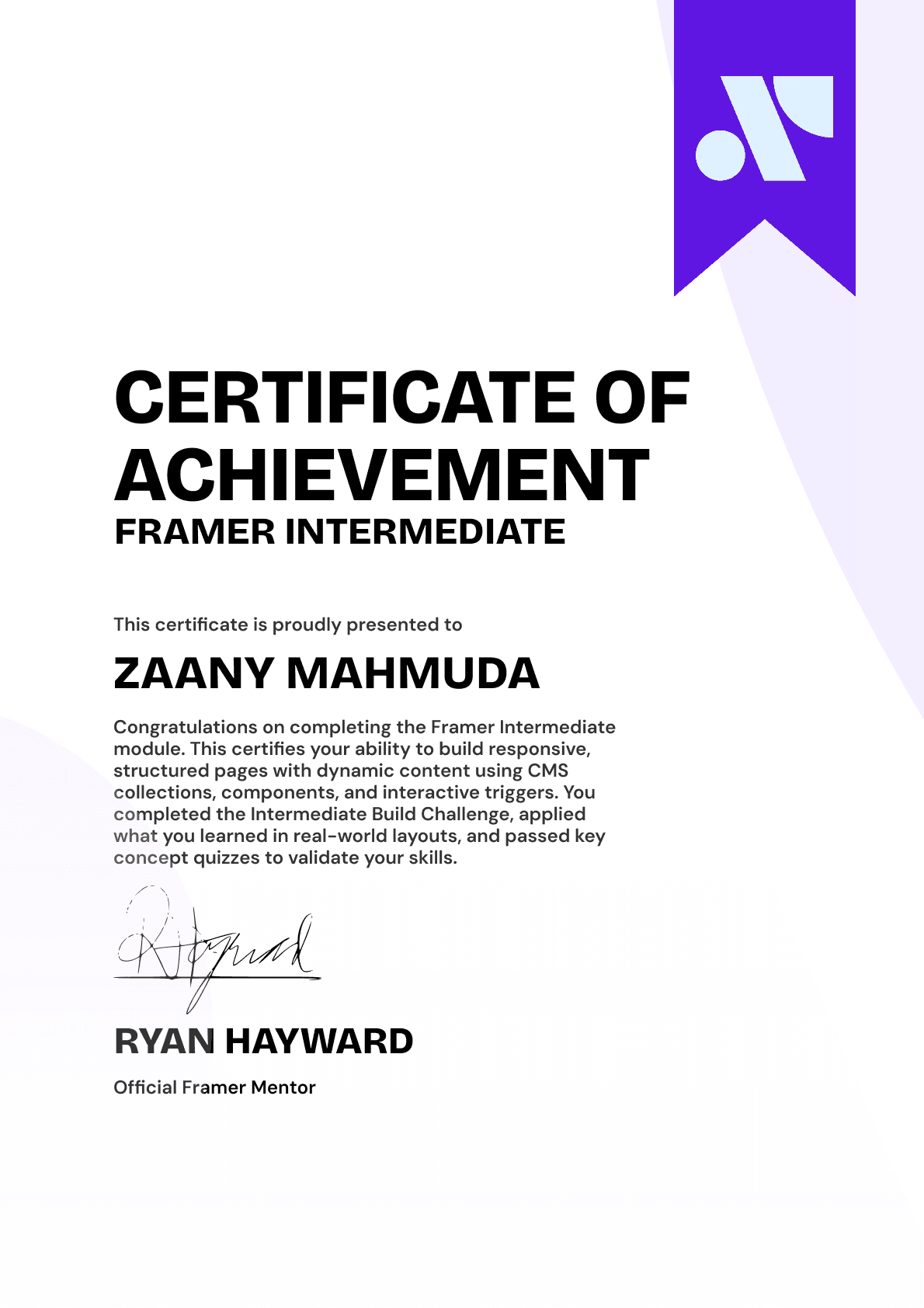
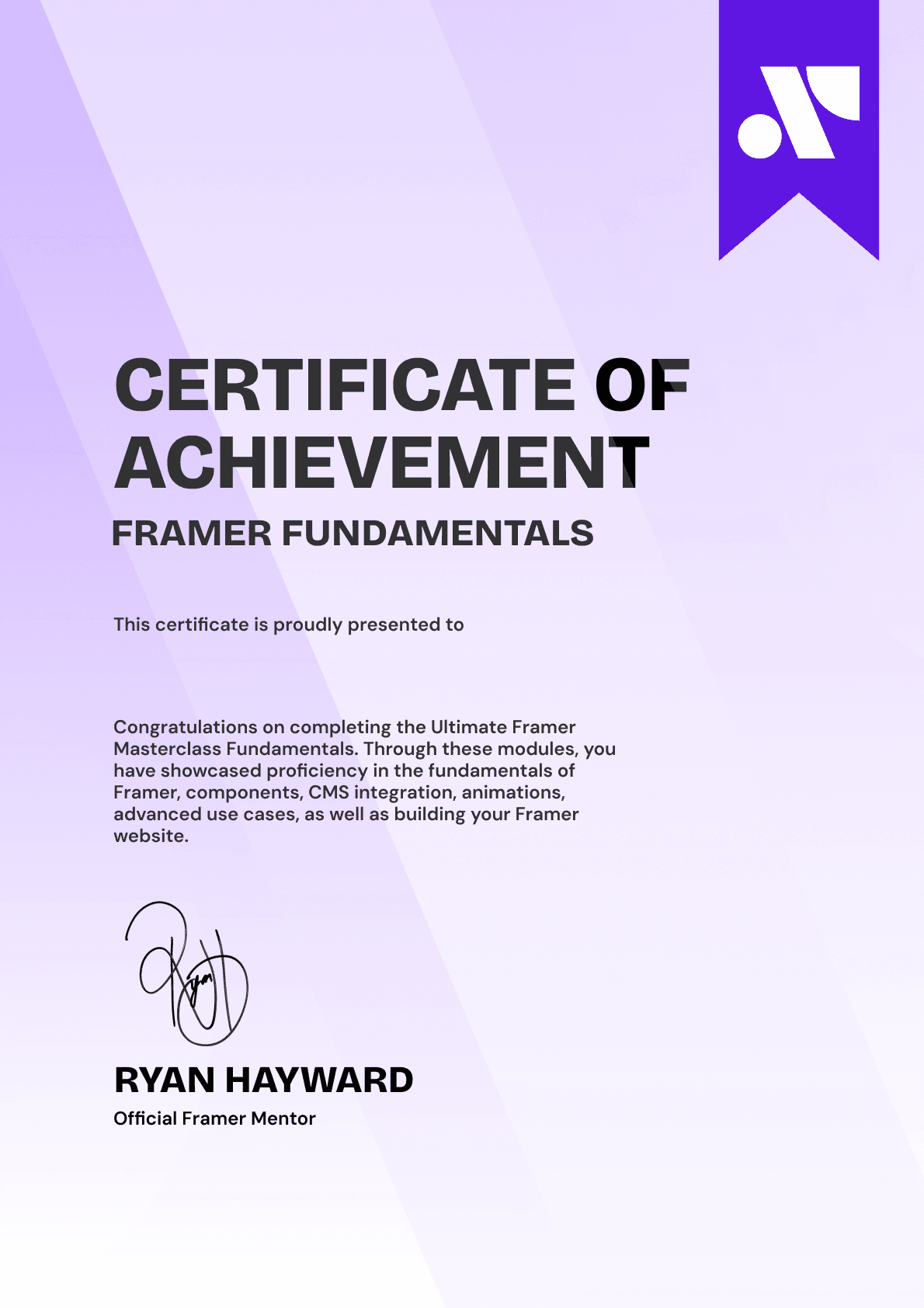
Earn 3 official certifications that show you don’t just know Framer, but you can
design, build, and execute real pixel-perfect sites.






Rated excellent by 900+ students
4.8
Lifetime access
14-day money-back guarantee
Stream anywhere




