Part of 100+ video lessons
Short, step-by-step lessons you can rewatch anytime.
Hands-on project
Follow along in the host project and build as you learn.
Certificate path
Counts toward your Framer Fundamentals certificate.


Name the section, link to it, then trigger an effect from it.
Add a scroll section and give it a unique name. No spaces allowed.
Decide where the page stops vertically when someone lands on it.
In a button's link, pick the page, then pick the section underneath it.

LINK STRAIGHT TO A SECTION
Send a button or nav link to a named part of a page.

SET WHERE THE SCROLL STOPS
Use the Y offset so the section doesn't land under a fixed navbar.

TRIGGER ANIMATIONS ON SCROLL
Use the section as the trigger for a scroll effect, so content fades in on arrival.

Ticker Effects in Framer (Infinite Scroll)
Loop logos or cards forever with the Ticker component. Connect frames that live off the canvas, then tune the speed, direction and hover.

Popup Modals and Overlays in Framer
Framer has two kinds of overlay: fixed ones for modals, toasts and video popups, and relative ones for dropdowns and popovers.

CURRICULUM
WHAT YOU’LL LEARN IN THIS COURSE
In the Ultimate Framer Masterclass, you’ll master Framer from the ground up. Follow real projects, get expert feedback, and finally design and ship the way you’ve always wanted to.
Add two scroll sections to a page, link a button to each, then trigger a fade-in from one of them.
03:56
PUBLISH CHECKLIST
Scroll section added
Named without spaces
Y offset set
Button linked to the section
Scroll effect triggered from it
Tested in preview
TRY IT OUT
Cesar Rodrigues
Founder, Craate Creative
FREQUENTLY ASKED QUESTIONS
Everything you need to know about this lesson.
How do I link to a section of a page in Framer?
Add a scroll section and give it a unique name with no spaces, then in a button's link pick the page and the section underneath it.
How do I stop a linked section landing under my navbar in Framer?
Set the scroll section's Y offset. It controls where the page stops vertically, so the section clears a fixed navbar.
Can a scroll section trigger an animation in Framer?
Yes. Use the section as the trigger for a scroll effect, so content fades in when the visitor reaches it.
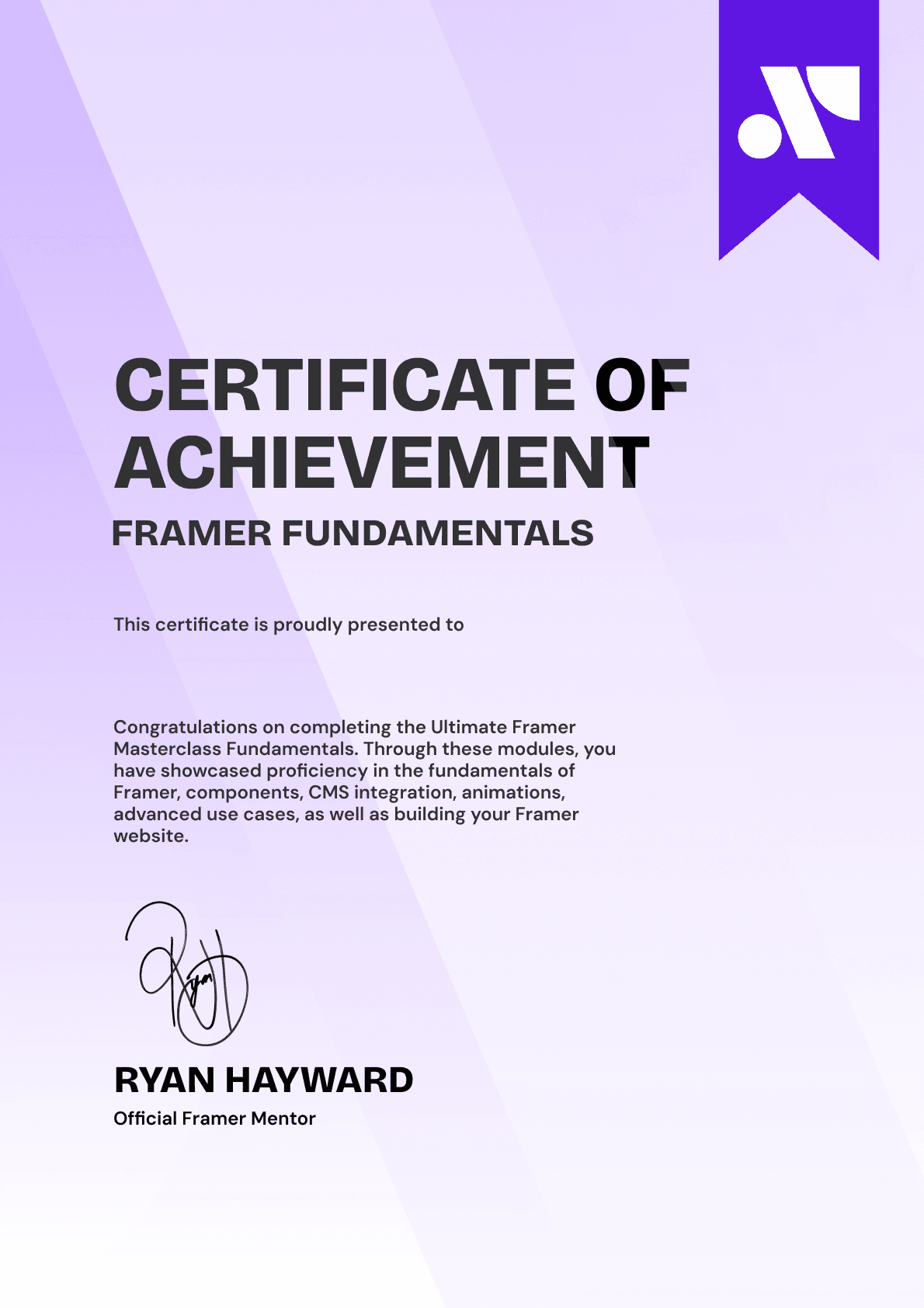
CERTIFICATION
BECOME A CERTIFIED FRAMER MASTER
Earn 3 official certifications that show you don’t just know Framer, but you can
design, build, and execute real pixel-perfect sites.








Rated excellent by 900+ students
4.8
Lifetime access
14-day money-back guarantee
Stream anywhere




