NEW: The Framer Agent Playbook early bird ends in |

00:00:00:00

NEW: The Framer Agent Masterclass | Save $100, early bird ends in |

00:00:00:00

USE CODE “FRAMERFRIDAY” AT CHECKOUT TO SAVE 20% — ALL DEALS  HERE
NEW: The Framer Agent Playbook | Save $100, early bird ends in |

00:00:00:00

Not sure where to start?

Get your personalised Framer roadmap

Answer 4 questions and get a clear picture of where you're at, and exactly what to do next.

Not sure where to start?

Get your personalised Framer roadmap

Answer 4 questions and get a clear picture of where you're at, and exactly what to do next.

Are you ready to master Framer?

Are you ready to master Framer?

Rated excellent by 900+ students

Brooke kong
Brooke kong
Brooke kong
Brooke kong
Brooke kong

Popup Modals and Overlays in Framer

Popup Modals and Overlays in Framer

Popup Modals and Overlays in Framer

Framer has two kinds of overlay: fixed ones for modals, toasts and video popups, and relative ones for dropdowns and popovers.

Framer has two kinds of overlay: fixed ones for modals, toasts and video popups, and relative ones for dropdowns and popovers.

Framer has two kinds of overlay: fixed ones for modals, toasts and video popups, and relative ones for dropdowns and popovers.

Intermediate

·

06:54

·

with Ryan Hayward

Part of 100+ video lessons

Short, step-by-step lessons you can rewatch anytime.

Hands-on project

Follow along in the host project and build as you learn.

Certificate path

Counts toward your Framer Fundamentals certificate.

THE TWO OVERLAY TYPES IN FRAMER

THE TWO OVERLAY TYPES IN FRAMER

A fixed overlay covers the whole viewport, which suits modals and video popups. A relative overlay attaches to an element, which suits dropdowns and popovers. Pick by what the content belongs to.

A fixed overlay covers the whole viewport, which suits modals and video popups. A relative overlay attaches to an element, which suits dropdowns and popovers. Pick by what the content belongs to.

The overlays page showing a fixed overlay and a relative overlay (Overlays lesson, 0:25)
A video placed inside a fixed overlay (Overlays lesson, 1:15)

BUILD A VIDEO POPUP

BUILD A VIDEO POPUP

Add a fixed overlay to a button, design inside it, then wire up a close button.

Add the overlay to a trigger

Add the overlay to a trigger

Select the button or component and add a fixed overlay. It fills the viewport.

Design inside it

Design inside it

Overlays have no layout control, so position elements absolutely and centre them.

Set open and close

Set open and close

Choose click or hover to open, pick a fade preset, and wire a close button to dismiss it.

BY THE END OF THIS LESSON, YOU WILL:

BY THE END OF THIS LESSON, YOU WILL:

A video popup opening from a card (Overlays lesson, 4:10)

0:49

A video popup opening from a card (Overlays lesson, 4:10)

0:49

BUILD MODALS AND VIDEO POPUPS

Use a fixed overlay to open content over the whole page.

Overlay transition settings for the fade in and out (Overlays lesson, 2:10)

1:38

Overlay transition settings for the fade in and out (Overlays lesson, 2:10)

1:38

CONTROL HOW THEY OPEN AND CLOSE

Set the trigger, the fade in and out, and a close button that dismisses it.

A navbar dropdown built with a relative overlay (Overlays lesson, 6:20)

4:03

A navbar dropdown built with a relative overlay (Overlays lesson, 6:20)

4:03

BUILD NAVBAR DROPDOWNS

Relative overlays sit under the link they belong to and open on hover.

RELATED LESSONS

RELATED LESSONS

Forms in Framer lesson card

Forms in Framer

Build a form visually, give every field a unique name, and send submissions to email, a Google Sheet or a webhook. No code needed.

Lightbox Effects lesson card

Lightbox Effects in Framer

Make any image or CMS gallery open in its own modal with one native effect. No components, no overlays, no workarounds.

Overflow lesson card

Overflow in Framer

Overflow decides what happens when content is bigger than the frame it lives in. Learn the four overflow types and when to use each one.

CURRICULUM

WHAT YOU’LL LEARN IN THIS COURSE

In the Ultimate Framer Masterclass, you’ll master Framer from the ground up. Follow real projects, get expert feedback, and finally design and ship the way you’ve always wanted to.

Intermediate

Intermediate

Add a video popup to a button, then build a hover dropdown on a navbar link.

06:54

PUBLISH CHECKLIST

Fixed overlay added to a trigger

Content centred inside

Open trigger set

Fade preset chosen

Close button wired up

Dropdown tested on hover

TRY IT OUT

Our team went from guessing to actually knowing what we’re doing. We’re working faster, staying on brand, and delivering better work overall.

Our team went from guessing to actually knowing what we’re doing. We’re working faster, staying on brand, and delivering better work overall.

Cesar Rodrigues

FREQUENTLY ASKED QUESTIONS

Everything you need to know about this lesson.

How do I build a popup modal in Framer?

Select the trigger button and add a fixed overlay, which fills the viewport. Position your content absolutely inside it, then wire a close button to dismiss it.

What's the difference between a fixed and relative overlay in Framer?

A fixed overlay covers the whole viewport, which suits modals and video popups. A relative overlay attaches to an element, which suits dropdowns and popovers.

Why can't I use layout inside a Framer overlay?

Overlays have no layout control, so elements need to be positioned absolutely and centred by hand rather than arranged with a stack.

CERTIFICATION

BECOME A CERTIFIED FRAMER MASTER

Earn 3 official certifications that show you don’t just know Framer, but you can
design, build, and execute real pixel-perfect sites.

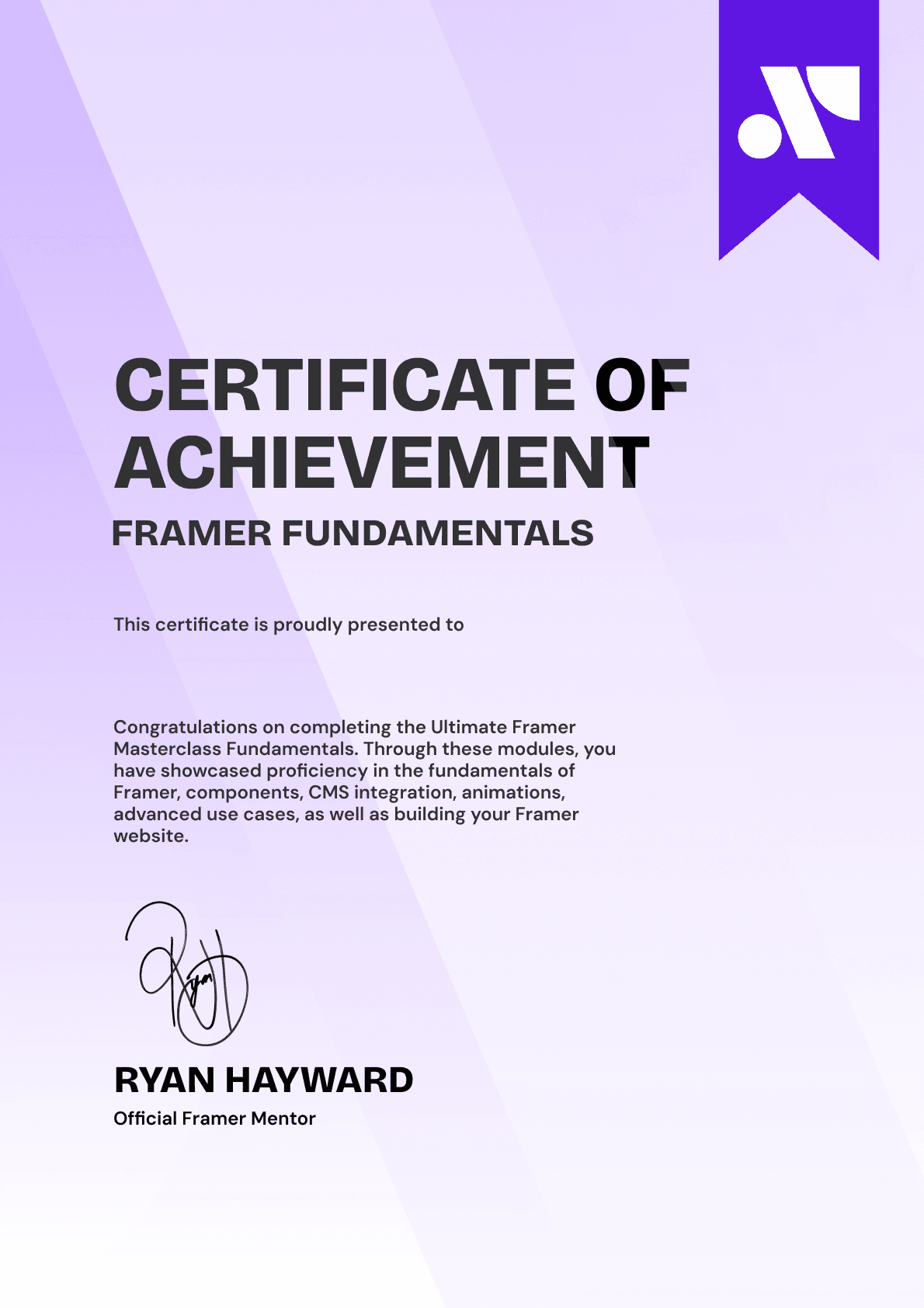
Ultimate Framer Masterclass expert certificate of completion with Framer x insert frame branding.
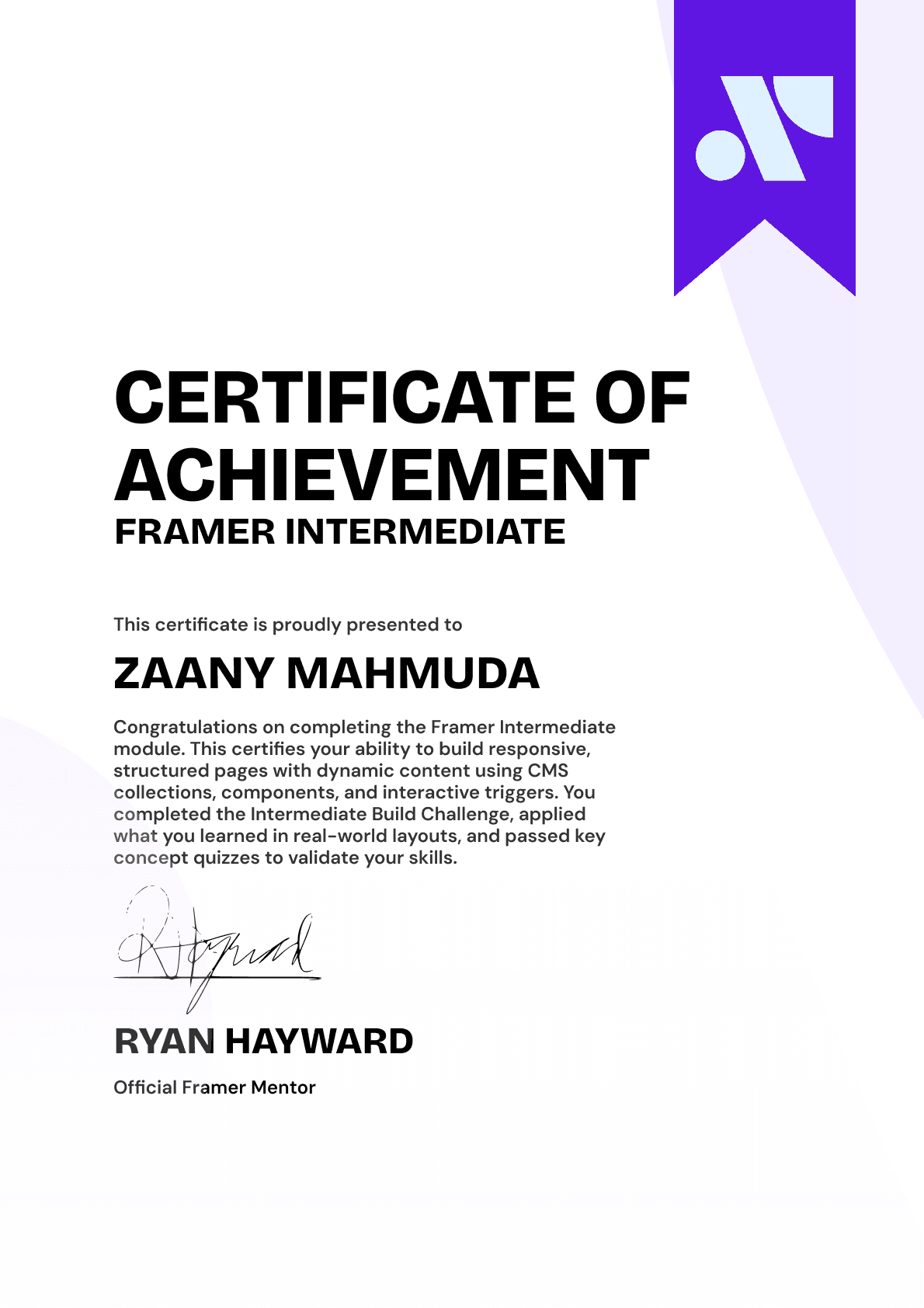
Ultimate Framer Masterclass intermediate certificate of completion with Framer x insert frame branding.
Ultimate Framer Masterclass Beginner certificate of completion with Framer x insert frame branding.
Ultimate Framer Masterclass expert certificate of completion with Framer x insert frame branding.
Ultimate Framer Masterclass intermediate certificate of completion with Framer x insert frame branding.
Ultimate Framer Masterclass Beginner certificate of completion with Framer x insert frame branding.
Purple gradient background for Ultimate Framer Masterclass hero section.
Brooke kong
Brooke kong
Brooke kong
Brooke kong
Brooke kong

Rated excellent by 900+ students

4.8

DO MORE THAN LEARN FRAMER. MASTER IT.

DO MORE THAN LEARN FRAMER. MASTER IT.

Enroll in the Ultimate Framer Masterclass.
I'll see you in the first lesson.

Enroll in the Ultimate Framer Masterclass.
I’ll see you in the first lesson.

Lifetime access

14-day money-back guarantee

Stream anywhere

Ryan Hayward and the lesson thumbnails speaking about the Ultimate Framer Masterclass.
Ultimate Framer Masterclass Badge

A complete learning experience & course for Framer by Ryan Hayward + Insert Frame Education

© 2026 Insert Frame Pty LTD

Proudly built with Framer

More Insert Frame products

A complete learning experience & course for Framer by Ryan Hayward + Insert Frame Education

© 2026 Insert Frame Pty LTD

Proudly built with Framer

More Insert Frame products

A complete learning experience & course for Framer by Ryan Hayward + Insert Frame Education

© 2026 Insert Frame Pty LTD

Proudly built with Framer

More Insert Frame products