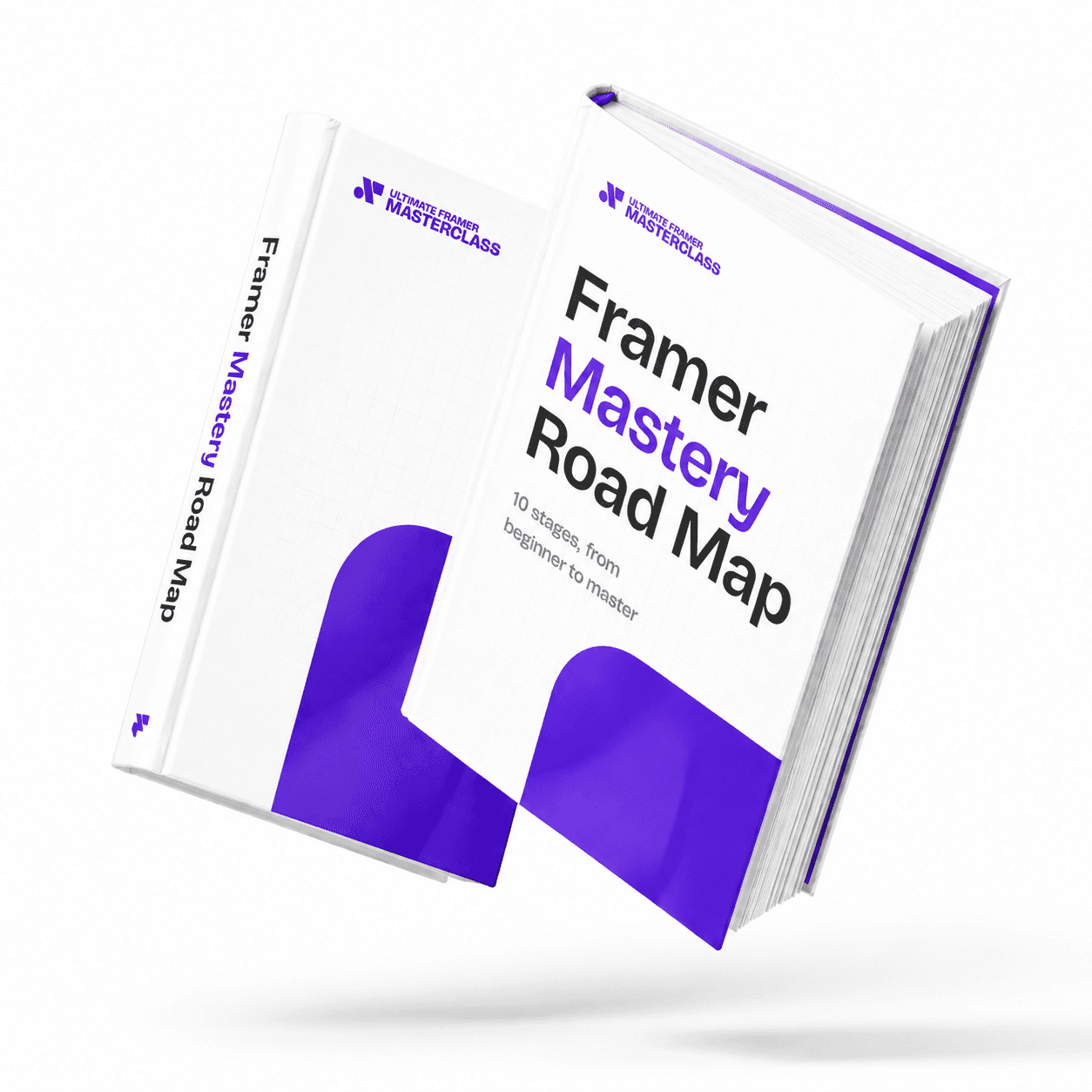
Part of 100+ video lessons
Short, step-by-step lessons you can rewatch anytime.
Hands-on project
Follow along in the host project and build as you learn.
Certificate path
Counts toward your Framer Fundamentals certificate.
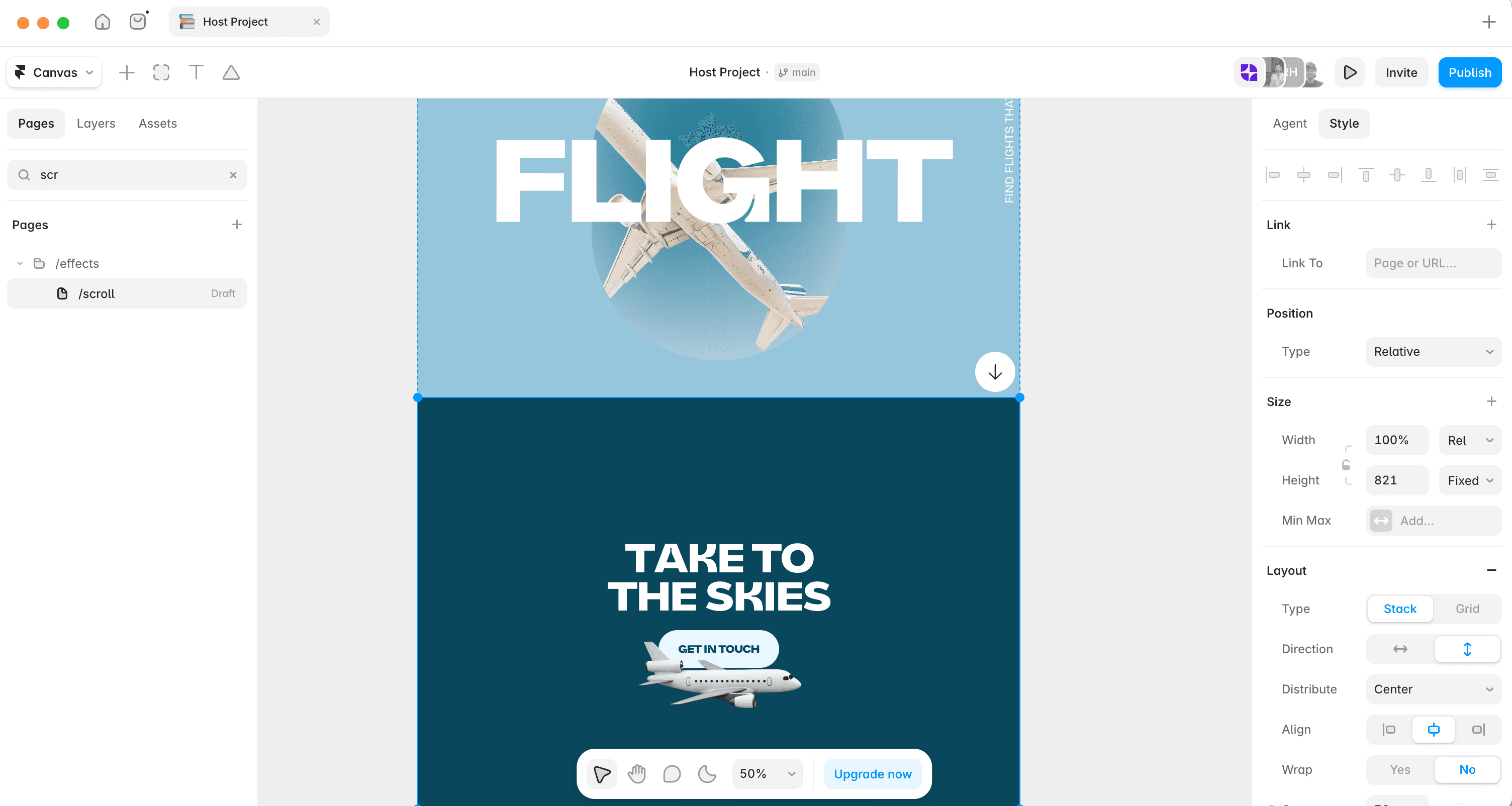


Add the effect, choose what changes, then set the speed and easing.
Scroll effects are applied per element, from the Effects area of the properties panel.
Fade it in, move it, scale it, or switch the component to another variant.
Scroll speed creates the parallax depth. Easing controls how natural the motion feels.

FADE AND REVEAL ON SCROLL
Show and hide elements as the visitor moves down the page.

CREATE DEPTH WITH SCROLL SPEED
Move layers at different speeds for a parallax feel.

TRIGGER VARIANTS FROM SCROLL
Change a component's state when it reaches a point on the page.

Parallax Effects in Framer
A parallax hero is built from layers moving at different speeds. Learn how to stack the assets and set the scroll speeds that create the depth.

Scroll Sections in Framer
A scroll section gives part of a page its own identifier, so links can jump straight to it and effects can trigger from it.

CURRICULUM
WHAT YOU’LL LEARN IN THIS COURSE
In the Ultimate Framer Masterclass, you’ll master Framer from the ground up. Follow real projects, get expert feedback, and finally design and ship the way you’ve always wanted to.
Take a section of three cards and fade each one in on scroll with a small stagger, then check it doesn't fire too late at phone width.
05:20
PUBLISH CHECKLIST
Effect applied
Trigger point set
Speed tuned
Easing chosen
Stagger checked
Tested on phone
TRY IT OUT
Cesar Rodrigues
Founder, Craate Creative
FREQUENTLY ASKED QUESTIONS
Everything you need to know about this lesson.
How do I animate on scroll in Framer?
Select the element, open Effects in the properties panel and add a scroll effect. Choose what changes — opacity, position, scale or variant — then set the speed.
How do I create a parallax effect in Framer?
Give layers different scroll speeds. The slower layer reads as further away, which is what produces the sense of depth.
Why does my scroll animation fire too early or too late in Framer?
The trigger point and threshold decide when it runs. Adjust them, and check on a phone where the viewport is much shorter.
CERTIFICATION
BECOME A CERTIFIED FRAMER MASTER
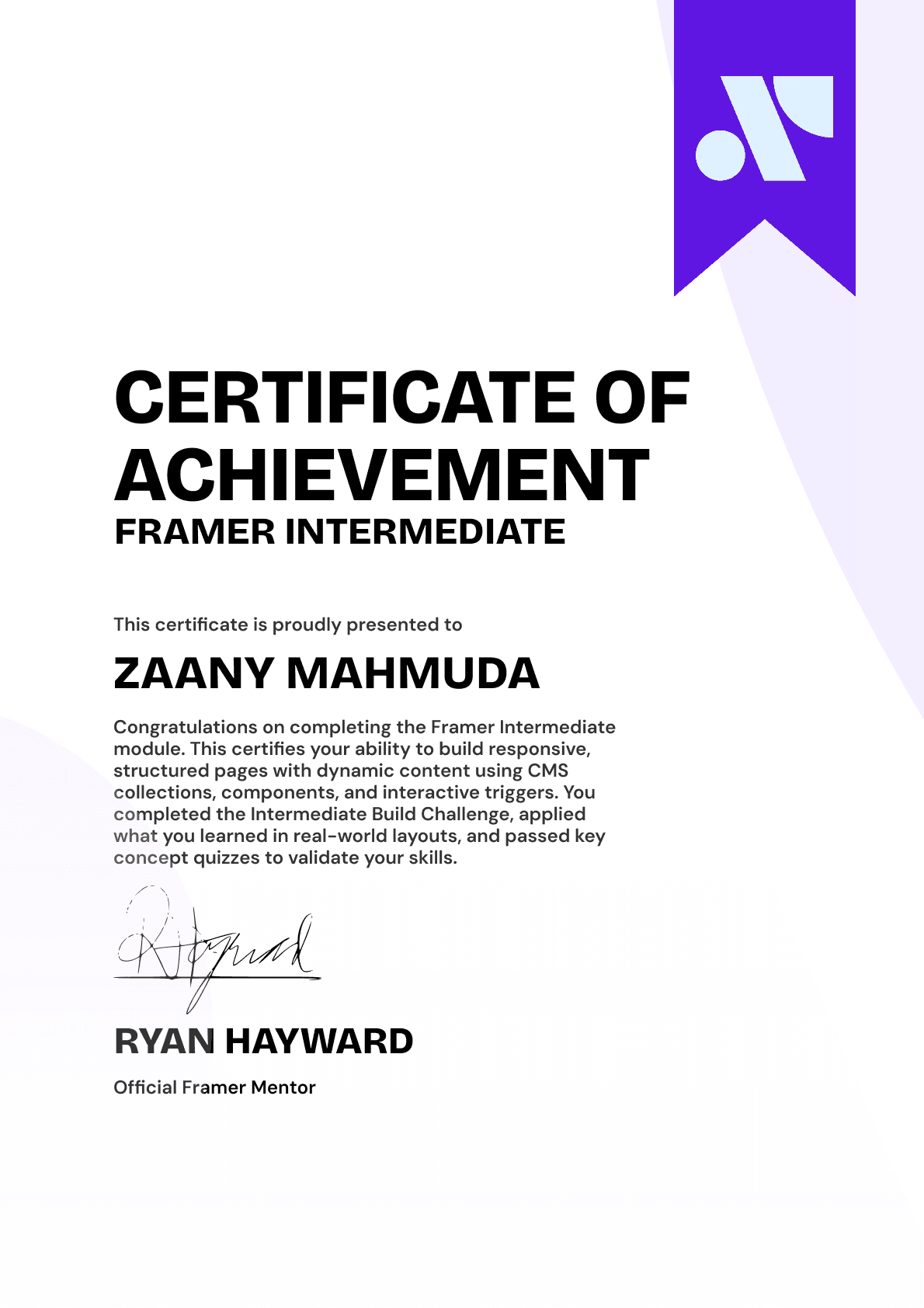
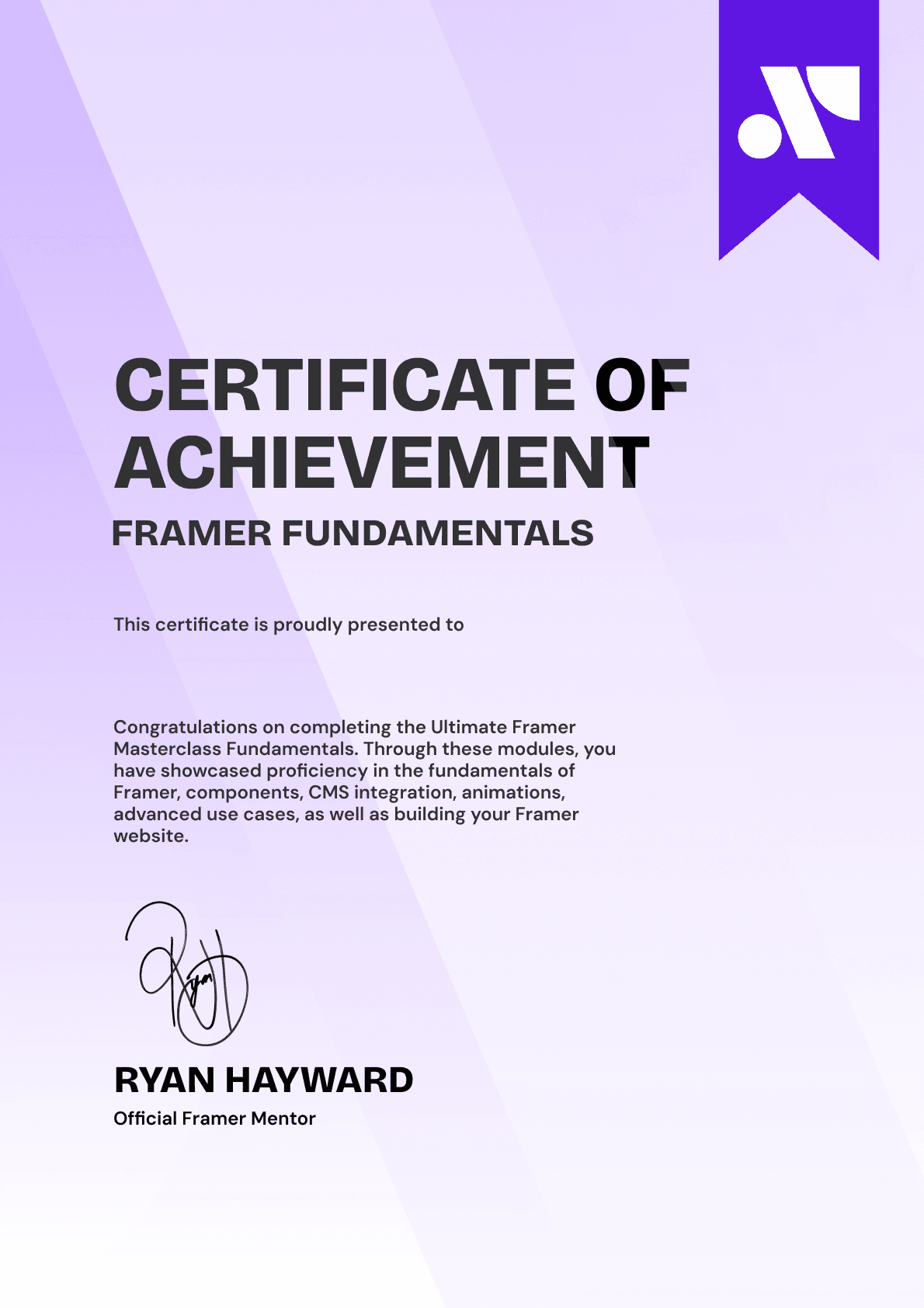
Earn 3 official certifications that show you don’t just know Framer, but you can
design, build, and execute real pixel-perfect sites.







Rated excellent by 900+ students
4.8
Lifetime access
14-day money-back guarantee
Stream anywhere




