
Part of 100+ video lessons
Short, step-by-step lessons you can rewatch anytime.
Hands-on project
Follow along in the host project and build as you learn.
Certificate path
Counts toward your Framer Fundamentals certificate.


Layer the assets, set a scroll speed per layer, then add movement across the screen.
Background, midground and foreground as separate elements, positioned absolutely.
Background slowest, foreground fastest. The gap between them is the depth.
Scroll transforms can move an element across the screen as well as up and down.

LAYER ASSETS FOR SCROLL MOTION
Set up a hero in separate layers that can each move independently.

CONTROL DEPTH WITH SCROLL SPEED
Tune the difference between layers until the depth reads properly.

MOVE ELEMENTS ACROSS THE SCREEN
Use scroll transforms for travel, not just fade and lift.

Scroll Effects in Framer
Scroll effects animate elements based on how far down the page someone is, from a simple fade to parallax depth and position transforms.

Building Your First Hero Section in Framer
Time to put your skills into action. Build a hero section from scratch and bring together everything you've learned so far in Framer.

CURRICULUM
WHAT YOU’LL LEARN IN THIS COURSE
In the Ultimate Framer Masterclass, you’ll master Framer from the ground up. Follow real projects, get expert feedback, and finally design and ship the way you’ve always wanted to.
Build a hero with a sky, a cloud layer and a foreground object. Give each a different scroll speed, then check the effect at desktop and phone widths.
04:11
PUBLISH CHECKLIST
Layers separated
Z-order correct
Speeds set per layer
Movement tested
No overflow issues
Checked on phone
TRY IT OUT
Cesar Rodrigues
Founder, Craate Creative
FREQUENTLY ASKED QUESTIONS
Everything you need to know about this lesson.
How do I make a parallax effect in Framer?
Stack your hero as separate layers, then give each one a different scroll speed. The background moves slowest and the foreground fastest, which creates the depth.
Do I need code for parallax in Framer?
No. Scroll speed and scroll transforms are built into the Effects panel, so a layered parallax hero needs no code at all.
Why is my parallax causing sideways scrolling in Framer?
An element is moving beyond the edge of its frame. Set the section's overflow to clip so the movement stays contained.
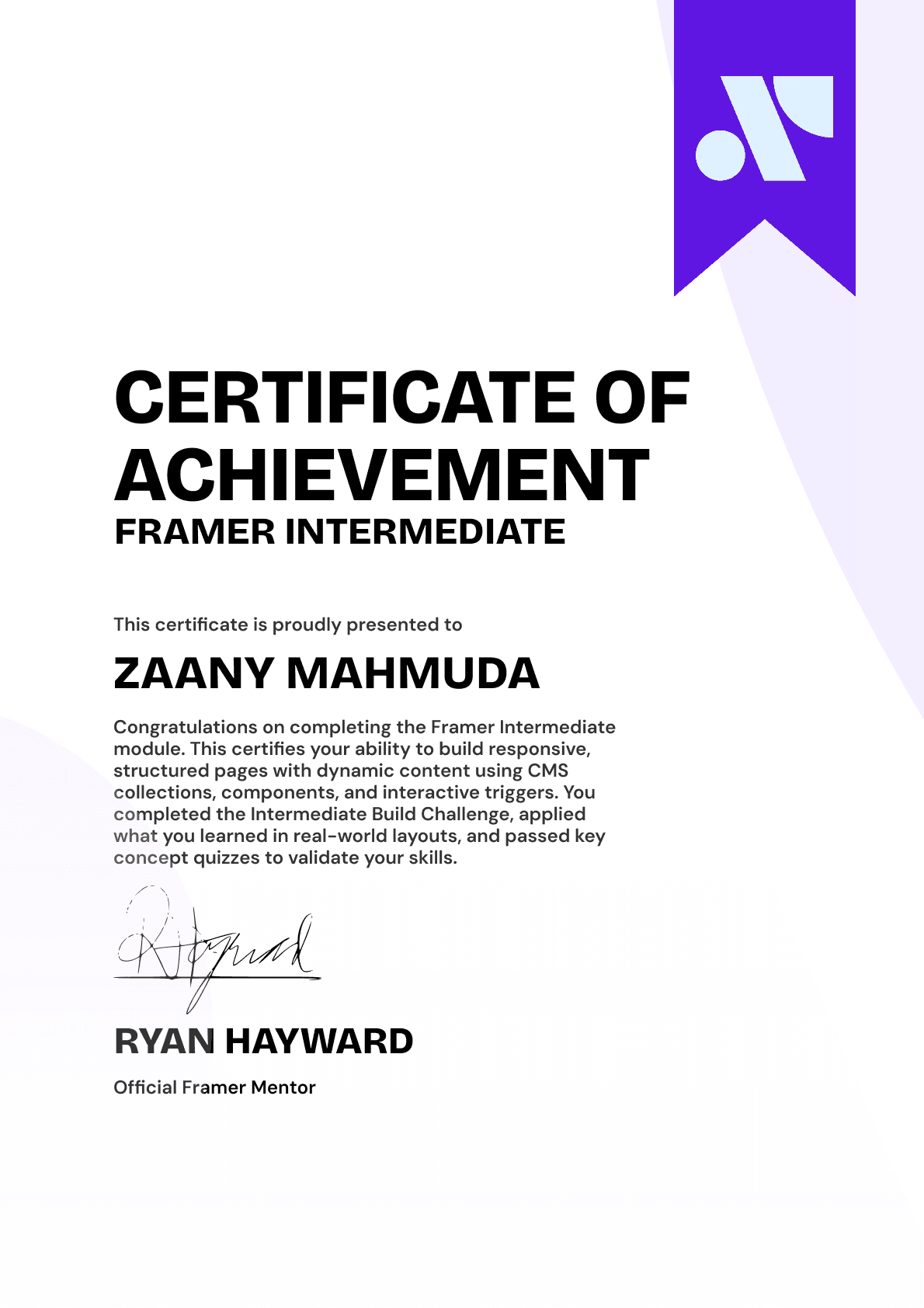
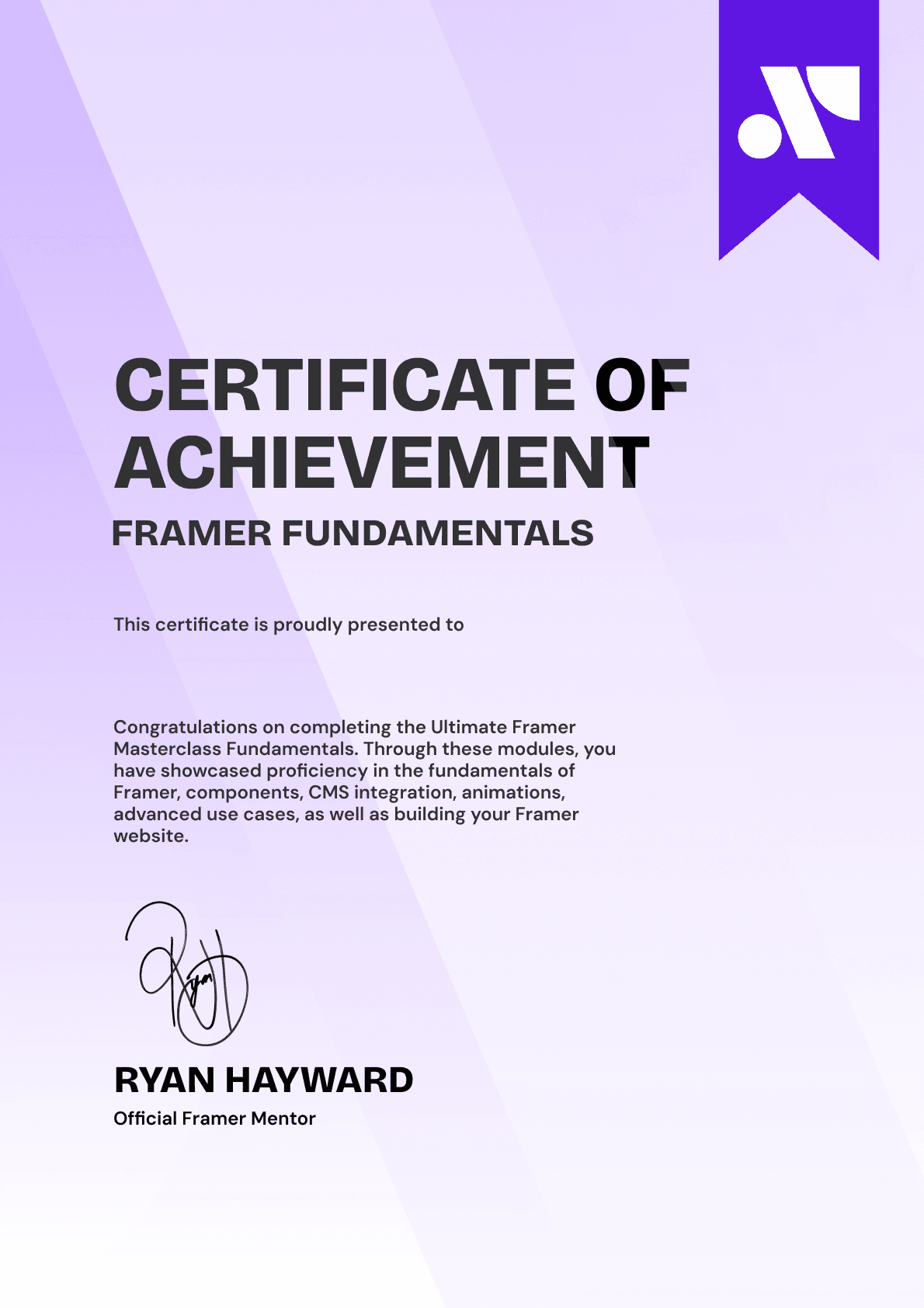
CERTIFICATION
BECOME A CERTIFIED FRAMER MASTER
Earn 3 official certifications that show you don’t just know Framer, but you can
design, build, and execute real pixel-perfect sites.







Rated excellent by 900+ students
4.8
Lifetime access
14-day money-back guarantee
Stream anywhere




