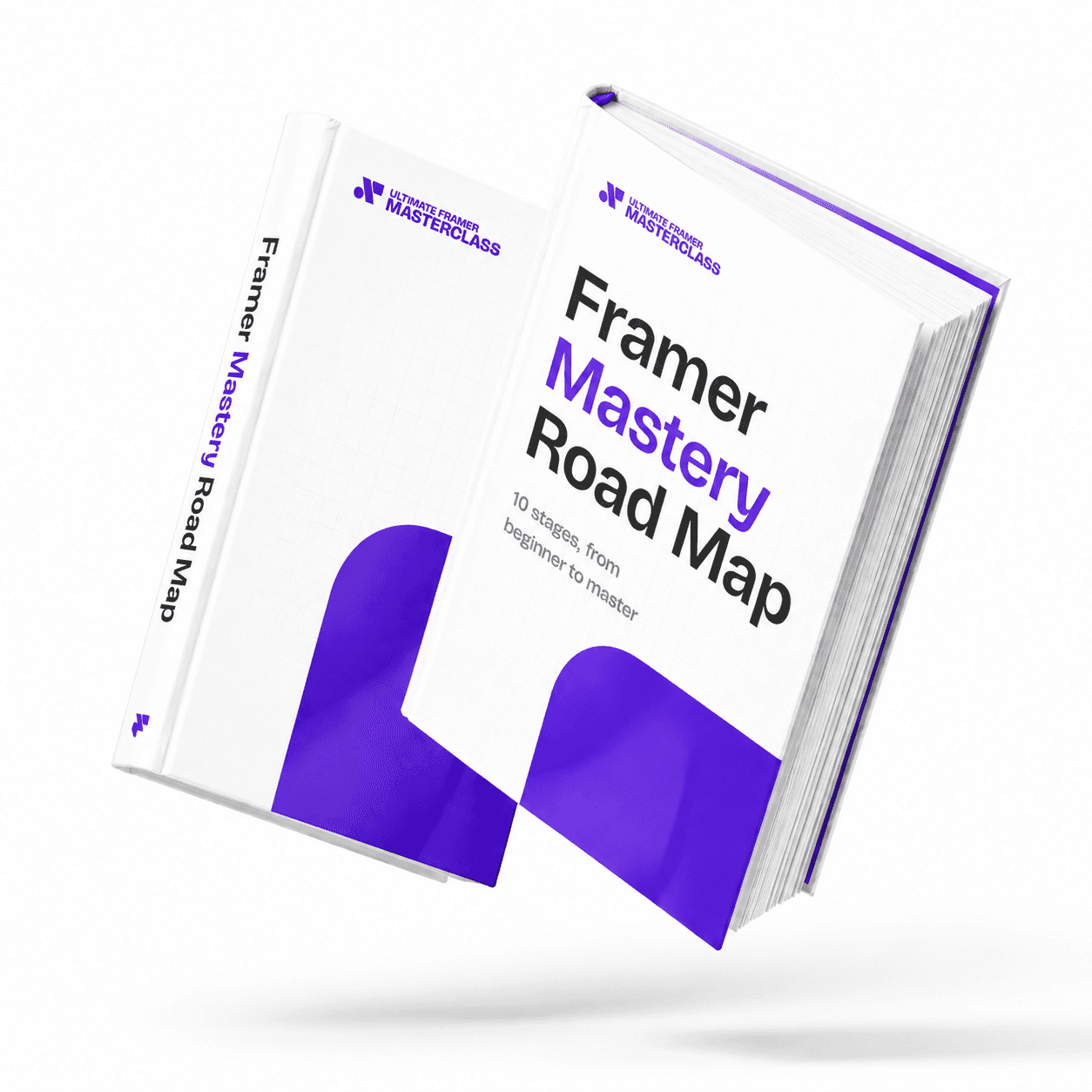
Part of 100+ video lessons
Short, step-by-step lessons you can rewatch anytime.
Hands-on project
Follow along in the host project and build as you learn.
Certificate path
Counts toward your Framer Fundamentals certificate.


Scale the middle card with a transform, then with the scale tool, and compare the text sizes.
Pick the card you want to make bigger or smaller.
Properties panel > Transform > Scale keeps the original dimensions.
The scale tool changes the actual sizes of the element and its children.

Resize designs quickly
Shrink or enlarge a finished graphic without redoing padding and text sizes.

Know which scale you're using
Tell a visual transform from a real resize by checking the text size.

PICK THE RIGHT SCALE FOR THE JOB
A visual scale for quick resizing, the K tool when the real sizes must change.

Overflow in Framer
Overflow decides what happens when content is bigger than the frame it lives in. Learn the four overflow types and when to use each one.

Layout in Framer
Framer's layout system works like auto layout in Figma or Flexbox in Webflow. Learn how stacks and grids bring alignment and order to your elements.

CURRICULUM
WHAT YOU’LL LEARN IN THIS COURSE
In the Ultimate Framer Masterclass, you’ll master Framer from the ground up. Follow real projects, get expert feedback, and finally design and ship the way you’ve always wanted to.
Duplicate a card. Scale one copy with Transform > Scale and the other with K, then compare the text sizes in the properties panel.
02:41
PUBLISH CHECKLIST
Scaled with Transform
Scaled with the K tool
Text sizes compared
Spacing still looks right
Copies behave the same
Checked on mobile
TRY IT OUT
Cesar Rodrigues
Founder, Craate Creative
FREQUENTLY ASKED QUESTIONS
Everything you need to know about this lesson.
What's the difference between the scale tool and transform scale in Framer?
The scale tool changes the real sizes of the element and its children, so 16px text becomes 21px at 1.33. A transform scale keeps it at 16px and only changes how it looks.
How do I resize a design in Framer without redoing the padding?
Use the scale tool by pressing K. It resizes the element and everything inside it, so padding and text sizes stay in proportion.
How can I tell which kind of scale I used in Framer?
Check the text size. If the value changed, you used the scale tool. If it's still the original number, it's a visual transform.
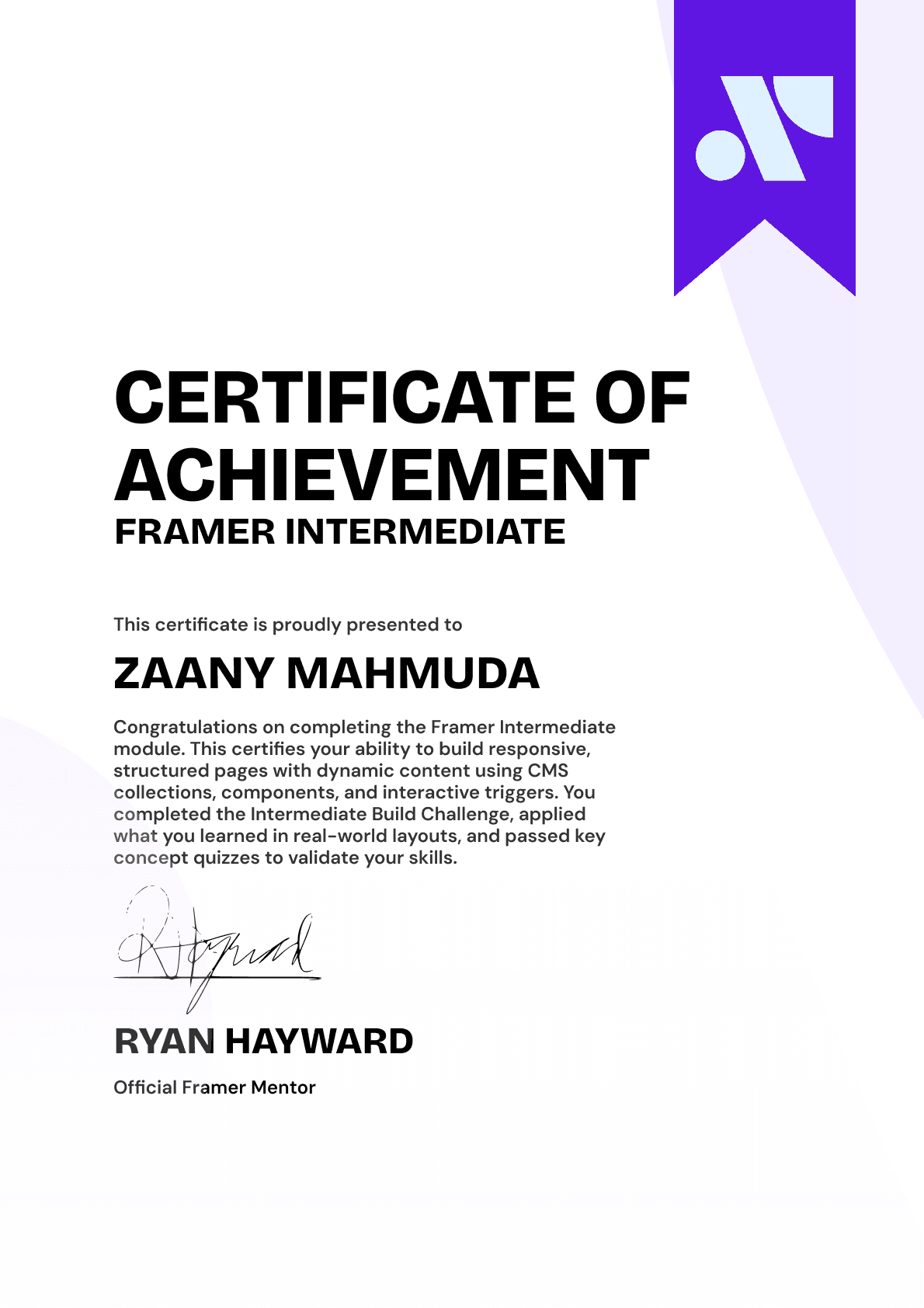
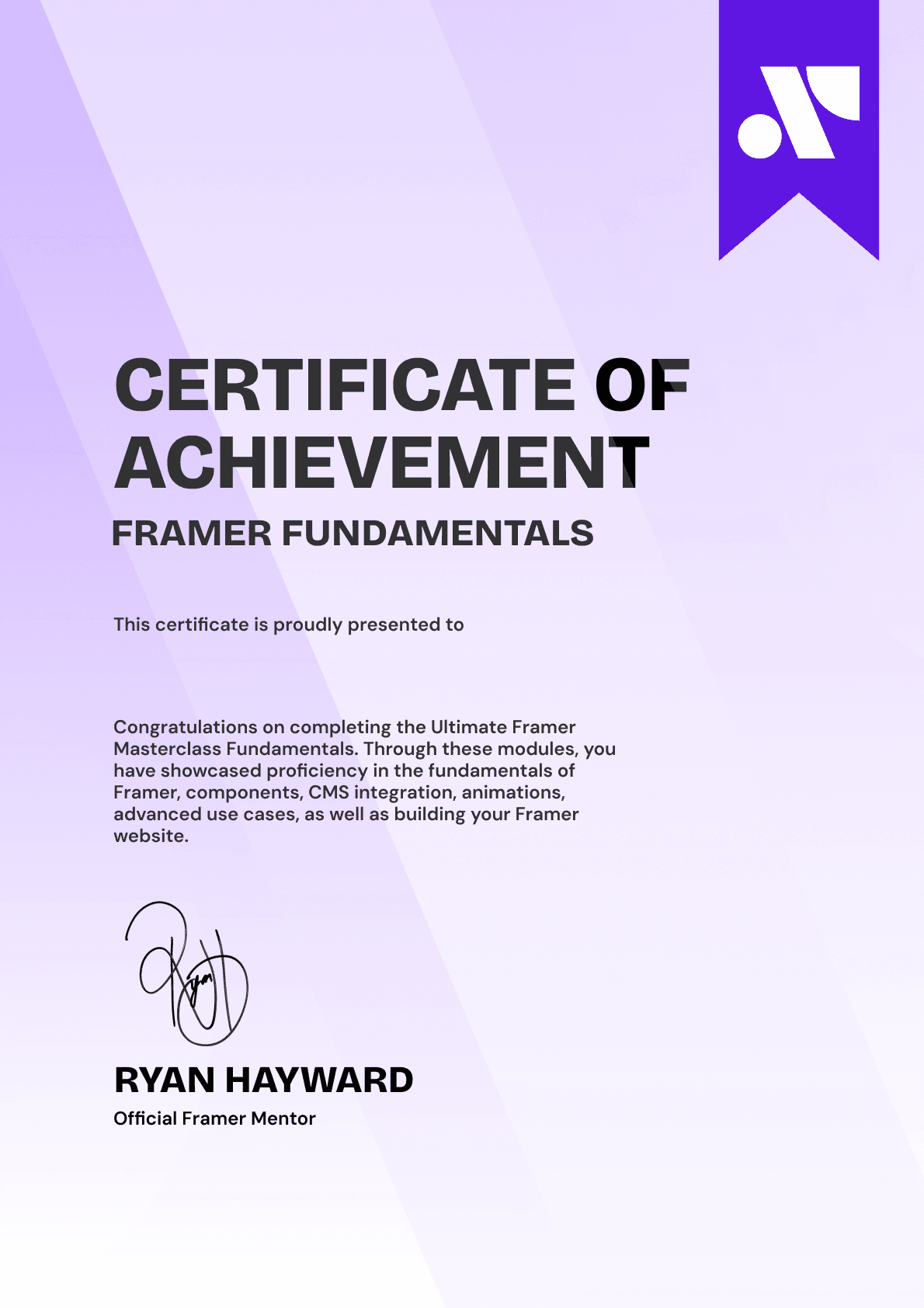
CERTIFICATION
BECOME A CERTIFIED FRAMER MASTER
Earn 3 official certifications that show you don’t just know Framer, but you can
design, build, and execute real pixel-perfect sites.







Rated excellent by 900+ students
4.8
Lifetime access
14-day money-back guarantee
Stream anywhere




