Part of 100+ video lessons
Short, step-by-step lessons you can rewatch anytime.
Hands-on project
Follow along in the host project and build as you learn.
Certificate path
Counts toward your Framer Fundamentals certificate.


Work through a hero, a navbar and a section heading, and choose the position each one needs.
The default. The element flows in the stack and pushes its siblings around it.
Pin an element to its parent, then control what sits on top with z-index.
Fixed stays put against the viewport. Sticky flows until it reaches its edge, then holds.

KNOW ALL FOUR POSITION TYPES
Say what relative, absolute, fixed and sticky each do to an element.

BUILD A NAVBAR THAT STAYS PUT
Choose between fixed and sticky based on what should hold, and when.

LAYER ELEMENTS WITHOUT BREAKING LAYOUT
Use absolute positioning and z-index deliberately rather than by accident.

Overflow in Framer
Overflow decides what happens when content is bigger than the frame it lives in. Learn the four overflow types and when to use each one.

Layout in Framer
Framer's layout system works like auto layout in Figma or Flexbox in Webflow. Learn how stacks and grids bring alignment and order to your elements.

CURRICULUM
WHAT YOU’LL LEARN IN THIS COURSE
In the Ultimate Framer Masterclass, you’ll master Framer from the ground up. Follow real projects, get expert feedback, and finally design and ship the way you’ve always wanted to.
Pin a badge to the corner of a card with absolute positioning, then make a section heading sticky and scroll past it.
07:28
PUBLISH CHECKLIST
Relative understood
Absolute used for layering
Z-index set
Fixed tested on scroll
Sticky tested
Checked at phone width
TRY IT OUT
Cesar Rodrigues
Founder, Craate Creative
FREQUENTLY ASKED QUESTIONS
Everything you need to know about this lesson.
What are the position options in Framer?
Relative, absolute, fixed and sticky. Relative flows with the layout, absolute pins to the parent, fixed pins to the viewport, and sticky holds once it reaches its edge.
What's the difference between fixed and sticky in Framer?
Fixed stays in the same place on screen wherever the visitor scrolls. Sticky scrolls with the page until it reaches its boundary, then holds there.
Why isn't sticky positioning working in Framer?
Usually a parent frame's overflow is set to hidden. Set it to clip, which is the default and leaves sticky working.
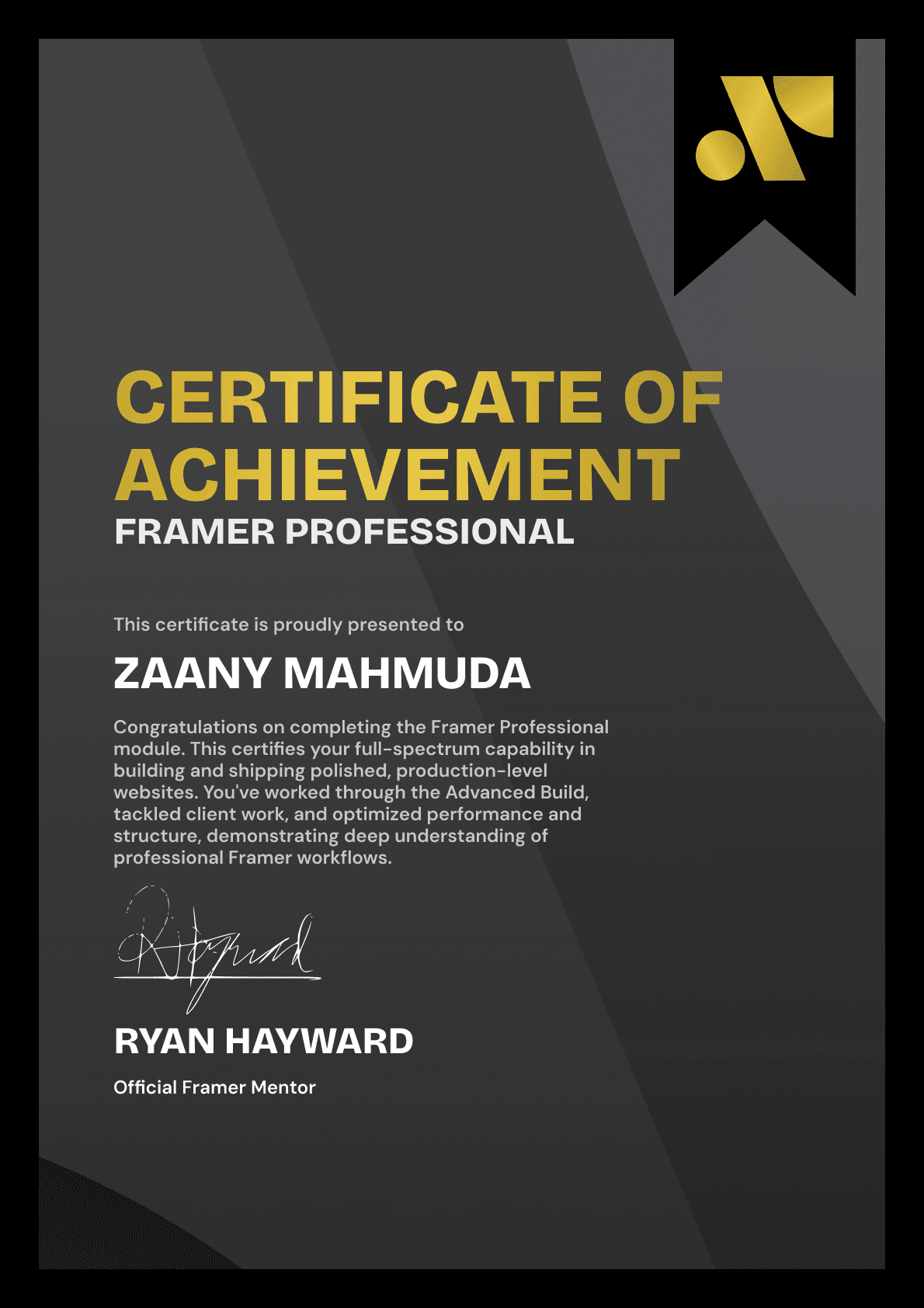
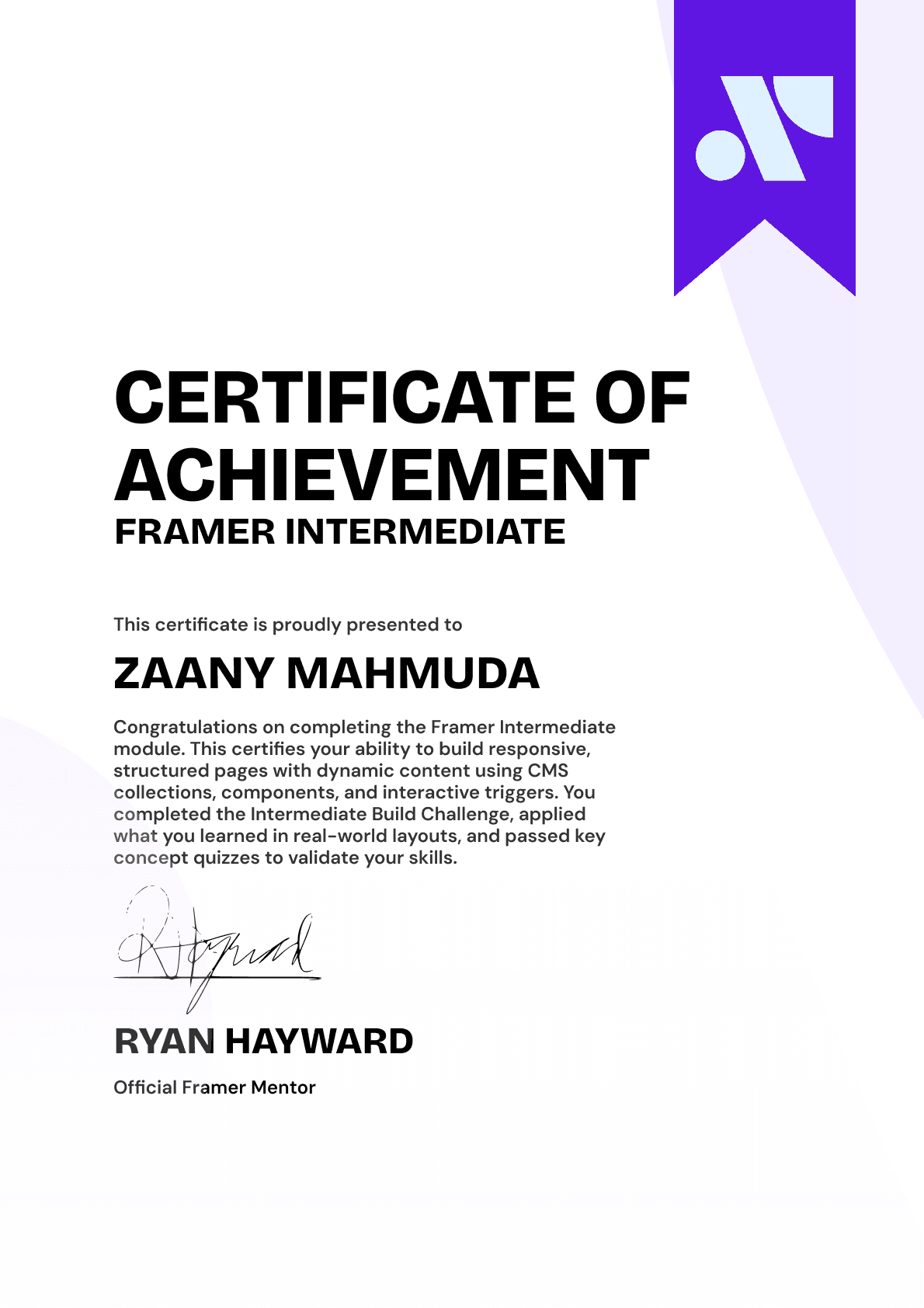
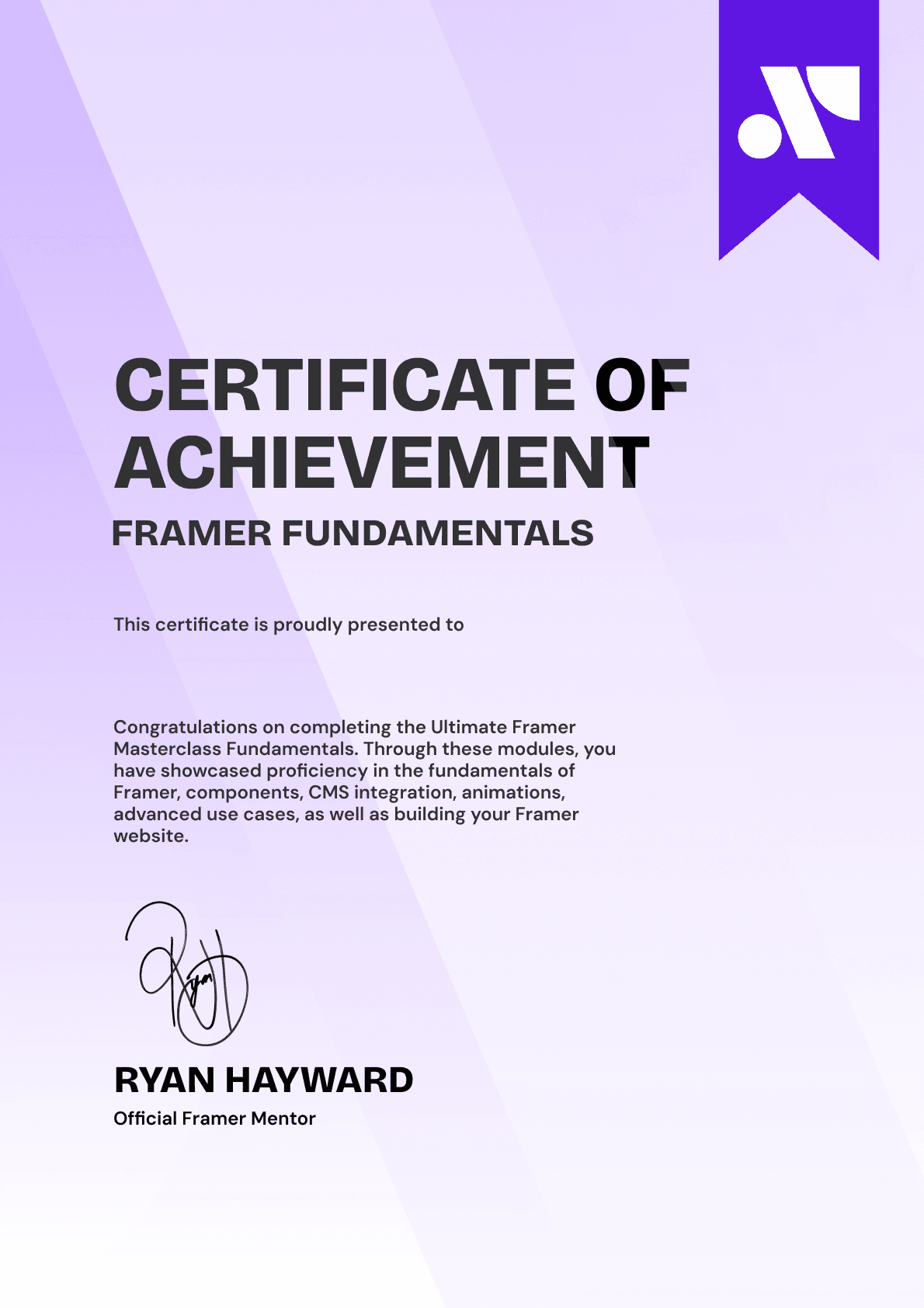
CERTIFICATION
BECOME A CERTIFIED FRAMER MASTER
Earn 3 official certifications that show you don’t just know Framer, but you can
design, build, and execute real pixel-perfect sites.






Rated excellent by 900+ students
4.8
Lifetime access
14-day money-back guarantee
Stream anywhere




