Part of 100+ video lessons
Short, step-by-step lessons you can rewatch anytime.
Hands-on project
Follow along in the host project and build as you learn.
Certificate path
Counts toward your Framer Fundamentals certificate.


Find it in the plugin, theme it, then set how it plays.
Browse animations from the plugins menu at the bottom of the panel.
Recolour the animation to match your brand before you add it.
It lands as a component with loop, speed and direction controls.

ADD AN ANIMATION IN SECONDS
Pick one from the plugin and drop it straight onto the canvas.

MATCH IT TO YOUR BRAND
Change the colours rather than settling for the default.
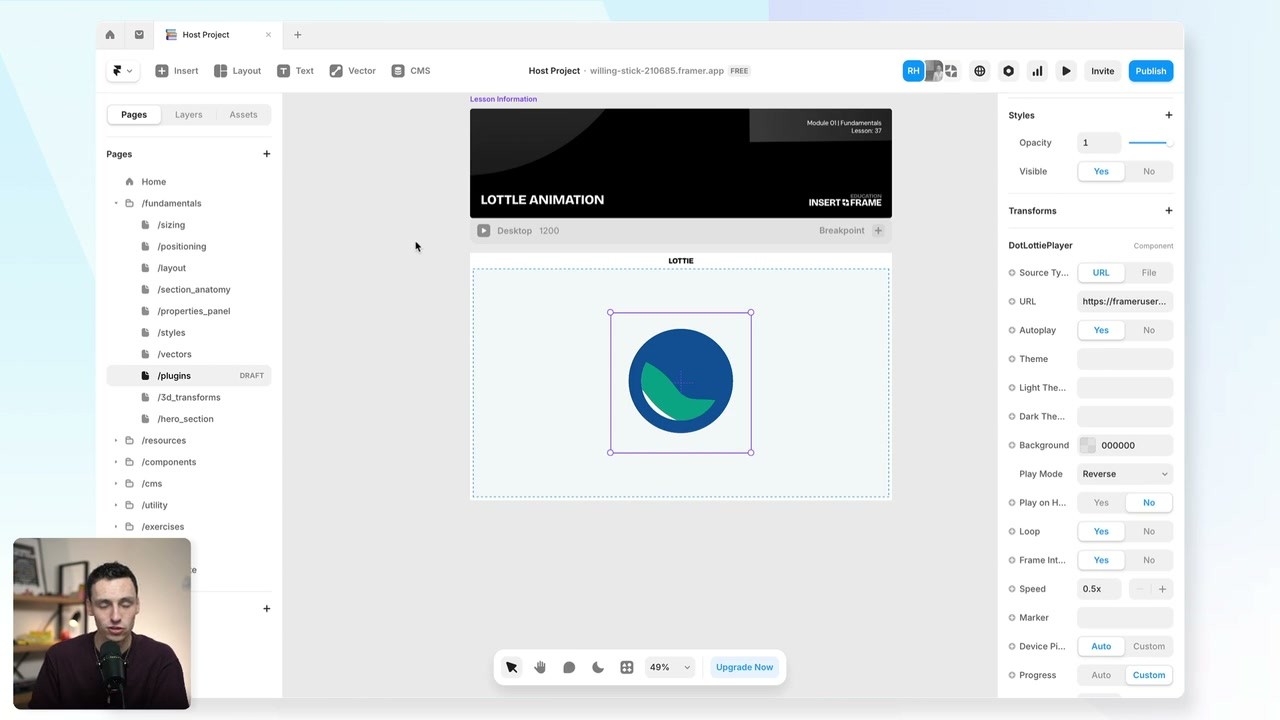
CONTROL LOOP, SPEED AND DIRECTION
Slow it down, loop it, or play it in reverse from the panel.

Custom Cursors in Framer
Two kinds of cursor, on a whole page or a single element: the standard web cursors, and components that follow or replace the pointer.

Scroll Sections in Framer
A scroll section gives part of a page its own identifier, so links can jump straight to it and effects can trigger from it.

CURRICULUM
WHAT YOU’LL LEARN IN THIS COURSE
In the Ultimate Framer Masterclass, you’ll master Framer from the ground up. Follow real projects, get expert feedback, and finally design and ship the way you’ve always wanted to.
Add a Lottie to a hero section, recolour it to your brand, then halve the speed and loop it.
02:07
PUBLISH CHECKLIST
Plugin opened
Animation chosen
Colours themed
Added to the canvas
Loop and speed set
Checked on mobile
TRY IT OUT
Cesar Rodrigues
Founder, Craate Creative
FREQUENTLY ASKED QUESTIONS
Everything you need to know about this lesson.
How do I add a Lottie animation in Framer?
Open the LottieFiles plugin from the plugins menu, browse the animations, and drop one straight onto the canvas. It lands as a component.
Can I change the colours of a Lottie in Framer?
Yes. Theme the animation's colours in the plugin before you add it, so it matches your brand rather than using the default palette.
Can I control Lottie speed and direction in Framer?
Yes. It arrives as a component with loop, speed and direction controls, so you can slow it down, loop it or play it in reverse from the panel.
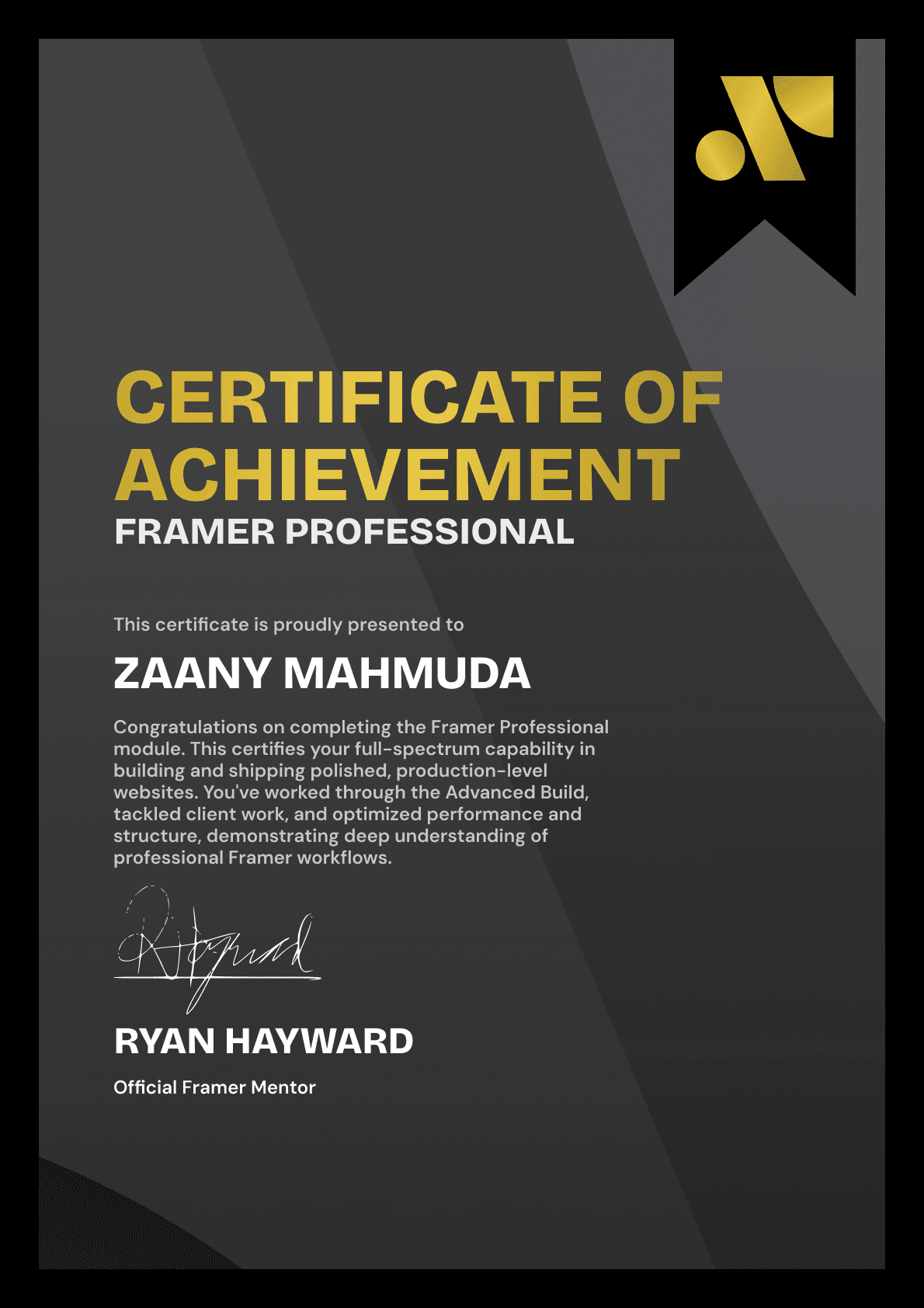
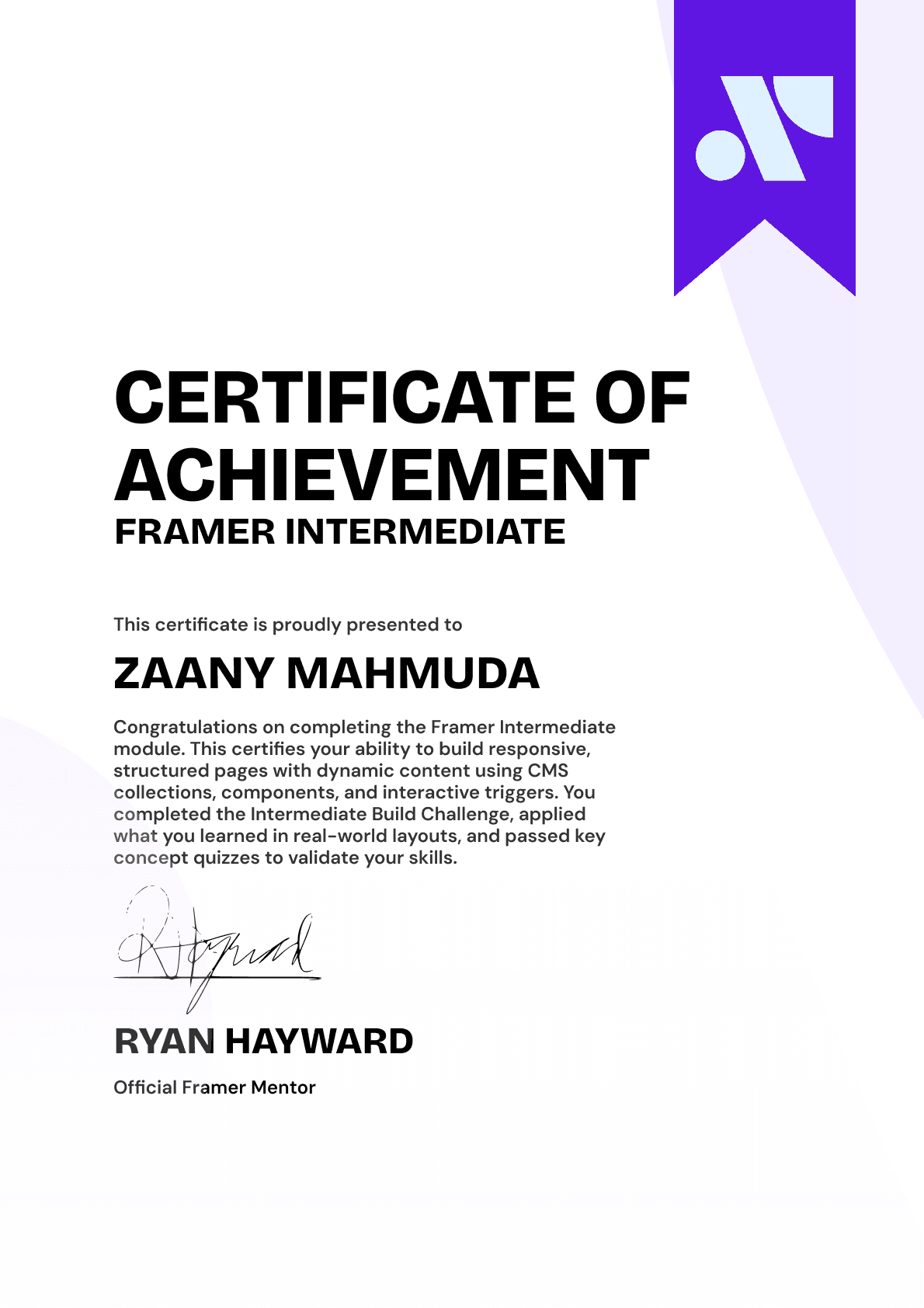
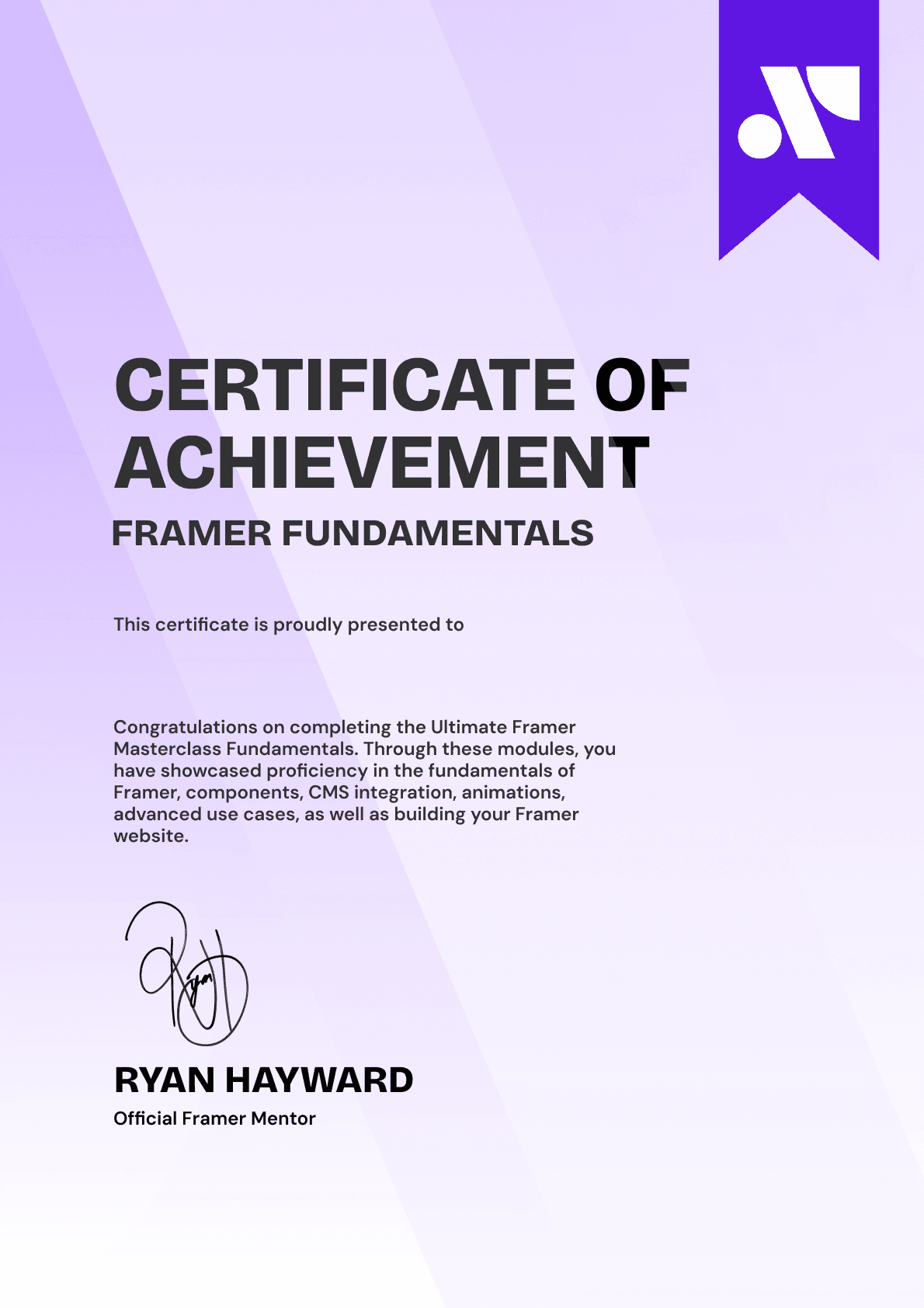
CERTIFICATION
BECOME A CERTIFIED FRAMER MASTER
Earn 3 official certifications that show you don’t just know Framer, but you can
design, build, and execute real pixel-perfect sites.






Rated excellent by 900+ students
4.8
Lifetime access
14-day money-back guarantee
Stream anywhere




