
Part of 100+ video lessons
Short, step-by-step lessons you can rewatch anytime.
Hands-on project
Follow along in the host project and build as you learn.
Certificate path
Counts toward your Framer Fundamentals certificate.


Pick a source, watch the file size, then position it as a background.
YouTube and Vimeo embed a player. HTML means your own file or a URL.
Uploads aren't compressed the way YouTube and Vimeo do it, so every visitor downloads the file.
Width and height to 100%, position absolute, then layer your content over it.

EMBED YOUTUBE OR VIMEO
Drop in a player and control the radius, autoplay and whether controls show.

UPLOAD OR LINK YOUR OWN FILE
Know the trade-off: full control, but no compression done for you.

BUILD A BACKGROUND VIDEO
Position it absolutely at 100% so your hero content sits on top.

Carousels and Slideshows in Framer
Both are built in. Connect frames from off the canvas to a carousel or a slideshow component, then configure how they move.

Lightbox Effects in Framer
Make any image or CMS gallery open in its own modal with one native effect. No components, no overlays, no workarounds.

CURRICULUM
WHAT YOU’LL LEARN IN THIS COURSE
In the Ultimate Framer Masterclass, you’ll master Framer from the ground up. Follow real projects, get expert feedback, and finally design and ship the way you’ve always wanted to.
Add a hero background video at 100% width and height, position it absolutely, then put a heading and button over it.
06:28
PUBLISH CHECKLIST
Source chosen
Player controls set
File size checked
Width and height at 100%
Position set to absolute
Checked on mobile
TRY IT OUT
Cesar Rodrigues
Founder, Craate Creative
FREQUENTLY ASKED QUESTIONS
Everything you need to know about this lesson.
How do I add a background video in Framer?
Add a video component, set its width and height to 100%, then switch its position to absolute. The rest of the section then sits on top of it.
Should I use YouTube, Vimeo or my own file for video in Framer?
YouTube and Vimeo embed a player and handle compression for you. HTML lets you use your own file or URL with full control, but every visitor downloads that file.
Why is my Framer site slow after adding a video?
Uploaded video isn't compressed the way YouTube and Vimeo compress it, so each visitor downloads the whole file. Watch the file size, or embed from a video host instead.
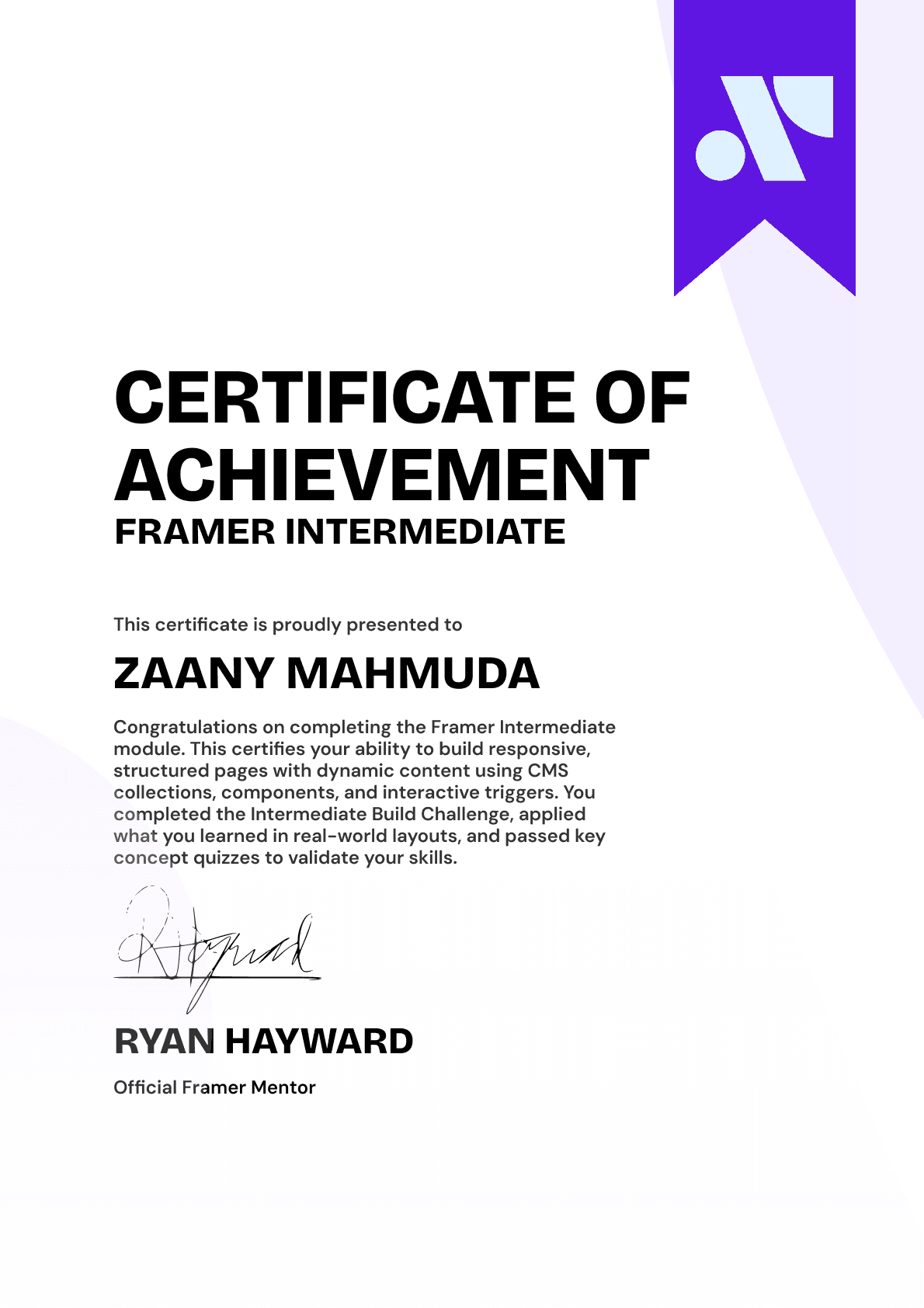
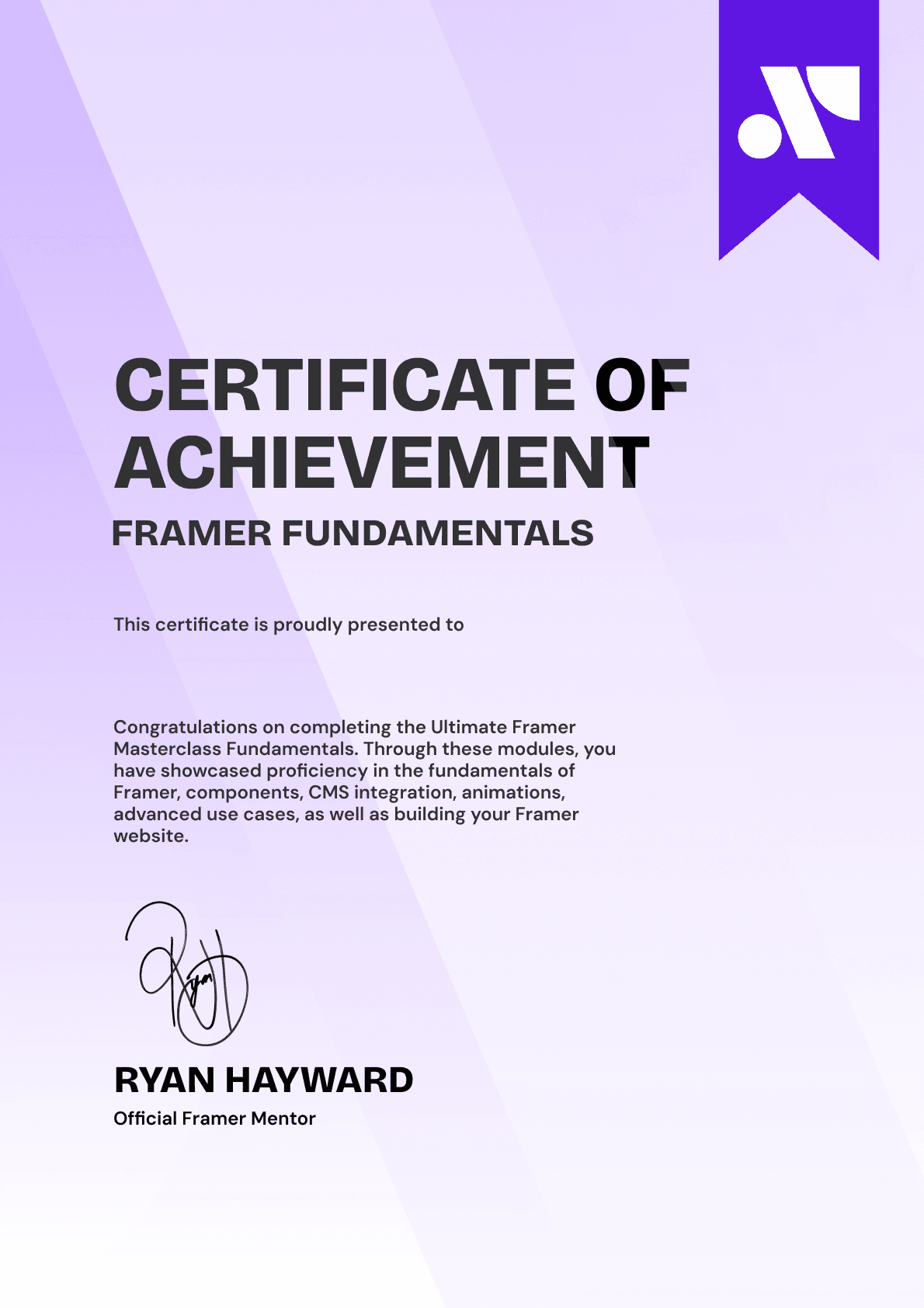
CERTIFICATION
BECOME A CERTIFIED FRAMER MASTER
Earn 3 official certifications that show you don’t just know Framer, but you can
design, build, and execute real pixel-perfect sites.







Rated excellent by 900+ students
4.8
Lifetime access
14-day money-back guarantee
Stream anywhere




