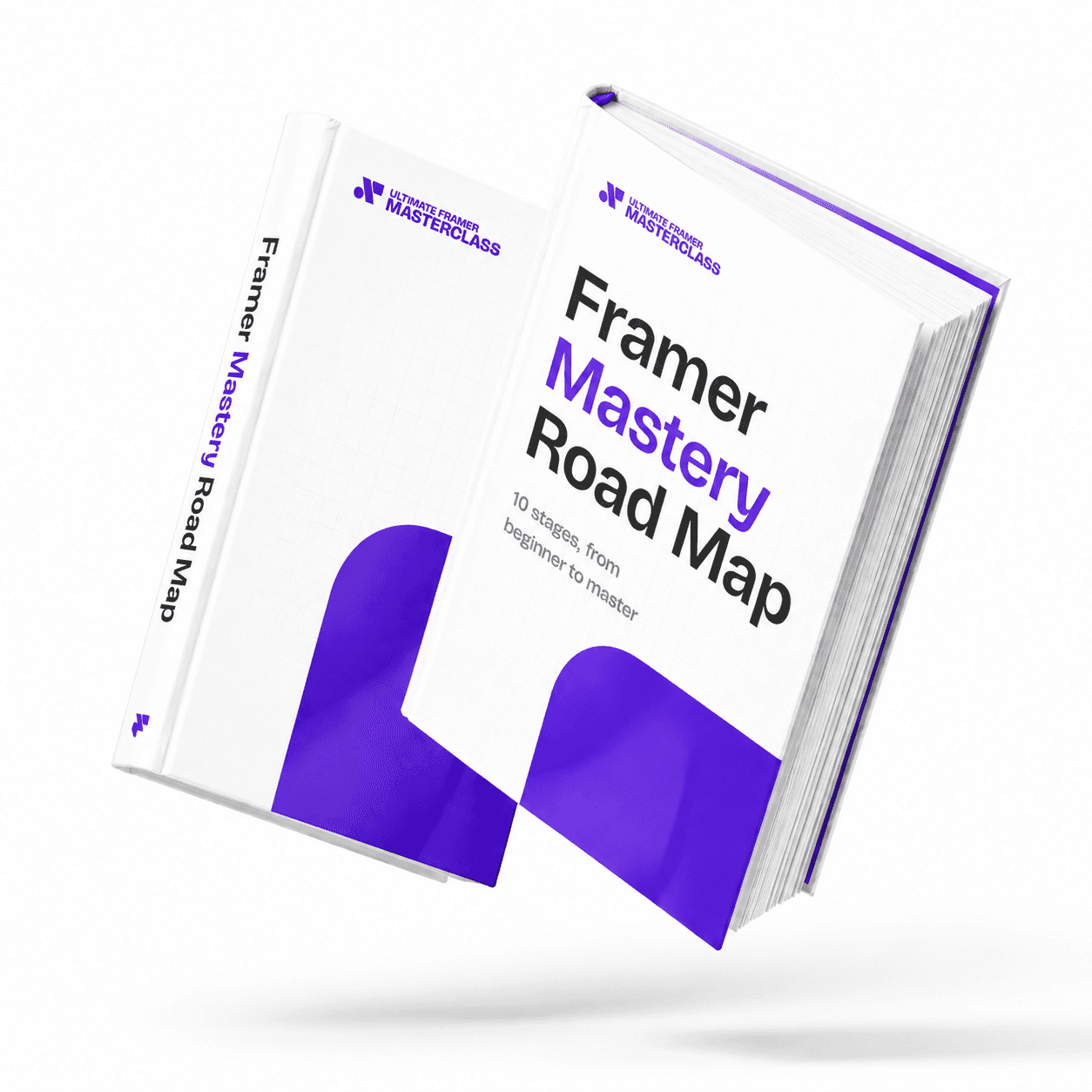
Part of 100+ video lessons
Short, step-by-step lessons you can rewatch anytime.
Hands-on project
Follow along in the host project and build as you learn.
Certificate path
Counts toward your Framer Fundamentals certificate.


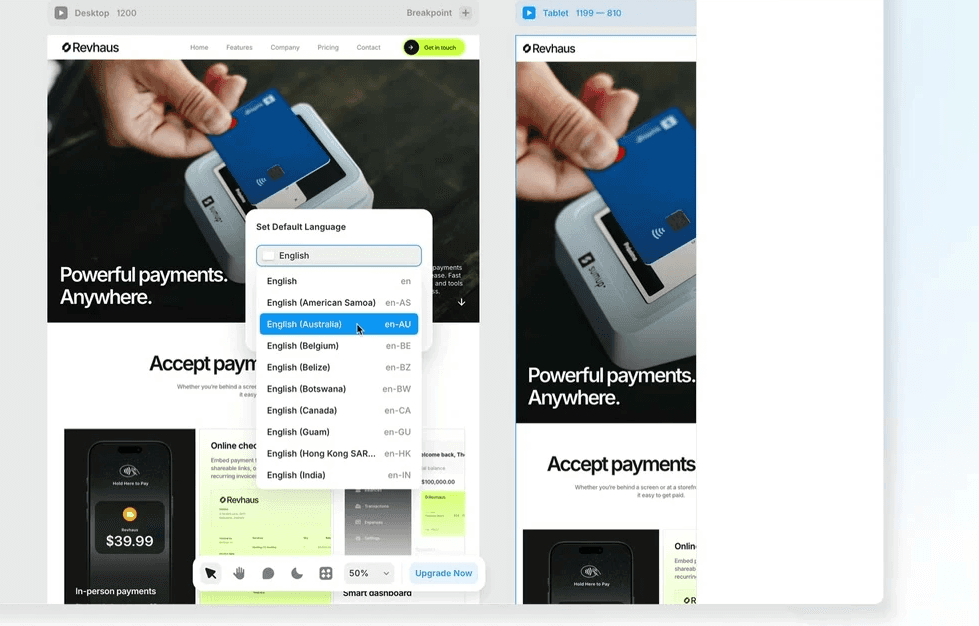
Create the locale, translate the content, then let people switch.
Pick the language and region, then set its name and slug.
The dashboard shows English and the new language side by side, with AI doing the first pass.
Insert the selector component so visitors can switch language themselves.

PUBLISH YOUR SITE IN ANOTHER LANGUAGE
Add a locale with its own region and slug.
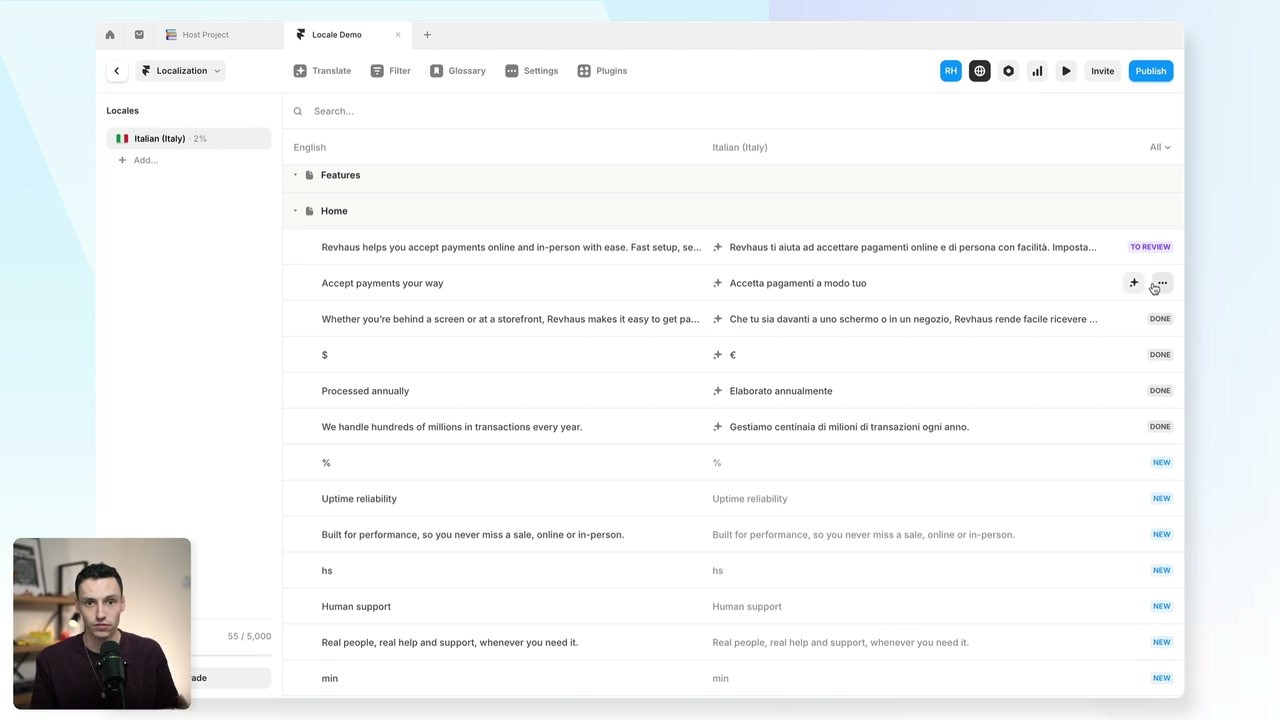
TRANSLATE WITH AI, THEN CHECK IT
Prompt it for the tone you want, then review each string side by side.

LET VISITORS SWITCH LANGUAGE
Drop in the locale selector and test it in preview.

Accessibility in Framer
Alt text, colour contrast, readable type, and the accessibility settings that decide what screen readers and Googlebot pick up.

Adding Search to a Framer Site
Framer's search component does the hard part. Scope it to your CMS, then style it the way you want.

CURRICULUM
WHAT YOU’LL LEARN IN THIS COURSE
In the Ultimate Framer Masterclass, you’ll master Framer from the ground up. Follow real projects, get expert feedback, and finally design and ship the way you’ve always wanted to.
Add one locale to a small site, translate the homepage, then add a locale selector and test both languages.
04:40
PUBLISH CHECKLIST
Locale added
Region and slug set
Content translated
Translations reviewed
Locale selector added
Tested in preview
TRY IT OUT
Cesar Rodrigues
Founder, Craate Creative
FREQUENTLY ASKED QUESTIONS
Everything you need to know about this lesson.
How do I add another language to a Framer site?
Create a locale with its language, region, name and slug, translate the content in the dashboard, then add a locale selector so visitors can switch themselves.
Is localization in Framer just translation?
No. A locale carries a language, a region and its own slug, so you can serve different content to different places, not just the same page in another language.
Does Framer translate content automatically?
AI does a first pass and the dashboard shows both languages side by side. You prompt it for the tone you want, then review each string yourself.
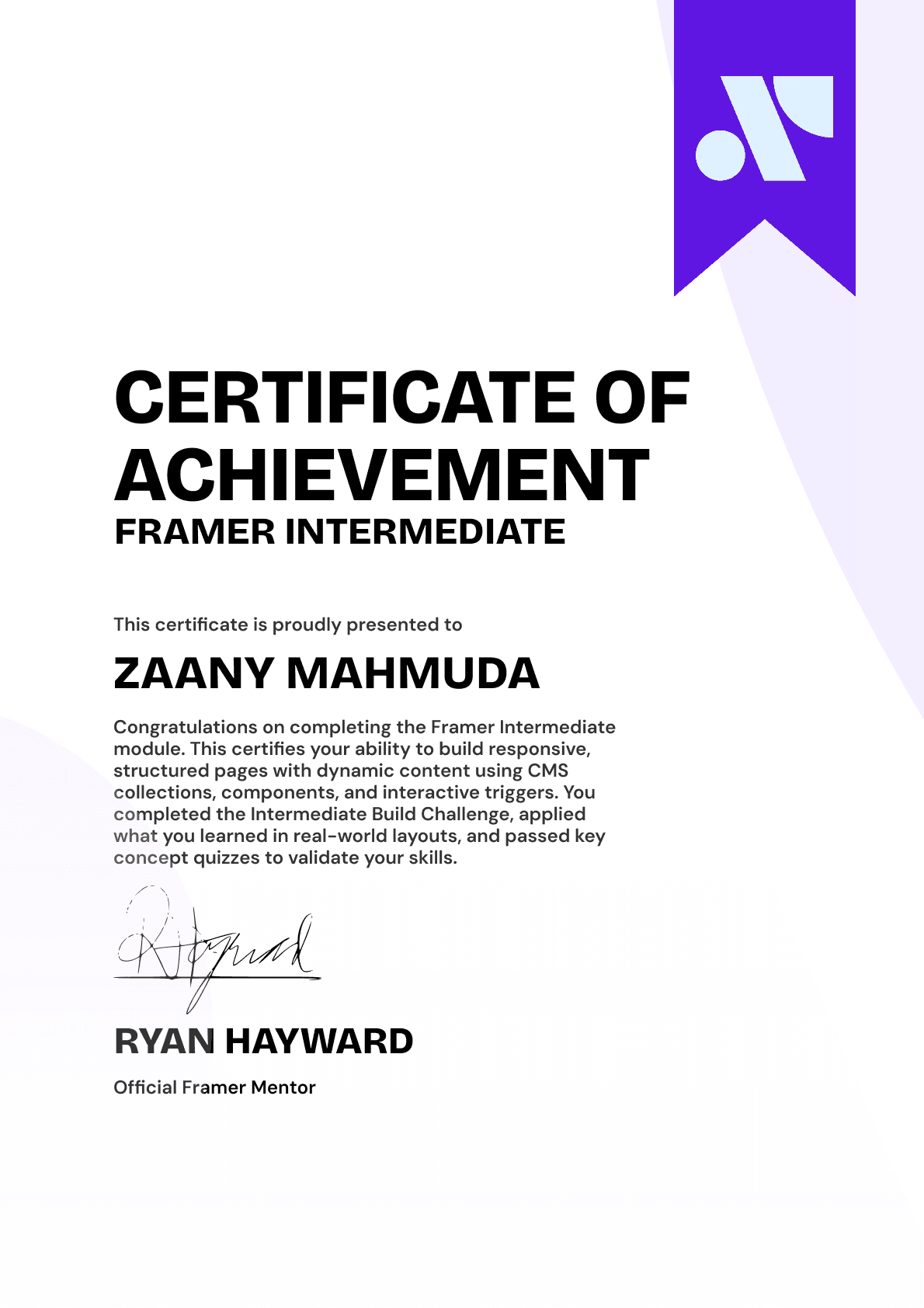
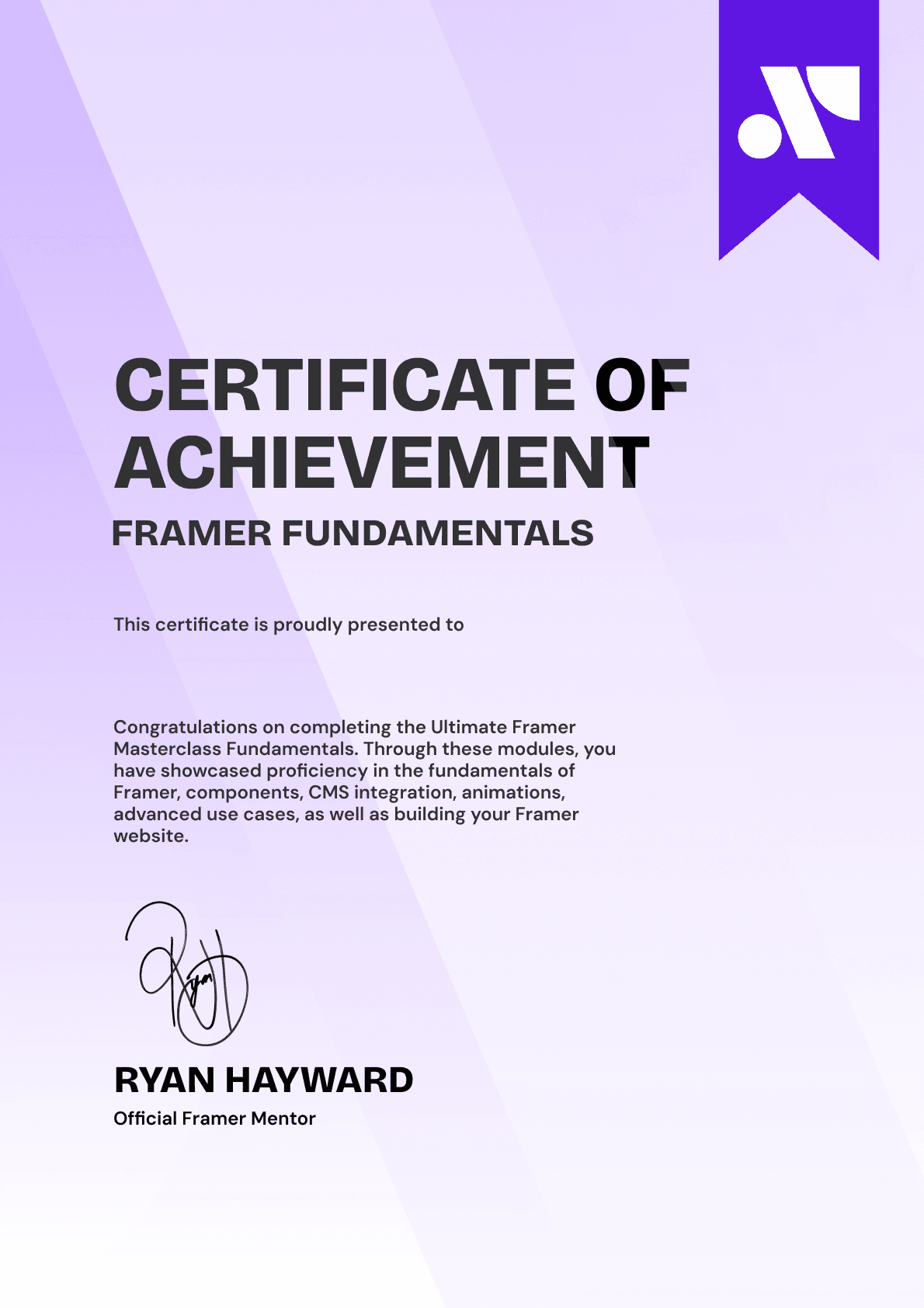
CERTIFICATION
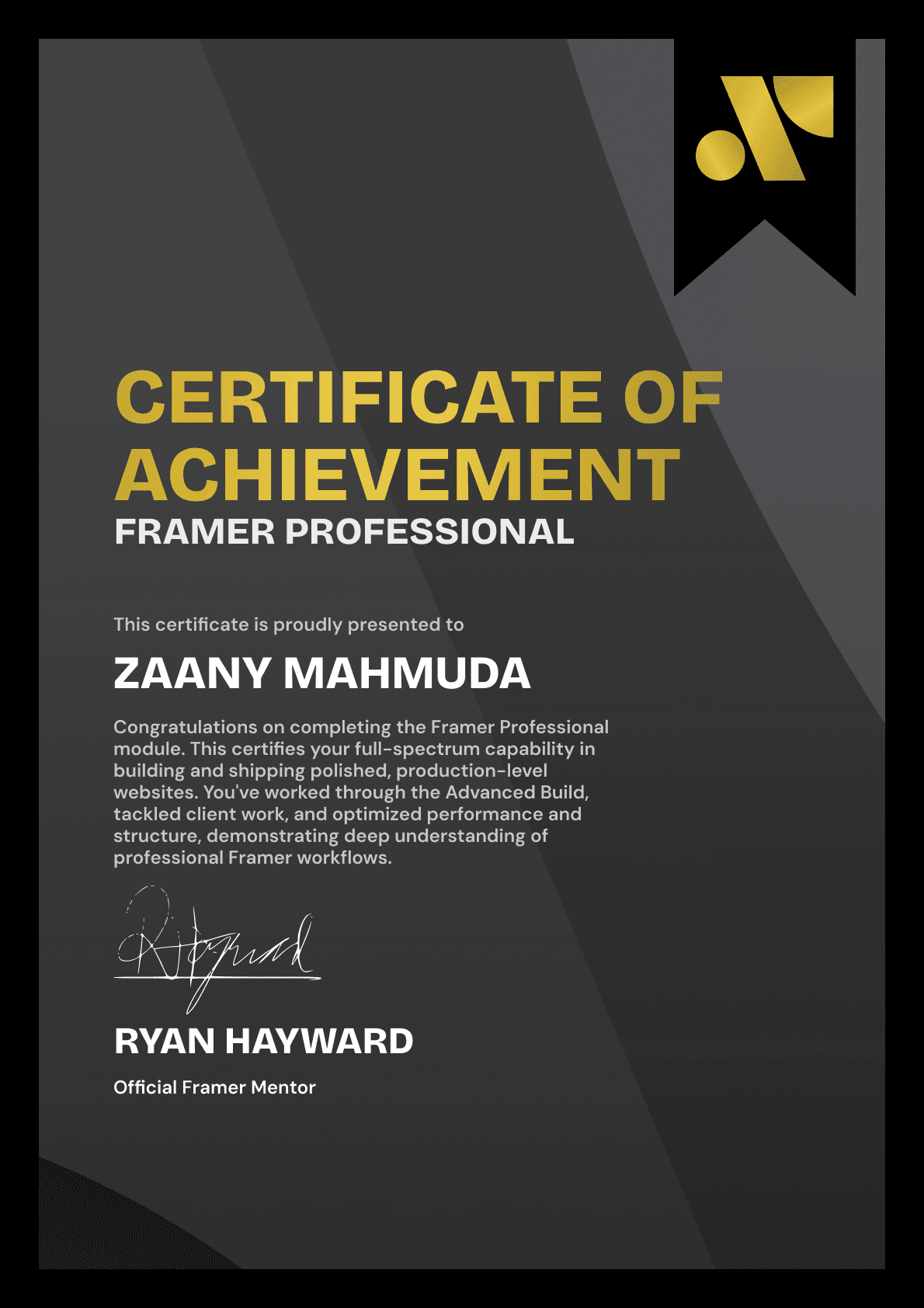
BECOME A CERTIFIED FRAMER MASTER
Earn 3 official certifications that show you don’t just know Framer, but you can
design, build, and execute real pixel-perfect sites.






Rated excellent by 900+ students
4.8
Lifetime access
14-day money-back guarantee
Stream anywhere




