Part of 100+ video lessons
Short, step-by-step lessons you can rewatch anytime.
Hands-on project
Follow along in the host project and build as you learn.
Certificate path
Counts toward your Framer Fundamentals certificate.



Insert the component, set its scope, then make it look like yours.
Drag it in from the insert menu. No code needed.
Point it at the CMS collection page you want it to search.
Build your own bar, then layer the component over it at full size to keep the behaviour.
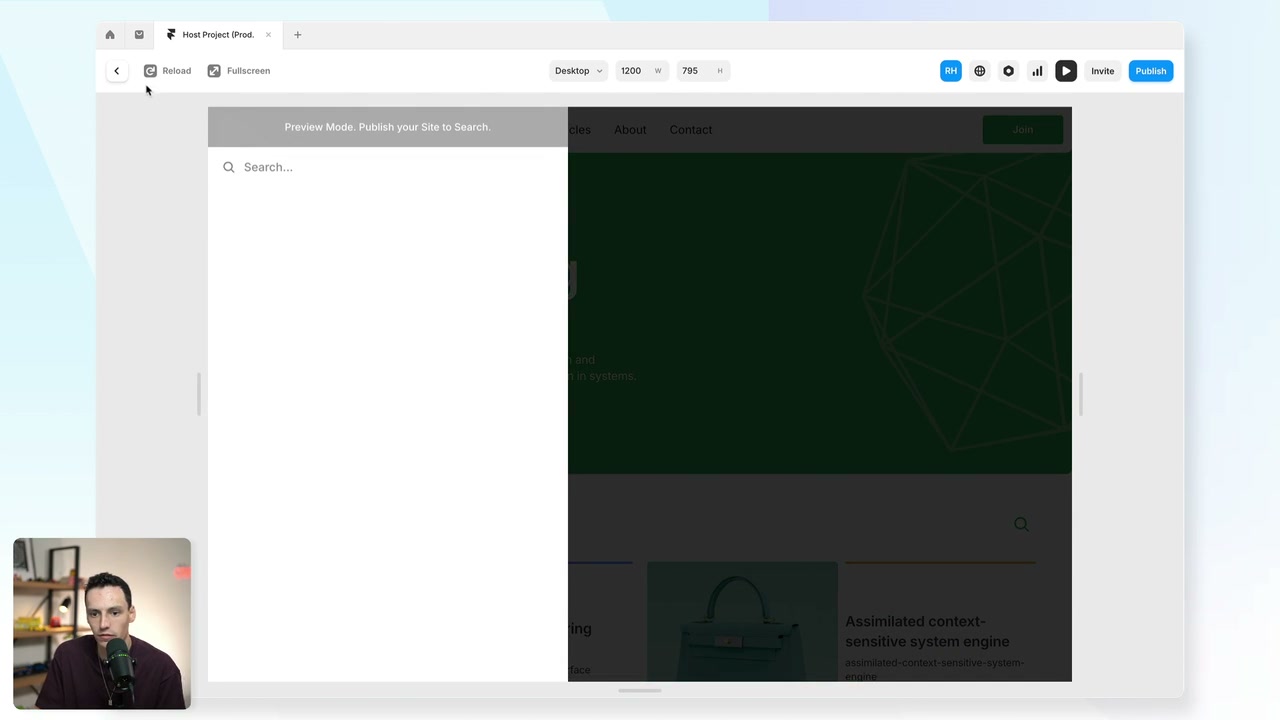
ADD SEARCH TO A CMS COLLECTION
Let visitors search your articles, lessons or products.

SCOPE IT TO THE RIGHT CONTENT
Search one collection instead of the whole site.

DESIGN A CUSTOM SEARCH BAR
Get around the styling limits by layering the component invisibly over your own design.

Dynamic Filters in Framer
Let visitors filter a CMS collection themselves. Stack filters together, and share the result as a URL.

Collection Lists in Framer
A collection list is how CMS items get onto a page. Design one card, connect the fields, and the rest follow.

CURRICULUM
WHAT YOU’LL LEARN IN THIS COURSE
In the Ultimate Framer Masterclass, you’ll master Framer from the ground up. Follow real projects, get expert feedback, and finally design and ship the way you’ve always wanted to.
Add search to a CMS page, scope it to that collection, then design your own bar and layer the component over it.
06:17
PUBLISH CHECKLIST
Search component added
Scope set to a collection
Placeholder text written
Custom bar designed
Component layered over it
Tested on mobile
TRY IT OUT
Cesar Rodrigues
Founder, Craate Creative
FREQUENTLY ASKED QUESTIONS
Everything you need to know about this lesson.
How do I add search to a Framer site?
Drag in the search component from the insert menu and set its scope to the CMS collection page you want searched. No code is needed.
Does Framer search work across the whole site?
Not by default. Search follows the scope you set, so pointing it at a single CMS collection page gives useful results instead of noisy site-wide ones.
Can I style the Framer search bar?
The component's own styling is limited, so build your own bar and layer the component over it at full size. You keep your design and the search behaviour.
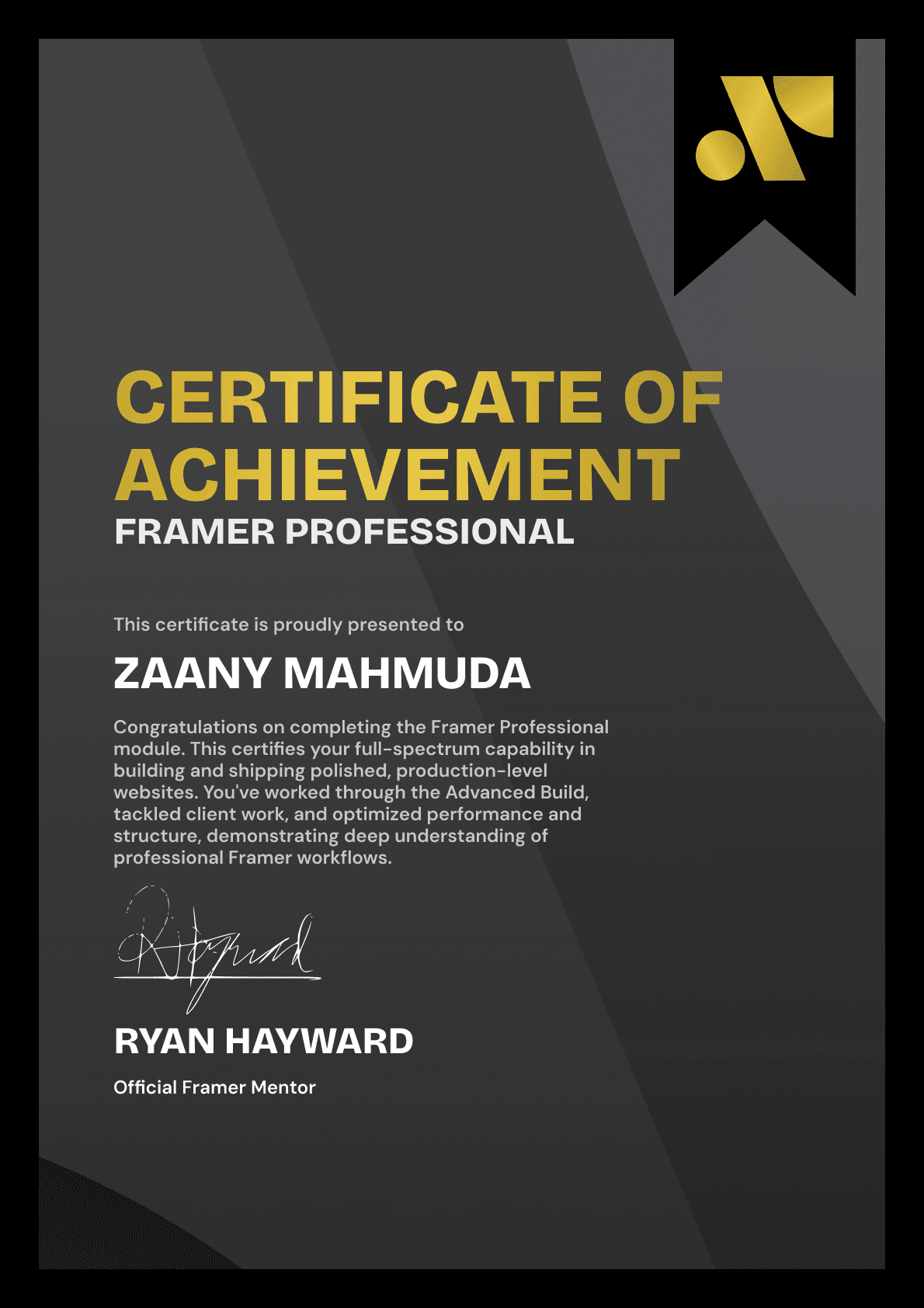
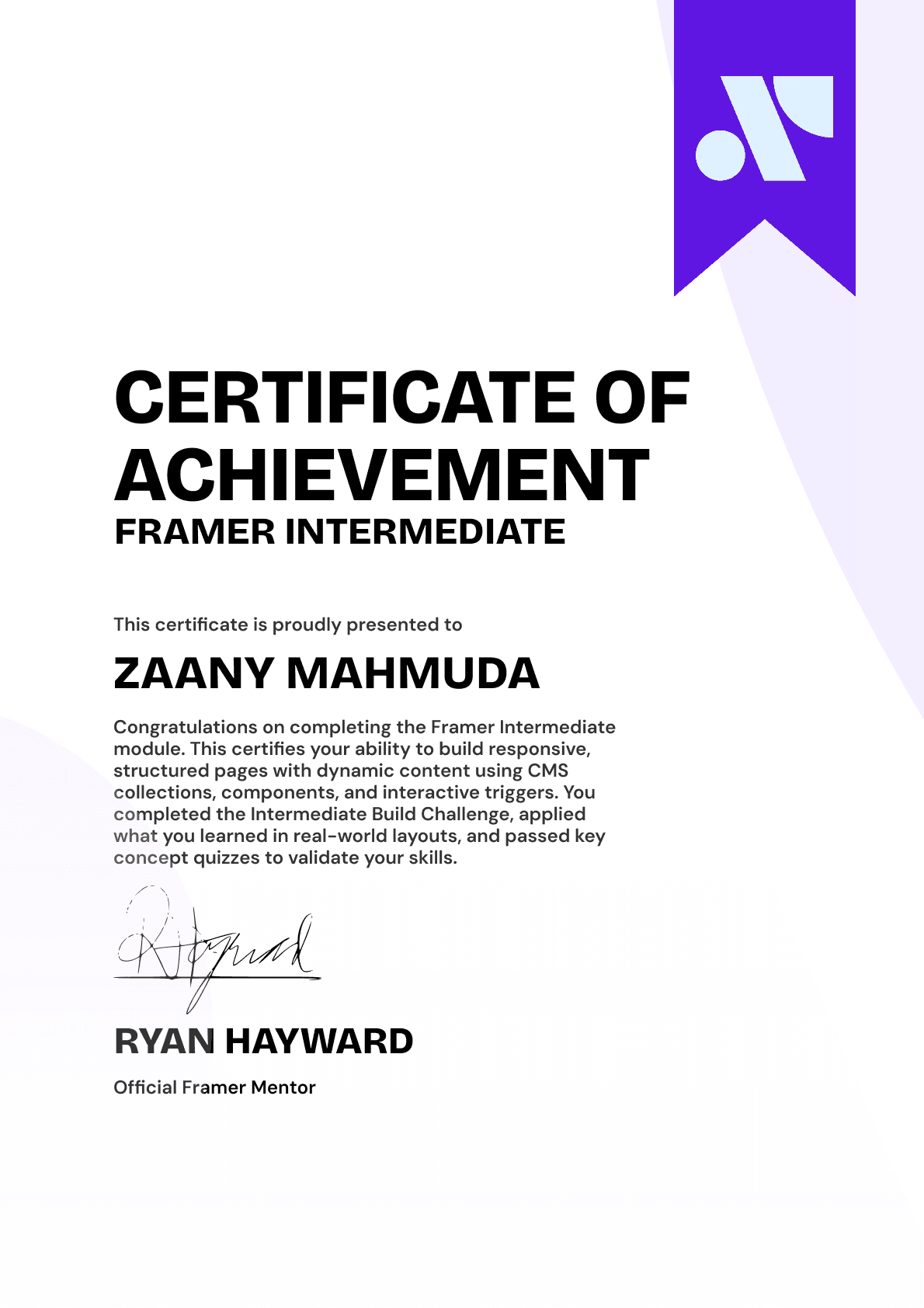
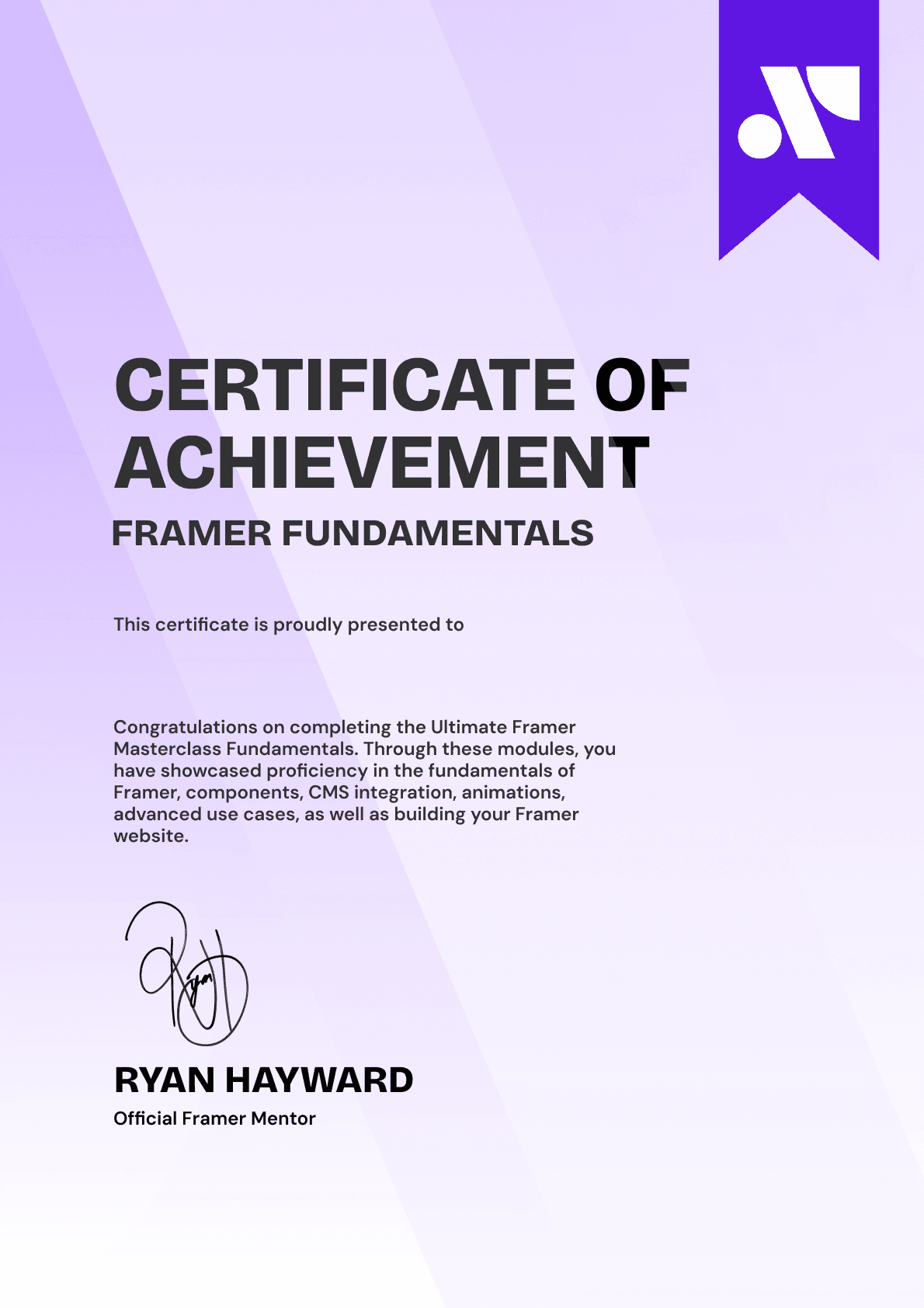
CERTIFICATION
BECOME A CERTIFIED FRAMER MASTER
Earn 3 official certifications that show you don’t just know Framer, but you can
design, build, and execute real pixel-perfect sites.






Rated excellent by 900+ students
4.8
Lifetime access
14-day money-back guarantee
Stream anywhere




