NEW: The Framer Agent Playbook early bird ends in |

00:00:00:00

NEW: The Framer Agent Masterclass | Save $100, early bird ends in |

00:00:00:00

USE CODE “FRAMERFRIDAY” AT CHECKOUT TO SAVE 20% — ALL DEALS  HERE
NEW: The Framer Agent Playbook | Save $100, early bird ends in |

00:00:00:00

Not sure where to start?

Get your personalised Framer roadmap

Answer 4 questions and get a clear picture of where you're at, and exactly what to do next.

Not sure where to start?

Get your personalised Framer roadmap

Answer 4 questions and get a clear picture of where you're at, and exactly what to do next.

Are you ready to master Framer?

Are you ready to master Framer?

Rated excellent by 900+ students

Brooke kong
Brooke kong
Brooke kong
Brooke kong
Brooke kong

The Framer Editor Explained

The Framer Editor Explained

The Framer Editor Explained

A tour of the editor: the freeform canvas, pages and layers, the insert and layout menus, preview, and the properties panel.

A tour of the editor: the freeform canvas, pages and layers, the insert and layout menus, preview, and the properties panel.

A tour of the editor: the freeform canvas, pages and layers, the insert and layout menus, preview, and the properties panel.

Fundamentals

·

08:53

·

with Ryan Hayward

Part of 100+ video lessons

Short, step-by-step lessons you can rewatch anytime.

Hands-on project

Follow along in the host project and build as you learn.

Certificate path

Counts toward your Framer Fundamentals certificate.

ANYTHING OFF A BREAKPOINT NEVER SHIPS

ANYTHING OFF A BREAKPOINT NEVER SHIPS

Anything sitting outside a breakpoint never appears on the published site. That makes the canvas a working space for ideas, while the breakpoints hold the pages people actually see.

Anything sitting outside a breakpoint never appears on the published site. That makes the canvas a working space for ideas, while the breakpoints hold the pages people actually see.

A frame sitting on the canvas outside any breakpoint, so it never appears on the site (Framer Editor lesson, 1:40)

FIND YOUR WAY AROUND

FIND YOUR WAY AROUND

Pages and layers on the left, insert and layout along the top, properties on the right.

Pages and layers

Pages and layers

Pages become the URLs on your site. Layers break each page down, starting with its breakpoints.

Insert and layout

Insert and layout

Prebuilt sections and elements, plus the layout tools and shortcuts you'll use constantly.

Preview and properties

Preview and properties

Preview clicks through the real site. The properties panel styles whatever you've selected.

BY THE END OF THIS LESSON, YOU WILL:

BY THE END OF THIS LESSON, YOU WILL:

The insert menu, with prebuilt sections and elements (Framer Editor lesson, 3:40)

3:40

The insert menu, with prebuilt sections and elements (Framer Editor lesson, 3:40)

3:40

FIND YOUR WAY AROUND THE EDITOR

Know what every panel does, and which shortcuts save the most time.

The layers panel, with each section named (Framer Editor lesson, 6:40)

6:40

The layers panel, with each section named (Framer Editor lesson, 6:40)

6:40

KEEP PROJECTS ORGANISED

Name layers, use the canvas for ideas, and set who can access what.

Preview and publish options in the editor (Framer Editor lesson, 8:20)

8:20

Preview and publish options in the editor (Framer Editor lesson, 8:20)

8:20

PREVIEW BEFORE YOU PUBLISH

Click through the site as a visitor would, at any width, before it goes live.

RELATED LESSONS

RELATED LESSONS

Ultimate Framer Masterclass lesson card: Key concepts and terminology, with Ryan Hayward and a grid of cards

Understanding Frames

Every great site starts with frames, Framer's core building block. In this foundational lesson you'll learn what frames are, how they work, and why they're essential to everything you'll design going forward.

Layout lesson card

Layout in Framer

Framer's layout system works like auto layout in Figma or Flexbox in Webflow. Learn how stacks and grids bring alignment and order to your elements.

Using Agents in Framer lesson card

Using Agents in Framer

The Agent tab sits where the properties panel used to be. Give it context with @, add a skill with /, pick a model, and undo anything it gets wrong.

CURRICULUM

WHAT YOU’LL LEARN IN THIS COURSE

In the Ultimate Framer Masterclass, you’ll master Framer from the ground up. Follow real projects, get expert feedback, and finally design and ship the way you’ve always wanted to.

Fundamentals

Fundamentals

Open a project and name every layer on one page, then preview it at each breakpoint.

08:53

PUBLISH CHECKLIST

Pages and layers explored

Insert menu tried

Layout shortcuts learned

Layers renamed

Previewed the page

Properties panel used

TRY IT OUT

Our team went from guessing to actually knowing what we’re doing. We’re working faster, staying on brand, and delivering better work overall.

Our team went from guessing to actually knowing what we’re doing. We’re working faster, staying on brand, and delivering better work overall.

Cesar Rodrigues

FREQUENTLY ASKED QUESTIONS

Everything you need to know about this lesson.

How is the Framer editor laid out?

Pages and layers sit on the left, insert and layout tools run along the top, and the properties panel on the right styles whatever you've selected.

Why isn't something on my canvas showing on the published site in Framer?

Anything sitting outside a breakpoint never ships. The canvas is a working space for ideas; only what's inside a breakpoint appears on the live site.

How do I check a Framer site before publishing?

Use preview. It clicks through the real site the way a visitor would, at any width, so you can catch problems before it goes live.

CERTIFICATION

BECOME A CERTIFIED FRAMER MASTER

Earn 3 official certifications that show you don’t just know Framer, but you can
design, build, and execute real pixel-perfect sites.

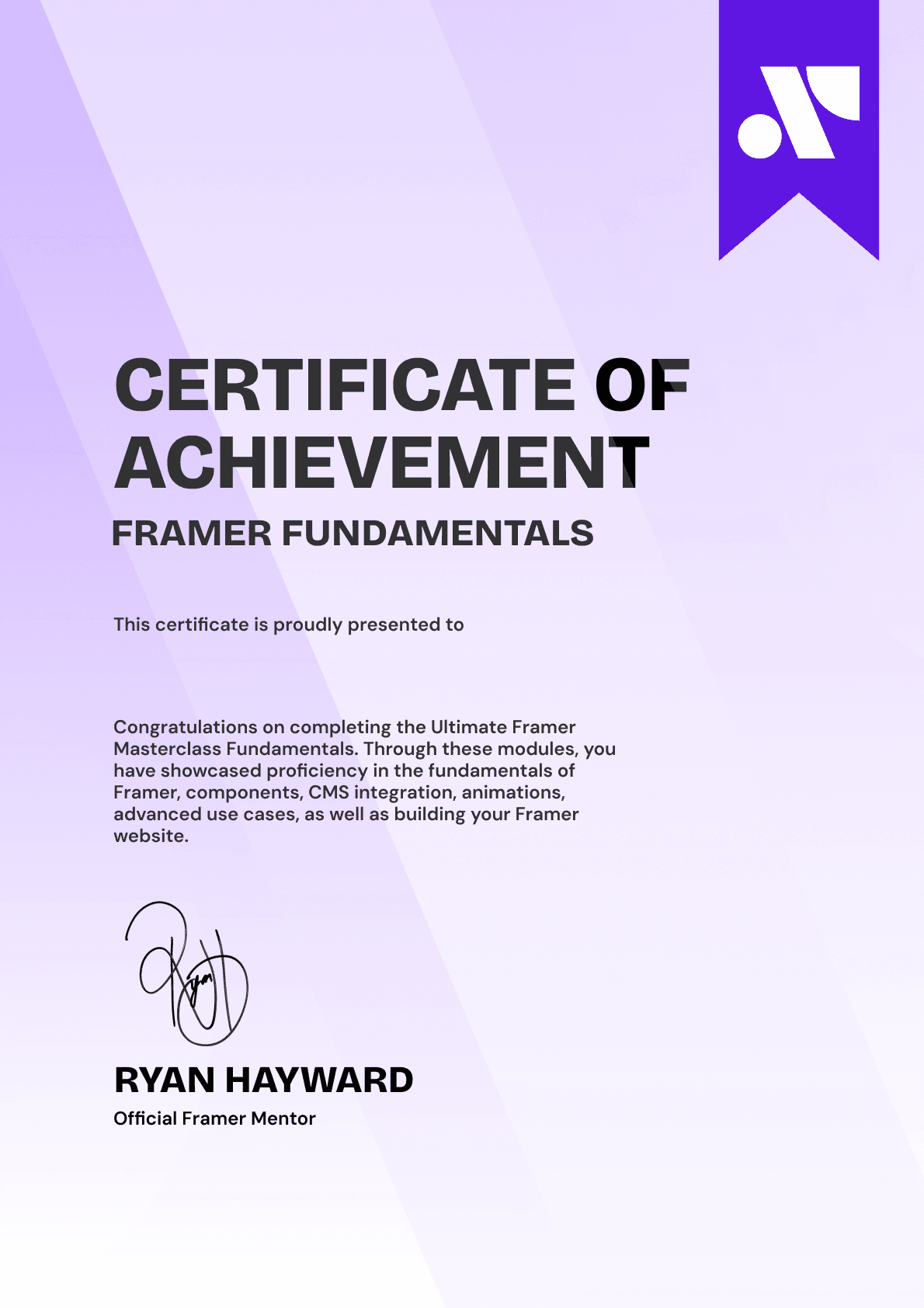
Ultimate Framer Masterclass expert certificate of completion with Framer x insert frame branding.
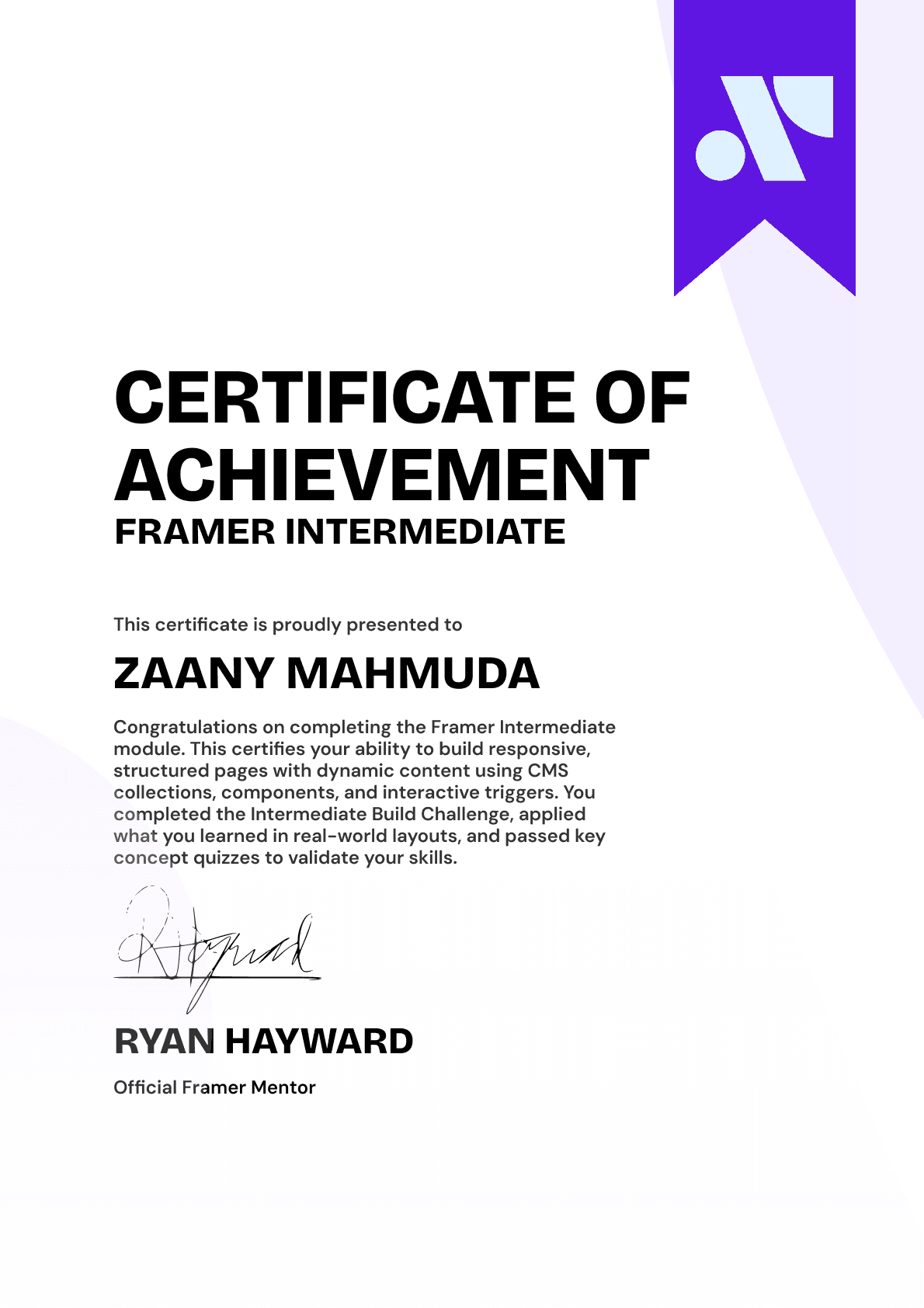
Ultimate Framer Masterclass intermediate certificate of completion with Framer x insert frame branding.
Ultimate Framer Masterclass Beginner certificate of completion with Framer x insert frame branding.
Ultimate Framer Masterclass expert certificate of completion with Framer x insert frame branding.
Ultimate Framer Masterclass intermediate certificate of completion with Framer x insert frame branding.
Ultimate Framer Masterclass Beginner certificate of completion with Framer x insert frame branding.
Purple gradient background for Ultimate Framer Masterclass hero section.
Brooke kong
Brooke kong
Brooke kong
Brooke kong
Brooke kong

Rated excellent by 900+ students

4.8

DO MORE THAN LEARN FRAMER. MASTER IT.

DO MORE THAN LEARN FRAMER. MASTER IT.

Enroll in the Ultimate Framer Masterclass.
I'll see you in the first lesson.

Enroll in the Ultimate Framer Masterclass.
I’ll see you in the first lesson.

Lifetime access

14-day money-back guarantee

Stream anywhere

Ryan Hayward and the lesson thumbnails speaking about the Ultimate Framer Masterclass.
Ultimate Framer Masterclass Badge

A complete learning experience & course for Framer by Ryan Hayward + Insert Frame Education

© 2026 Insert Frame Pty LTD

Proudly built with Framer

More Insert Frame products

A complete learning experience & course for Framer by Ryan Hayward + Insert Frame Education

© 2026 Insert Frame Pty LTD

Proudly built with Framer

More Insert Frame products

A complete learning experience & course for Framer by Ryan Hayward + Insert Frame Education

© 2026 Insert Frame Pty LTD

Proudly built with Framer

More Insert Frame products