Part of 100+ video lessons
Short, step-by-step lessons you can rewatch anytime.
Hands-on project
Follow along in the host project and build as you learn.
Certificate path
Counts toward your Framer Fundamentals certificate.


Hover for the mega menu, a start state for the load, then an appear effect on top.
On mouse enter, transition to the large menu variant. On mouse leave, go back.
Duplicate the variant, shrink it to just the logo, and centre it. That's where the load begins.
Set the start variant as the initial one, tune the spring stiffness, then add an appear effect from the top.

BUILD A MEGA MENU THAT OPENS ON HOVER
Mouse enter and mouse leave move between variants, no extra components needed.

ANIMATE THE NAVBAR ON PAGE LOAD
A start state transitions to the full bar as the page loads.

TUNE THE MOTION SO IT FEELS RIGHT
Spring stiffness and an appear effect from the top control how it arrives.
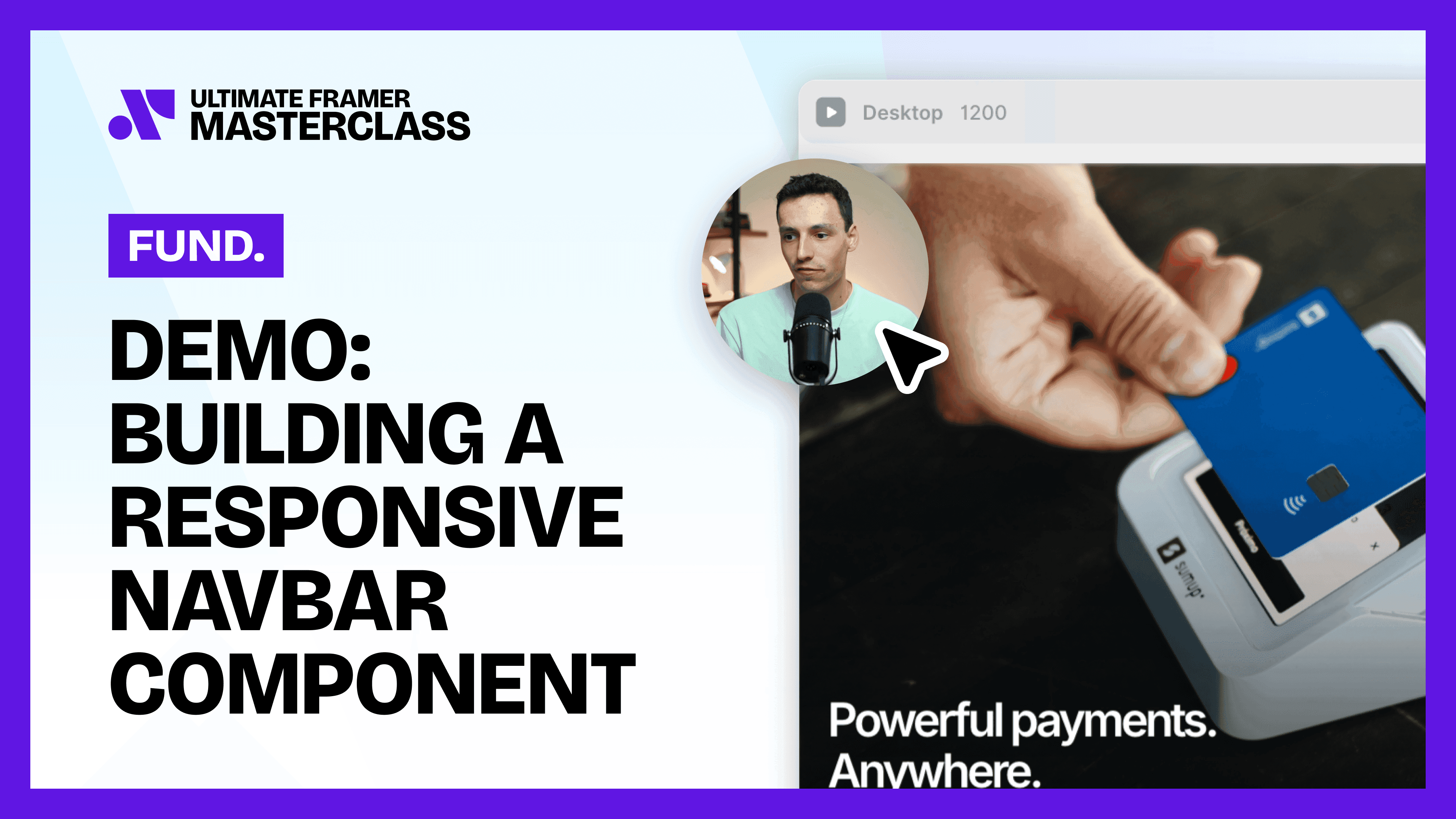
Building a Responsive Navbar Component in Framer
Build a navbar as one component: sketch the bar, fix it to the top of the page, then add a hamburger view that opens a full menu on mobile.

Breakpoints in Framer
Breakpoints are different layouts of the same page for different screen sizes. Set up desktop, tablet and phone so one page works everywhere.

CURRICULUM
WHAT YOU’LL LEARN IN THIS COURSE
In the Ultimate Framer Masterclass, you’ll master Framer from the ground up. Follow real projects, get expert feedback, and finally design and ship the way you’ve always wanted to.
Build a navbar component for your own project, fix it to the top, then add a hamburger variant and wire up the click interaction.
03:34
PUBLISH CHECKLIST
Mega menu variant built
Hover transitions set
Start state variant added
Initial variant set
Spring stiffness tuned
Appear effect added
TRY IT OUT
Cesar Rodrigues
Founder, Craate Creative
FREQUENTLY ASKED QUESTIONS
Everything you need to know about this lesson.
How do I animate a navbar in Framer?
Make the navbar a component with variants, add a start state, then transition to the real bar on page load. The whole bar animates through variants, with no keyframes involved.
How do I open a mega menu on hover in Framer?
On the navbar component, use mouse enter to transition to the large menu variant and mouse leave to go back. No extra components are needed.
How do I control how a Framer navbar animation feels?
Tune the spring stiffness on the transition, then add an appear effect from the top. Together they control how quickly the bar arrives and how it settles.
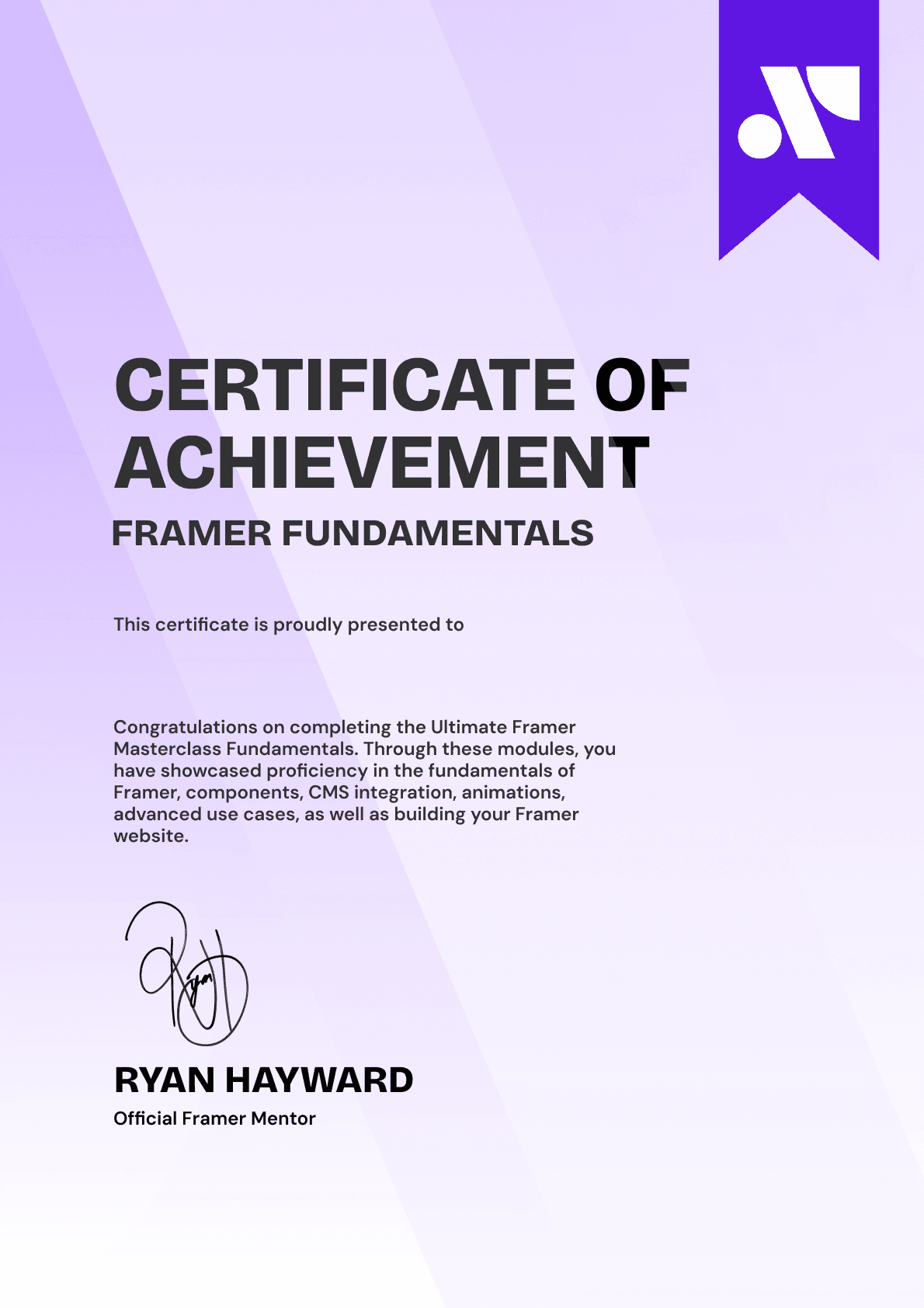
CERTIFICATION
BECOME A CERTIFIED FRAMER MASTER
Earn 3 official certifications that show you don’t just know Framer, but you can
design, build, and execute real pixel-perfect sites.








Rated excellent by 900+ students
4.8
Lifetime access
14-day money-back guarantee
Stream anywhere




