Part of 100+ video lessons
Short, step-by-step lessons you can rewatch anytime.
Hands-on project
Follow along in the host project and build as you learn.
Certificate path
Counts toward your Framer Fundamentals certificate.


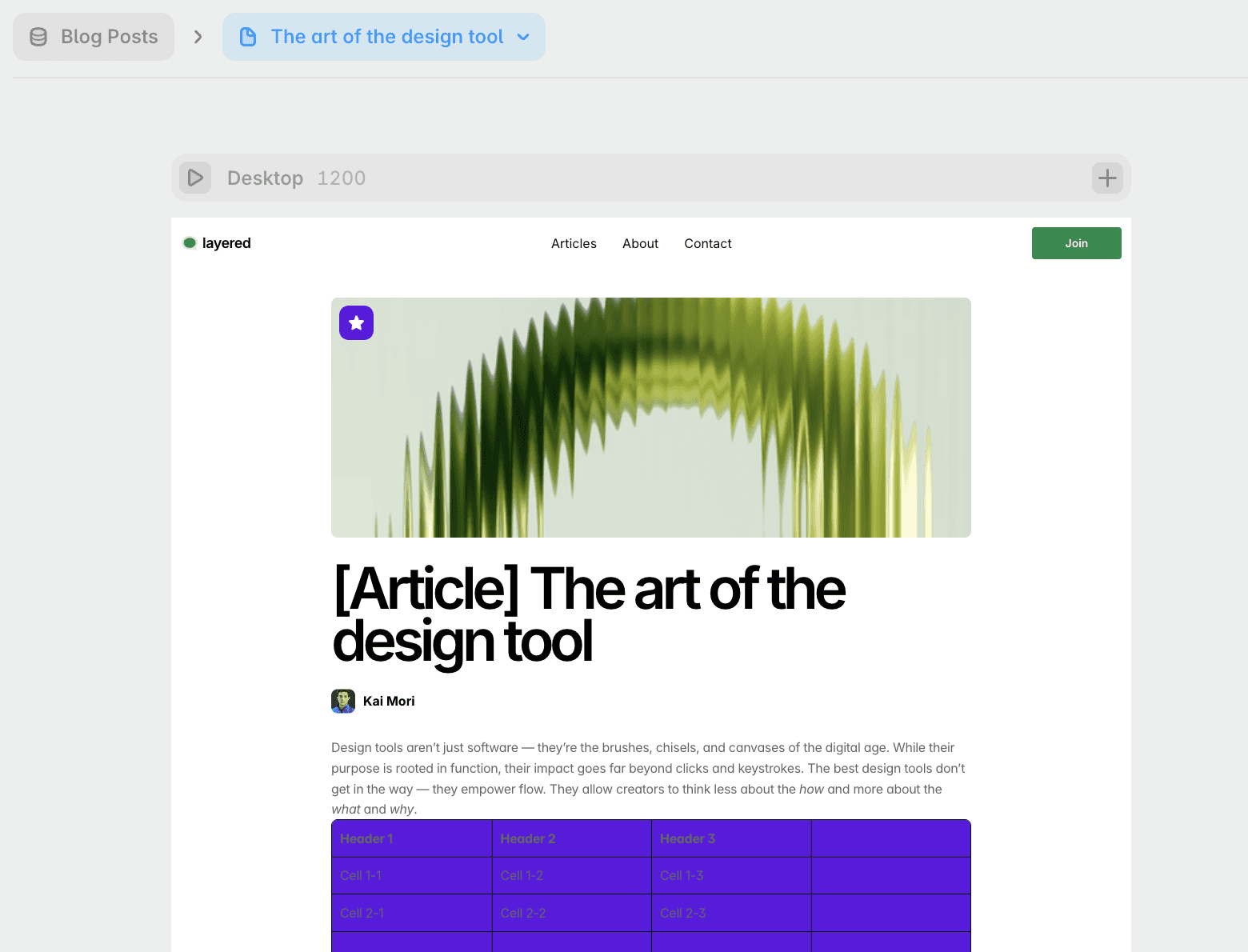
Wireframe the card, connect the fields, then set the source and order.
Build it as a wireframe first: image, title, tag, description.
Tie every element to a CMS field so the content flows in.
Choose the collection, the order, and how many items show.

SHOW CMS ITEMS ON A PAGE
Turn a collection into a grid or list that updates itself.

CONNECT THE DESIGN TO THE DATA
Every element on the card points at a field.

SORT AND SWAP THE SOURCE
Reuse one design for another collection, and control the order.

CMS Detail Pages in Framer
One page template that renders every item in a collection, with referenced fields and links from your list.

Dynamic Filters in Framer
Let visitors filter a CMS collection themselves. Stack filters together, and share the result as a URL.

CURRICULUM
WHAT YOU’LL LEARN IN THIS COURSE
In the Ultimate Framer Masterclass, you’ll master Framer from the ground up. Follow real projects, get expert feedback, and finally design and ship the way you’ve always wanted to.
Design one card for a collection, connect every field, then sort the list by title and limit it to six items.
12:23
PUBLISH CHECKLIST
Card designed as a wireframe
Fields connected
Source set
Sorting set
Item limit checked
Responsive on mobile
TRY IT OUT
Cesar Rodrigues
Founder, Craate Creative
FREQUENTLY ASKED QUESTIONS
Everything you need to know about this lesson.
How do I display CMS items on a page in Framer?
Add a collection list, design a single card, then connect each element on that card to a CMS field. Every item in the collection then renders using that one design.
How do I control the order of a collection list in Framer?
In the collection list settings, choose the source collection, the sort order, and how many items show. The same card design can be reused for another collection.
Should I design the card before connecting the CMS in Framer?
Yes. Build the card as a wireframe first with an image, title, tag and description, then connect each element to its field so the content flows in.
CERTIFICATION
BECOME A CERTIFIED FRAMER MASTER
Earn 3 official certifications that show you don’t just know Framer, but you can
design, build, and execute real pixel-perfect sites.









Rated excellent by 900+ students
4.8
Lifetime access
14-day money-back guarantee
Stream anywhere




