
Part of 100+ video lessons
Short, step-by-step lessons you can rewatch anytime.
Hands-on project
Follow along in the host project and build as you learn.
Certificate path
Counts toward your Framer Fundamentals certificate.
add the lightbox effect
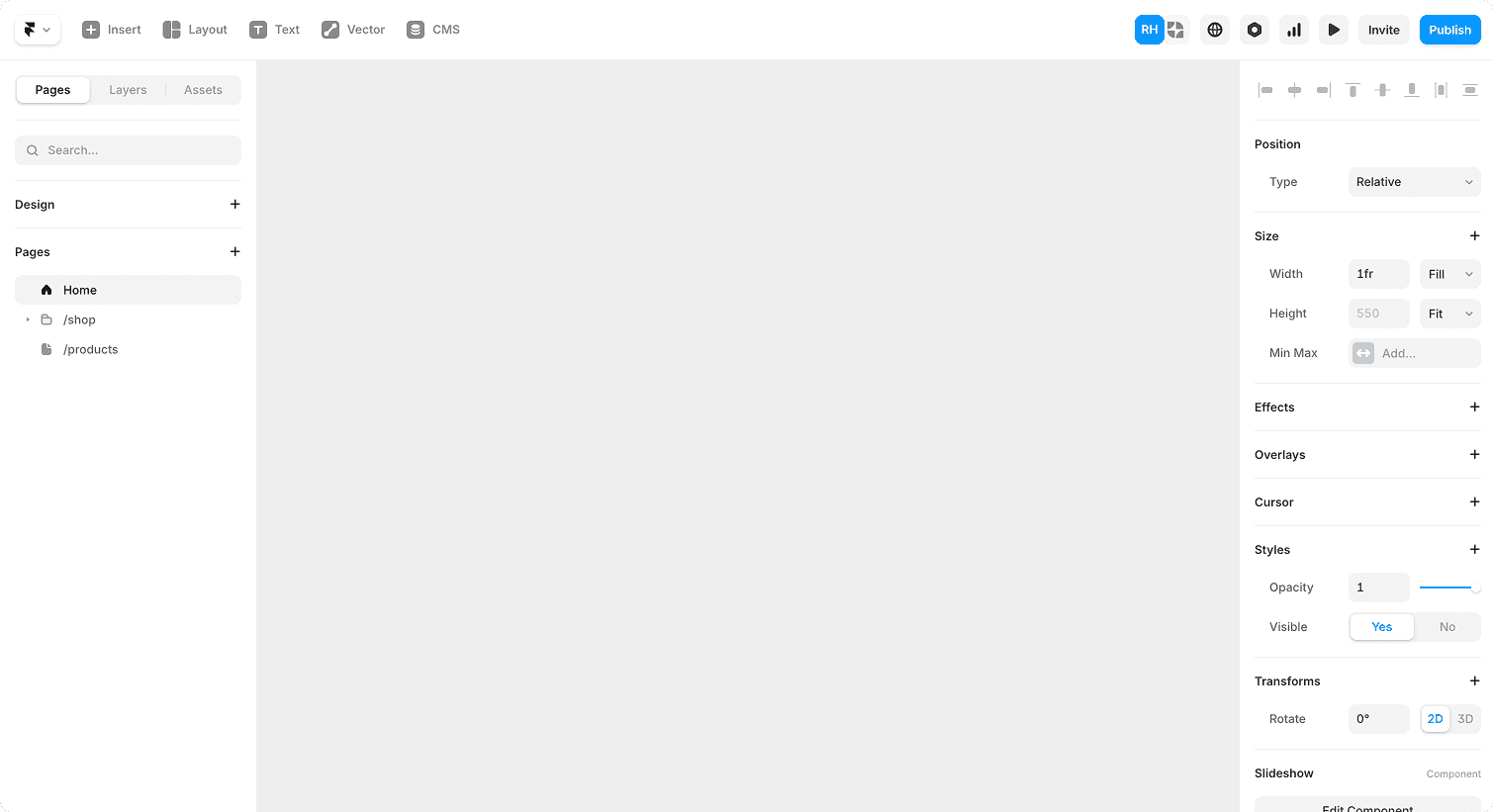
Select any image, open Effects and apply Lightbox. Click it in preview and it opens in the centre of the page.
tune the settings
Set the max width, padding and z-index.
Pick a backdrop colour and a smoother transition.
Button
reuse it anywhere
Copy the effect onto other images, or use it on CMS galleries.


ADD A LIGHTBOX IN THREE STEPS
Ryan applies the effect to three image cards, previews it, then adjusts the rules until it feels right.
Select the image: Pick any image frame on the canvas. An image is essentially just a frame.
Apply the effect: Go to Effects in the properties panel, add Lightbox, then preview and click the image.
Adjust the rules: Set max width, padding, z-index, backdrop colour and transition to suit your site.



01:10
ADD LIGHTBOXES WITHOUT COMPONENTS
Turn any image into a clickable, full-screen view using Framer’s native effect.

01:24
STYLE THE OVERLAY TO MATCH YOUR SITE
Control width, padding, backdrop colour and transition so the lightbox feels on brand.

MAKE YOUR IMAGES MORE FUNCTIONAL
Give visitors a closer look at your work, from single images to CMS galleries.
HANDS ON PRACTICE
Open the host project, add a lightbox to the three image cards and adjust the settings until the overlay feels right.
LIGHTBOX PRACTICE
Work through the checklist in your own project. When every box is ticked, your images are ready for visitors to explore.
Effects · 2 min
CHECKLIST
Lightbox effect added to an image
Max width and padding set
Backdrop colour chosen
Transition feels smooth
Effect copied to the other images
Tested it in preview
TRY IT OUT
Cesar Rodrigues
Founder, Craate Creative

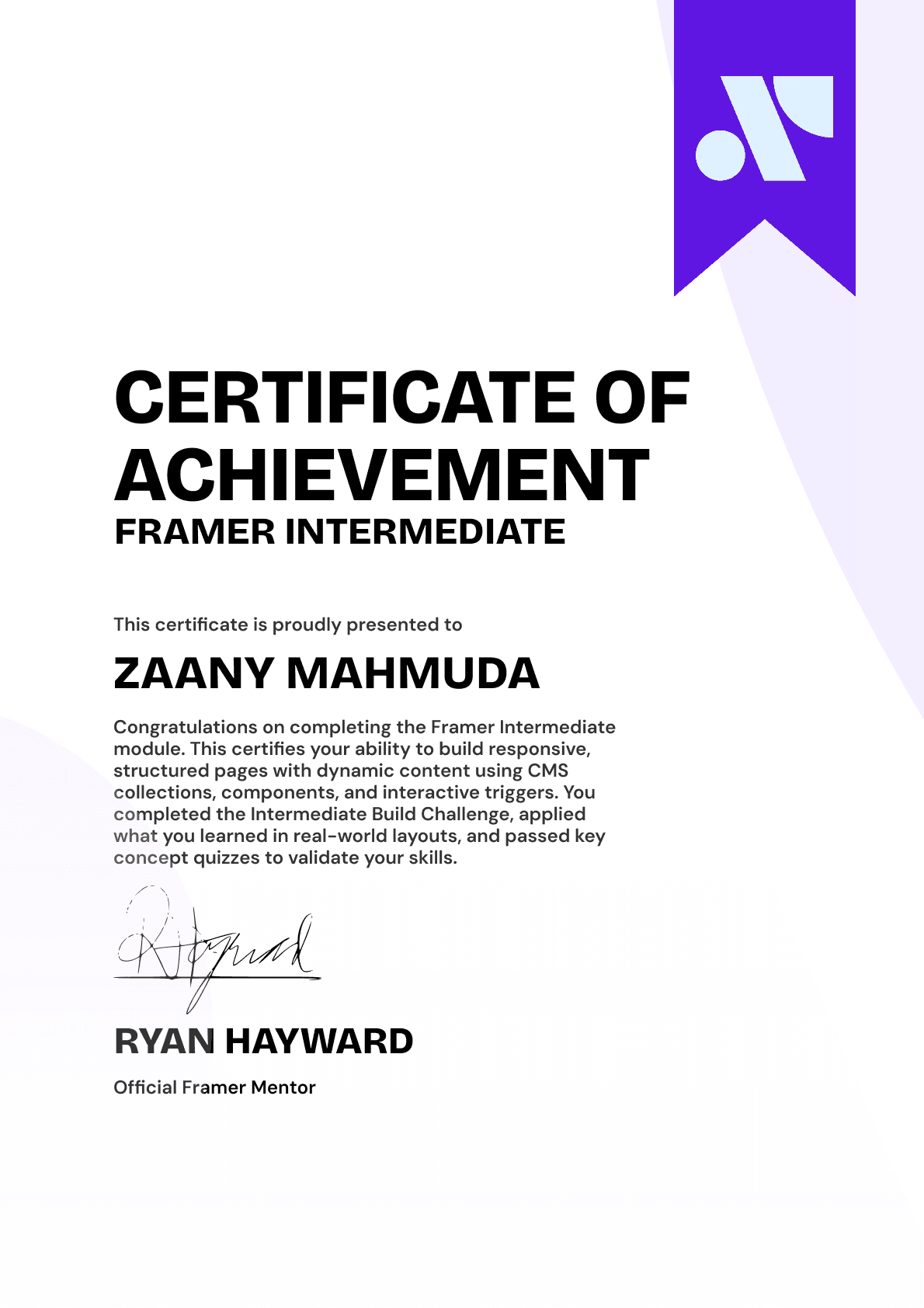
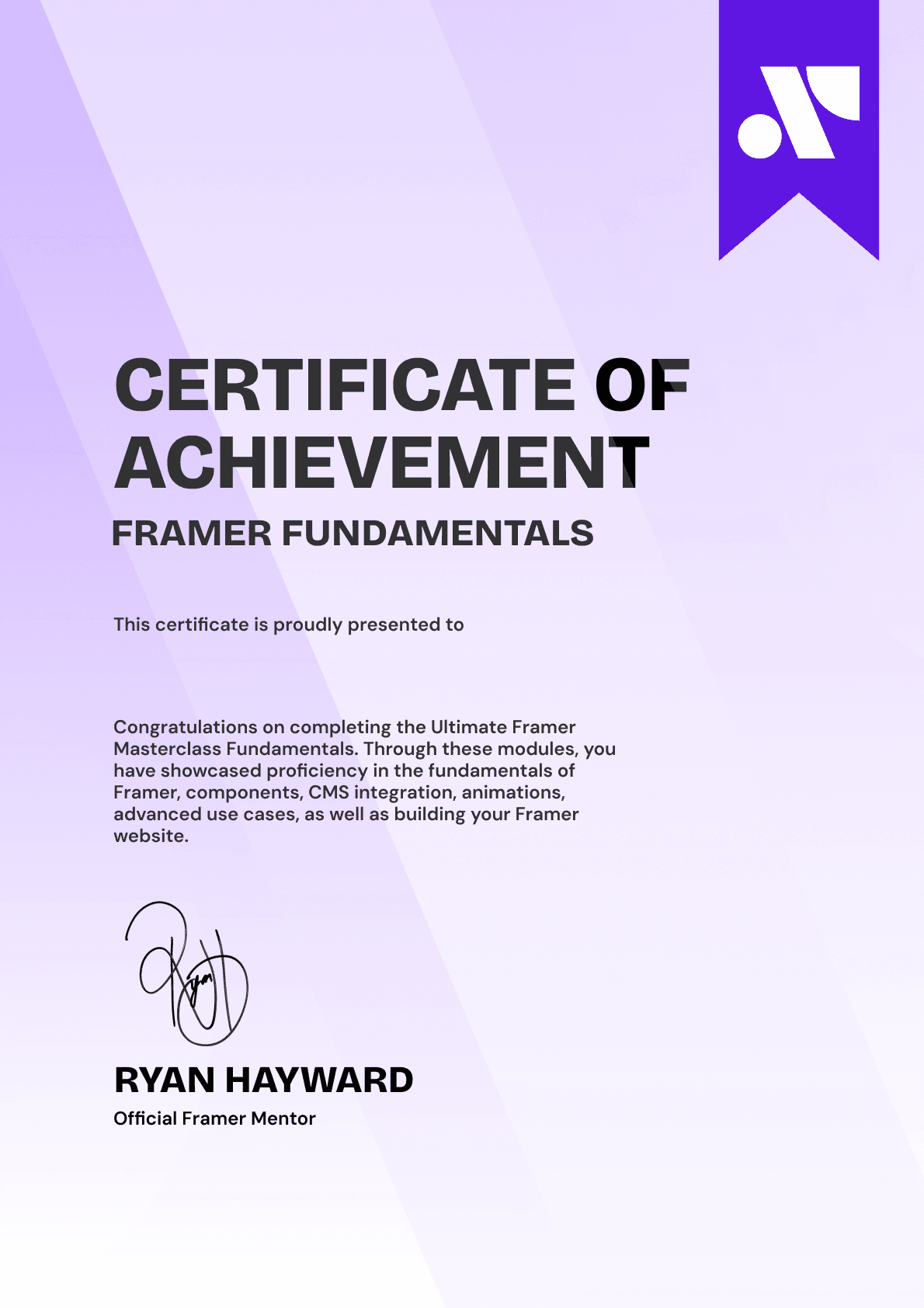
CERTIFICATION
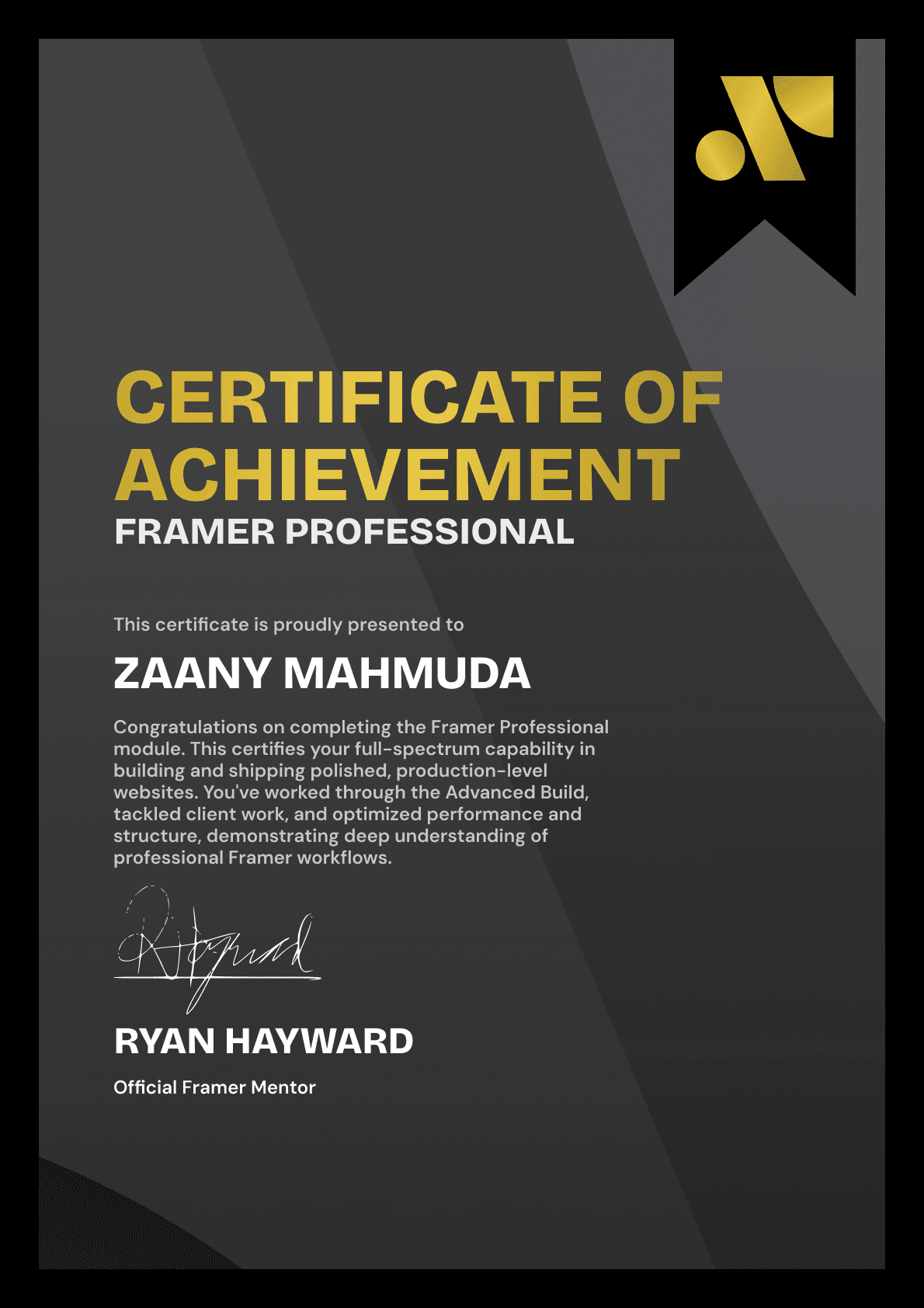
BECOME A CERTIFIED FRAMER MASTER
Earn 3 official certifications that show you don’t just know Framer, but you can
design, build, and execute real pixel-perfect sites.






Rated excellent by 900+ students
4.8
Lifetime access
14-day money-back guarantee
Stream anywhere




