NEW: The Framer Agent Playbook early bird ends in |

00:00:00:00

NEW: The Framer Agent Masterclass | Save $100, early bird ends in |

00:00:00:00

USE CODE “FRAMERFRIDAY” AT CHECKOUT TO SAVE 20% — ALL DEALS  HERE
NEW: The Framer Agent Playbook | Save $100, early bird ends in |

00:00:00:00

Not sure where to start?

Get your personalised Framer roadmap

Answer 4 questions and get a clear picture of where you're at, and exactly what to do next.

Not sure where to start?

Get your personalised Framer roadmap

Answer 4 questions and get a clear picture of where you're at, and exactly what to do next.

Are you ready to master Framer?

Are you ready to master Framer?

Rated excellent by 900+ students


Brooke kong
Brooke kong
Brooke kong
Brooke kong
Brooke kong

BUILD YOUR
FIRST BUTTON COMPONENT

BUILD YOUR
FIRST BUTTON
COMPONENT

BUILD YOUR FIRST BUTTON COMPONENT

Build a button from scratch, not one from the Insert menu. Add hover and pressed states, then make it reusable with variables.

Build a button from scratch, not one from the Insert menu. Add hover and pressed states, then make it reusable with variables.

Build a button from scratch, not one from the Insert menu. Add hover and pressed states, then make it reusable with variables.


Components

·

11:26

·

with Ryan Hayward

Follow-along build

Watch Ryan, pause the video and build it step by step.

Your first real component

Understand it inside and out instead of just dragging one in.

Submit your build

Share your finished button as part of the Fundamentals course.

WHAT YOULL BUILD IN THIS LESSON

WHAT YOULL BUILD IN THIS LESSON
draw the button frame

Hit F, draw a 120x40 frame, give it a background and 8px corners, then centre a text label.

add hover and pressed states

Lighten the background on hover.
Darken it and scale to 0.98 on press.

Button

make it reusable

Add label, colour and size variables so every copy can be different.

BUILT BY YOU, NOT DRAGGED IN.

BUILT BY YOU, NOT DRAGGED IN.

This is your first real component. Instead of dragging a ready-made button from the Insert menu, you’ll build one yourself, so you understand every layer, state and control inside it.

This is your first real component. Instead of dragging a ready-made button from the Insert menu, you’ll build one yourself, so you understand every layer, state and control inside it.

FROM FRAME TO COMPONENT

Follow Ryan from a blank frame to an interactive, reusable button. Pause the video as you go and build each step yourself.

Turn it into a component: Select the frame and text together, right-click and choose Create Component.

Connect the interactions: Default to Hover on hover, Hover to Pressed on tap, and Pressed back to Default on release.

Add your variables: Bind Label to the text and Color to the fill, then add Size if you want small, medium and large.

/

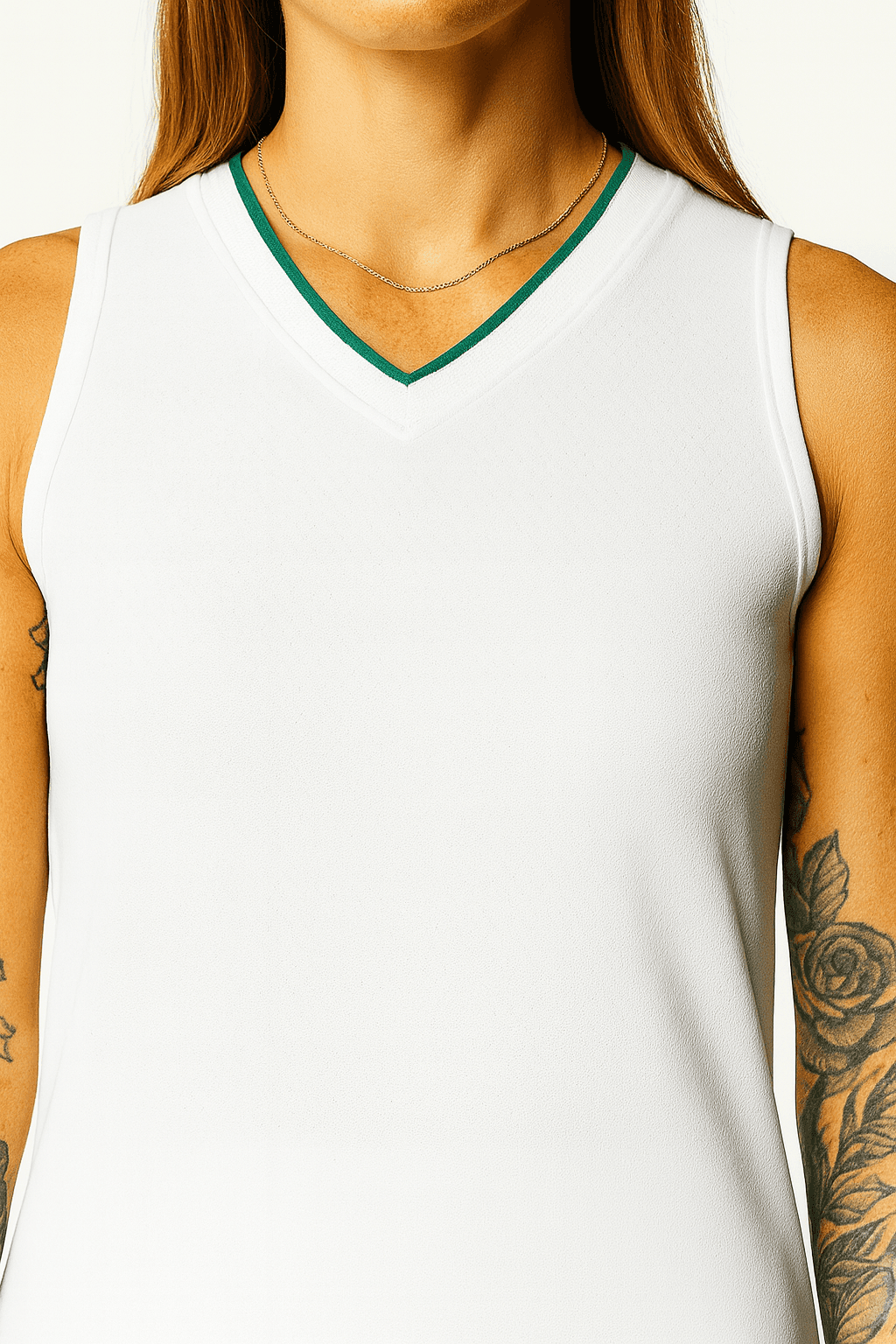
Clothing

/

24.7 ImpossiblySoft

Tank Top

The Core Tank

4.5 Stars

$29

Add your product feature title in this block here.

Lorem ipsum dolor sit amet, consectetur adipiscing elit, sed do eiusmod tempor incididunt ut labore et dolore magna aliqua. Ut enim ad minim veniam, quis nostrud exercitation ullamco laboris nisi ut aliquip ex ea commodo consequat. Duis aute irure dolor in reprehenderit in.

BY THE END OF THIS LESSON, YOU WILL:

BY THE END OF THIS LESSON, YOU WILL:
Framer Masterclass lesson preview

03:10

BUILD A BUTTON COMPONENT FROM SCRATCH

Know exactly what’s inside it, from the frame and label to the component itself.

Framer Masterclass lesson preview

04:46

ADD HOVER AND PRESSED STATES

Use variants and interactions so your button responds when people use it.

Framer Masterclass lesson preview

05:50

REUSE IT ACROSS YOUR WHOLE PROJECT

Change the label, colour and size of each copy right from the properties panel.

HANDS ON PRACTICE

TRY IT YOURSELF

TRY IT
YOURSELF

Drop a few copies of your button onto the canvas. Change the label, colour and size on each one and check they all behave as expected.

BUTTON COMPONENT BUILD

You’ll need a fresh Framer project and the Overview of components lesson. When every box is ticked, submit your button.

Follow-along

CHECKLIST

Button frame drawn with a text label

Turned into a component

Hover and pressed variants added

Interactions connected

Label and colour variables bound

Tested a few copies on the canvas

TRY IT OUT

Our team went from guessing to actually knowing what were doing. Were working faster, staying on brand, and delivering better work overall.

Our team went from guessing to actually knowing what were doing. Were working faster, staying on brand, and delivering better work overall.

Cesar Rodrigues

KEEP LEARNING

KEEP LEARNING

Framer Masterclass lesson preview
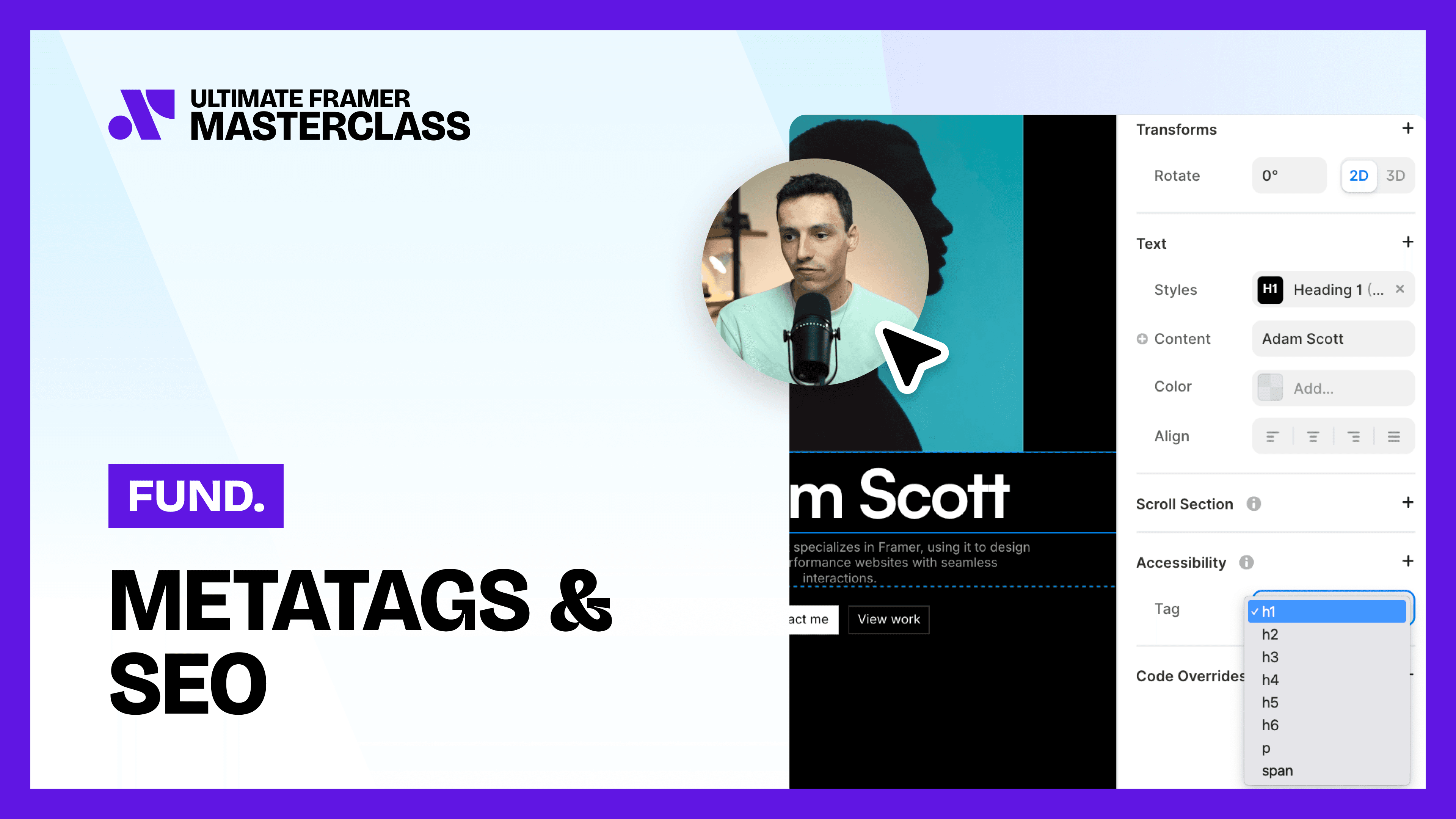
METATAGS & SEO

Set page titles, descriptions and social images so your site is ready for search.

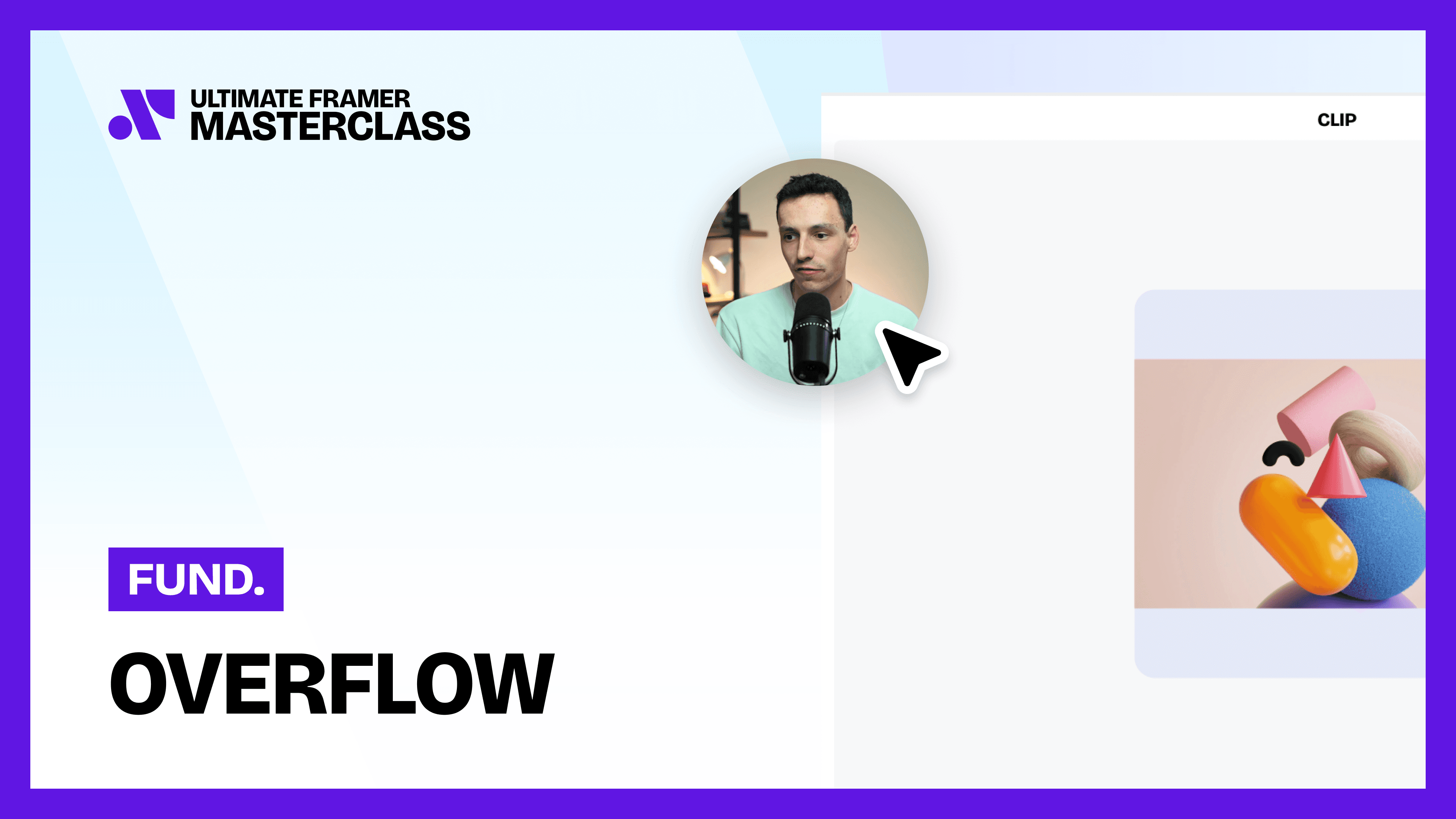
OVERFLOW

Learn the four overflow types and when to use clip, visible, hidden or scroll.

Framer lesson interface preview showing instructor video and student chat.
PUBLISHING YOUR SITE

Take your site live and publish updates whenever you’re ready.

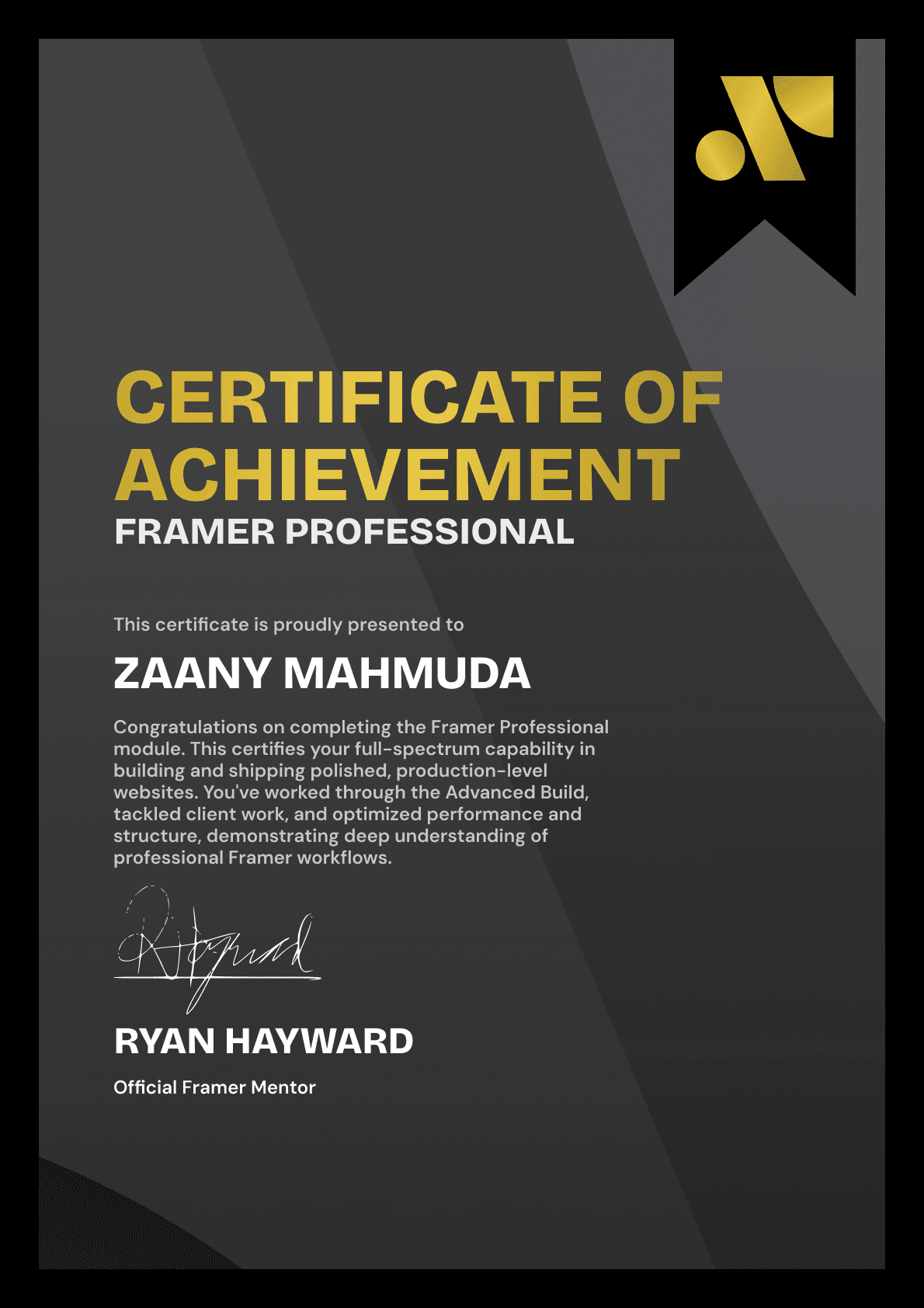
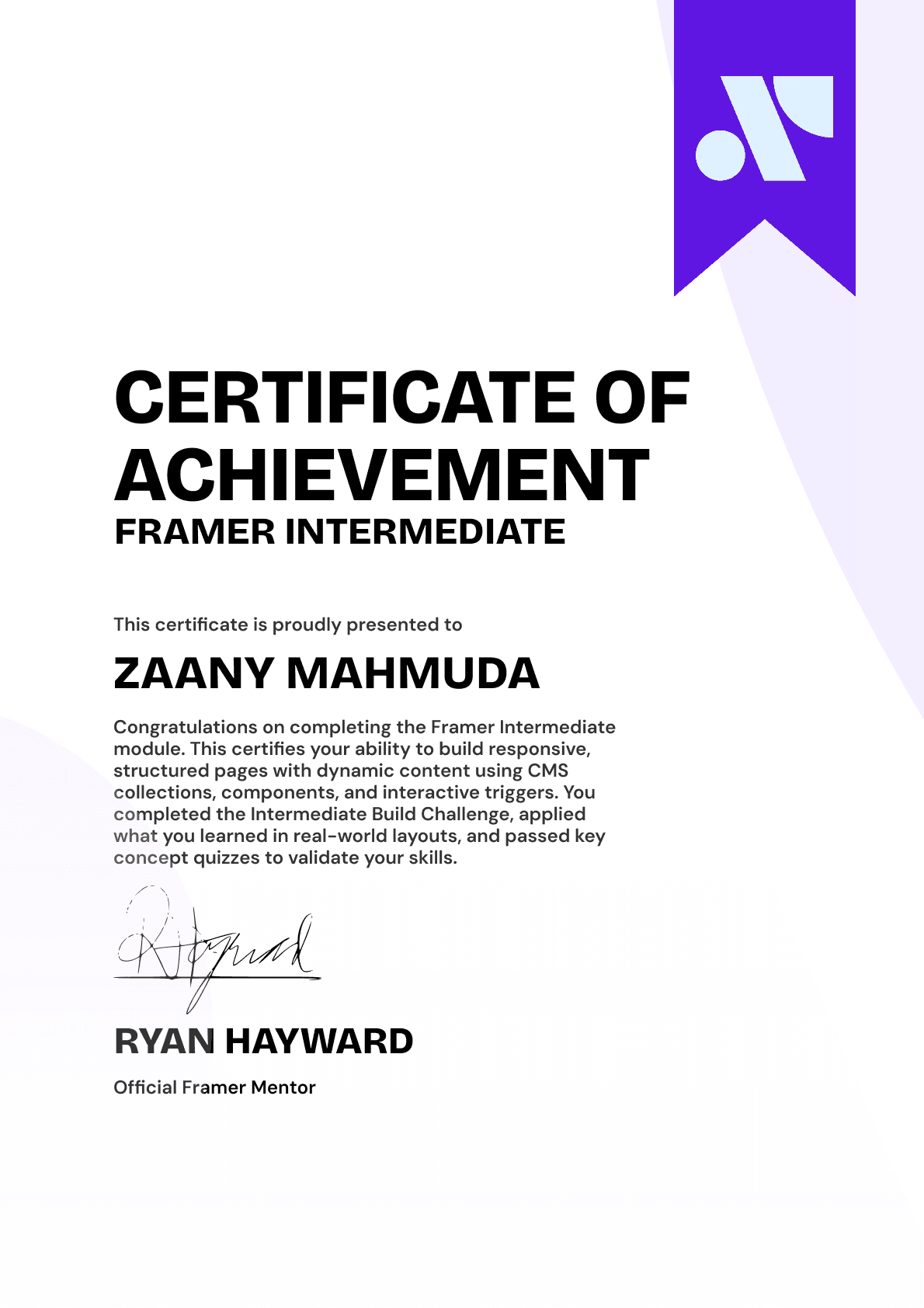
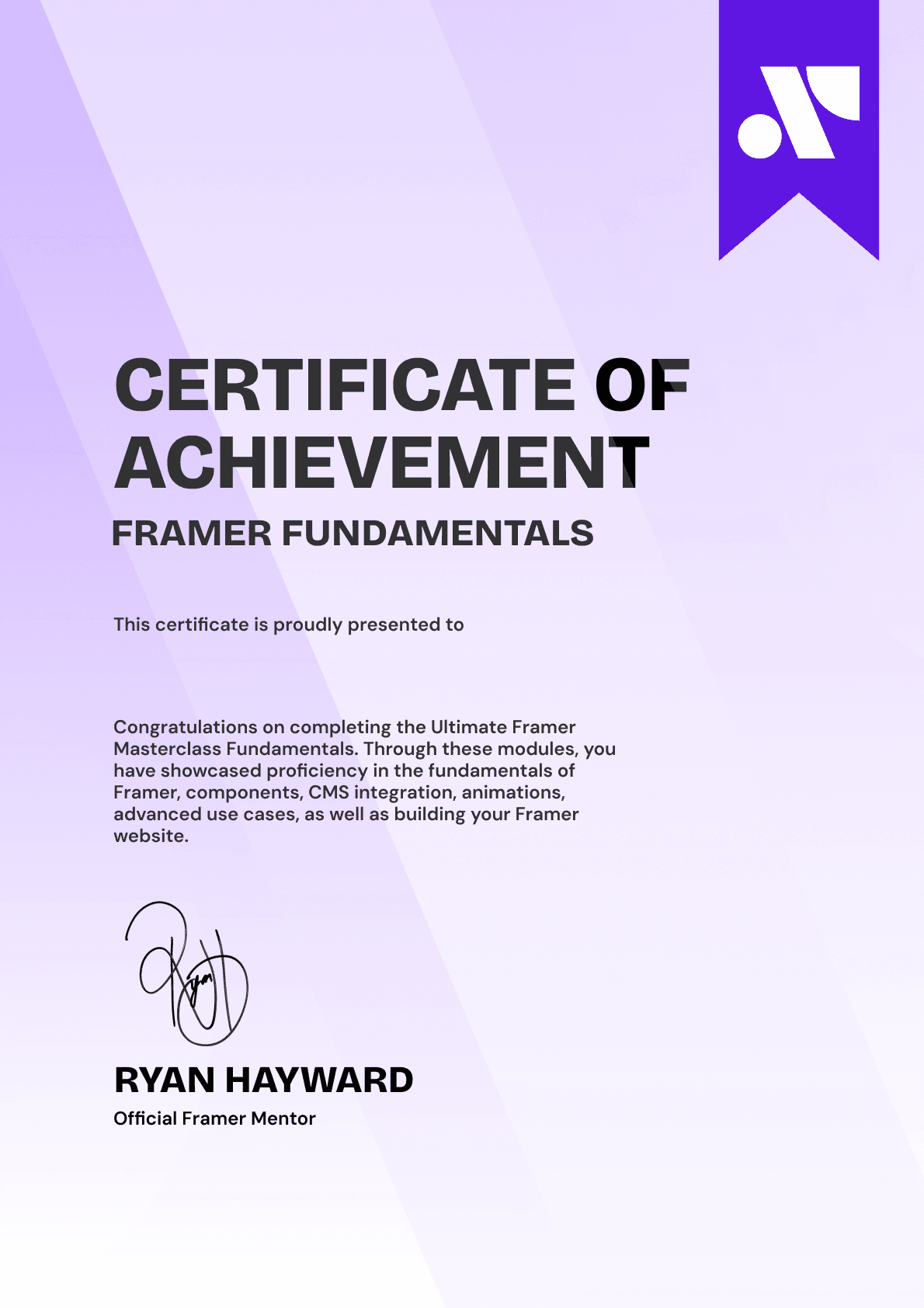
CERTIFICATION

BECOME A CERTIFIED FRAMER MASTER

Earn 3 official certifications that show you don’t just know Framer, but you can
design, build, and execute real pixel-perfect sites.

Ultimate Framer Masterclass expert certificate of completion with Framer x insert frame branding.
Ultimate Framer Masterclass intermediate certificate of completion with Framer x insert frame branding.
Ultimate Framer Masterclass Beginner certificate of completion with Framer x insert frame branding.
Ultimate Framer Masterclass expert certificate of completion with Framer x insert frame branding.
Ultimate Framer Masterclass intermediate certificate of completion with Framer x insert frame branding.
Ultimate Framer Masterclass Beginner certificate of completion with Framer x insert frame branding.
Purple gradient background for Ultimate Framer Masterclass hero section.
Brooke kong
Brooke kong
Brooke kong
Brooke kong
Brooke kong

Rated excellent by 900+ students

4.8

DO MORE THAN LEARN FRAMER. MASTER IT.

DO MORE THAN LEARN FRAMER. MASTER IT.

Enroll in the Ultimate Framer Masterclass.
I'll see you in the first lesson.

Enroll in the Ultimate Framer Masterclass.
I'll see you in the first lesson.

Lifetime access

14-day money-back guarantee

Stream anywhere

Ryan Hayward and the lesson thumbnails speaking about the Ultimate Framer Masterclass.
Ultimate Framer Masterclass Badge

A complete learning experience & course for Framer by Ryan Hayward + Insert Frame Education

© 2026 Insert Frame Pty LTD

Proudly built with Framer

More Insert Frame products

A complete learning experience & course for Framer by Ryan Hayward + Insert Frame Education

© 2026 Insert Frame Pty LTD

Proudly built with Framer

More Insert Frame products

A complete learning experience & course for Framer by Ryan Hayward + Insert Frame Education

© 2026 Insert Frame Pty LTD

Proudly built with Framer

More Insert Frame products