NEW: The Framer Agent Playbook early bird ends in |

00:00:00:00

NEW: The Framer Agent Masterclass | Save $100, early bird ends in |

00:00:00:00

USE CODE “FRAMERFRIDAY” AT CHECKOUT TO SAVE 20% — ALL DEALS  HERE
NEW: The Framer Agent Playbook | Save $100, early bird ends in |

00:00:00:00

Not sure where to start?

Get your personalised Framer roadmap

Answer 4 questions and get a clear picture of where you're at, and exactly what to do next.

Not sure where to start?

Get your personalised Framer roadmap

Answer 4 questions and get a clear picture of where you're at, and exactly what to do next.

Are you ready to master Framer?

Are you ready to master Framer?

Rated excellent by 900+ students

Brooke kong
Brooke kong
Brooke kong
Brooke kong
Brooke kong

Interactions and Events in Framer

Interactions and Events in Framer

Interactions and Events in Framer

Interactions are what make a site feel alive. Learn which events Framer gives you, and how each one moves a component from one variant to another.

Interactions are what make a site feel alive. Learn which events Framer gives you, and how each one moves a component from one variant to another.

Interactions are what make a site feel alive. Learn which events Framer gives you, and how each one moves a component from one variant to another.

Intermediate

·

06:24

·

with Ryan Hayward

Part of 100+ video lessons

Short, step-by-step lessons you can rewatch anytime.

Hands-on project

Follow along in the host project and build as you learn.

Certificate path

Counts toward your Framer Intermediate certificate.

AN EVENT TRIGGERS, A TRANSITION CARRIES

AN EVENT TRIGGERS, A TRANSITION CARRIES

The event is what the visitor does, like a click or a hover. The transition is how the component gets from one variant to the next. Keeping those two separate in your head is what makes complex interactions manageable.

The event is what the visitor does, like a click or a hover. The transition is how the component gets from one variant to the next. Keeping those two separate in your head is what makes complex interactions manageable.

WIRE UP YOUR FIRST INTERACTION

WIRE UP YOUR FIRST INTERACTION

Pick the element, choose the event, then point it at the variant you want.

Select the element

Select the element

Interactions are added to the layer the visitor actually clicks or hovers.

Choose the event

Choose the event

Click, tap, mouse enter, mouse leave or scroll, depending on what should set it off.

Point it at a variant

Point it at a variant

Send the component to another variant, then tune the transition so the change feels right.

BY THE END OF THIS LESSON, YOU WILL:

BY THE END OF THIS LESSON, YOU WILL:

Framer Masterclass lesson preview

3:29

Framer Masterclass lesson preview

3:29

TRIGGER CHANGES ON CLICK AND HOVER

Use the right event for the job instead of guessing at it.

Framer Masterclass lesson preview

4:37

Framer Masterclass lesson preview

4:37

MOVE BETWEEN COMPONENT VARIANTS

Connect an event to a variant so the component responds in place.

Framer Masterclass lesson preview

5:46

Framer Masterclass lesson preview

5:46

CHAIN EFFECTS WITHOUT THE MESS

Keep timing and easing consistent so interactions feel deliberate.

RELATED LESSONS

RELATED LESSONS

Framer Masterclass lesson preview

Component Variants in Framer

Variants let one component hold several versions of itself, like a button with primary, secondary and hover styles, instead of three separate components.
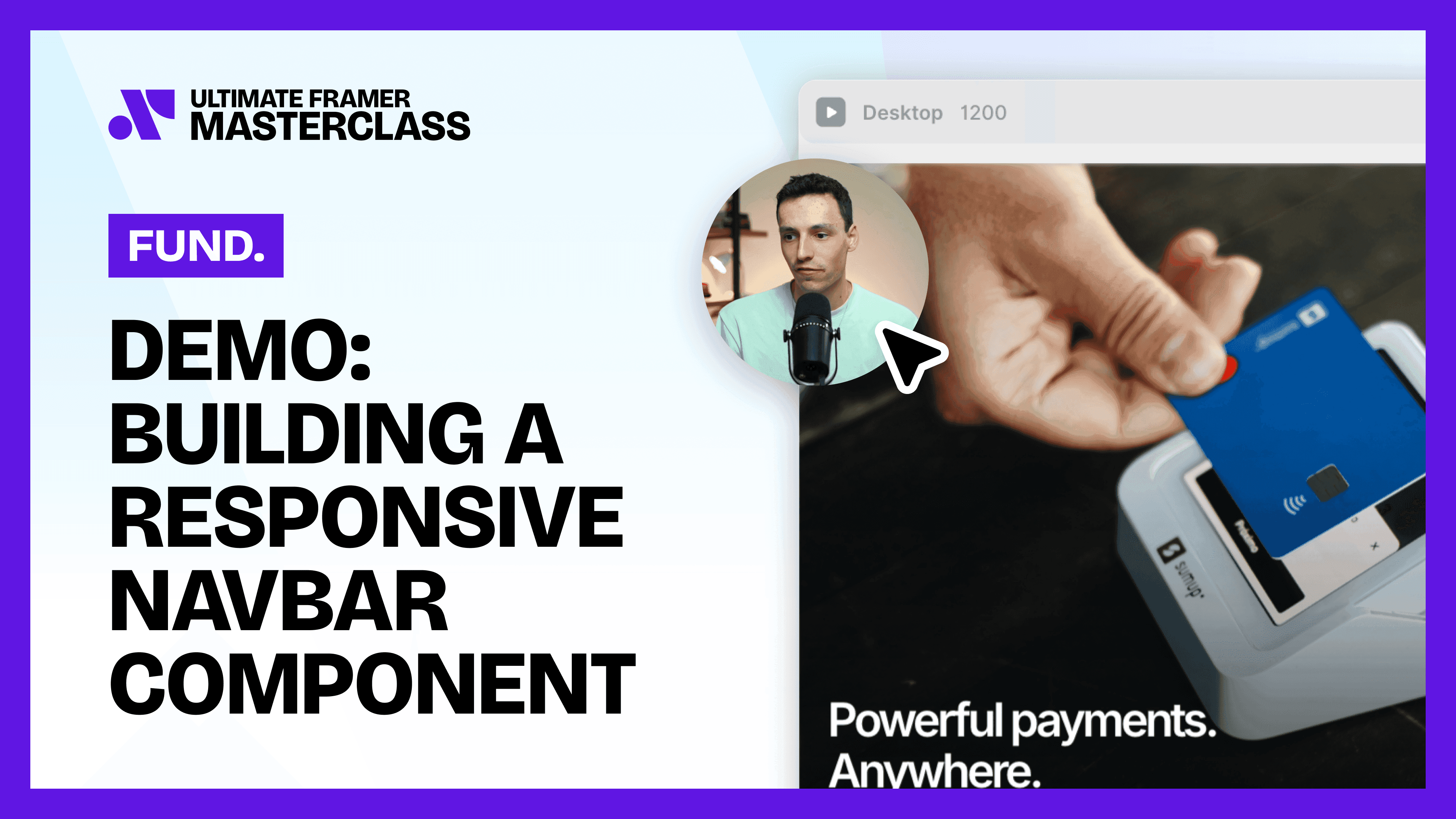
Building a Responsive Navbar Component in Framer lesson card

Building a Responsive Navbar Component in Framer

Build a navbar as one component: sketch the bar, fix it to the top of the page, then add a hamburger view that opens a full menu on mobile.

Custom Cursors in Framer lesson card

Custom Cursors in Framer

Two kinds of cursor, on a whole page or a single element: the standard web cursors, and components that follow or replace the pointer.

CURRICULUM

WHAT YOU’LL LEARN IN THIS COURSE

In the Ultimate Framer Masterclass, you’ll master Framer from the ground up. Follow real projects, get expert feedback, and finally design and ship the way you’ve always wanted to.

Intermediate

Intermediate

Add a hover interaction to a card so it lifts slightly on mouse enter and settles back on mouse leave.

06:24

PUBLISH CHECKLIST

Element selected

Event chosen

Target variant set

Transition tuned

Reverse state handled

Tested in preview

TRY IT OUT

Our team went from guessing to actually knowing what we’re doing. We’re working faster, staying on brand, and delivering better work overall.

Our team went from guessing to actually knowing what we’re doing. We’re working faster, staying on brand, and delivering better work overall.

Cesar Rodrigues

FREQUENTLY ASKED QUESTIONS

Everything you need to know about this lesson.

What's the difference between an event and a transition in Framer?

The event is what the visitor does, such as a click or a hover. The transition is how the component animates from one variant to the next.

How do I make something happen on hover in Framer?

Add a mouse enter interaction that sends the component to another variant, then a mouse leave interaction that sends it back.

Do Framer interactions work on the live site?

Yes. Interactions run on the published site, so what you build on the canvas is what visitors actually get.

CERTIFICATION

BECOME A CERTIFIED FRAMER MASTER

Earn 3 official certifications that show you don’t just know Framer, but you can
design, build, and execute real pixel-perfect sites.

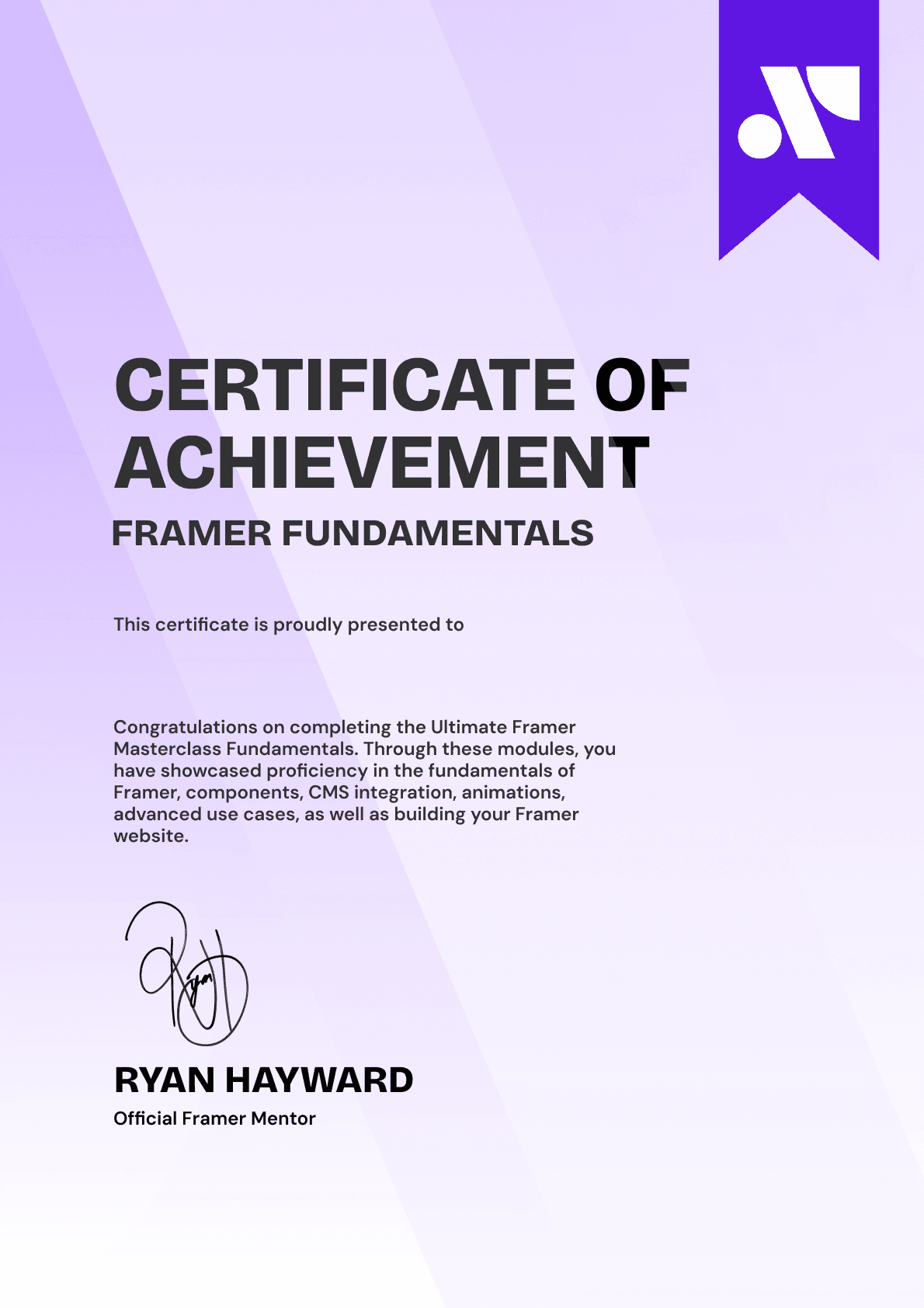
Ultimate Framer Masterclass expert certificate of completion with Framer x insert frame branding.
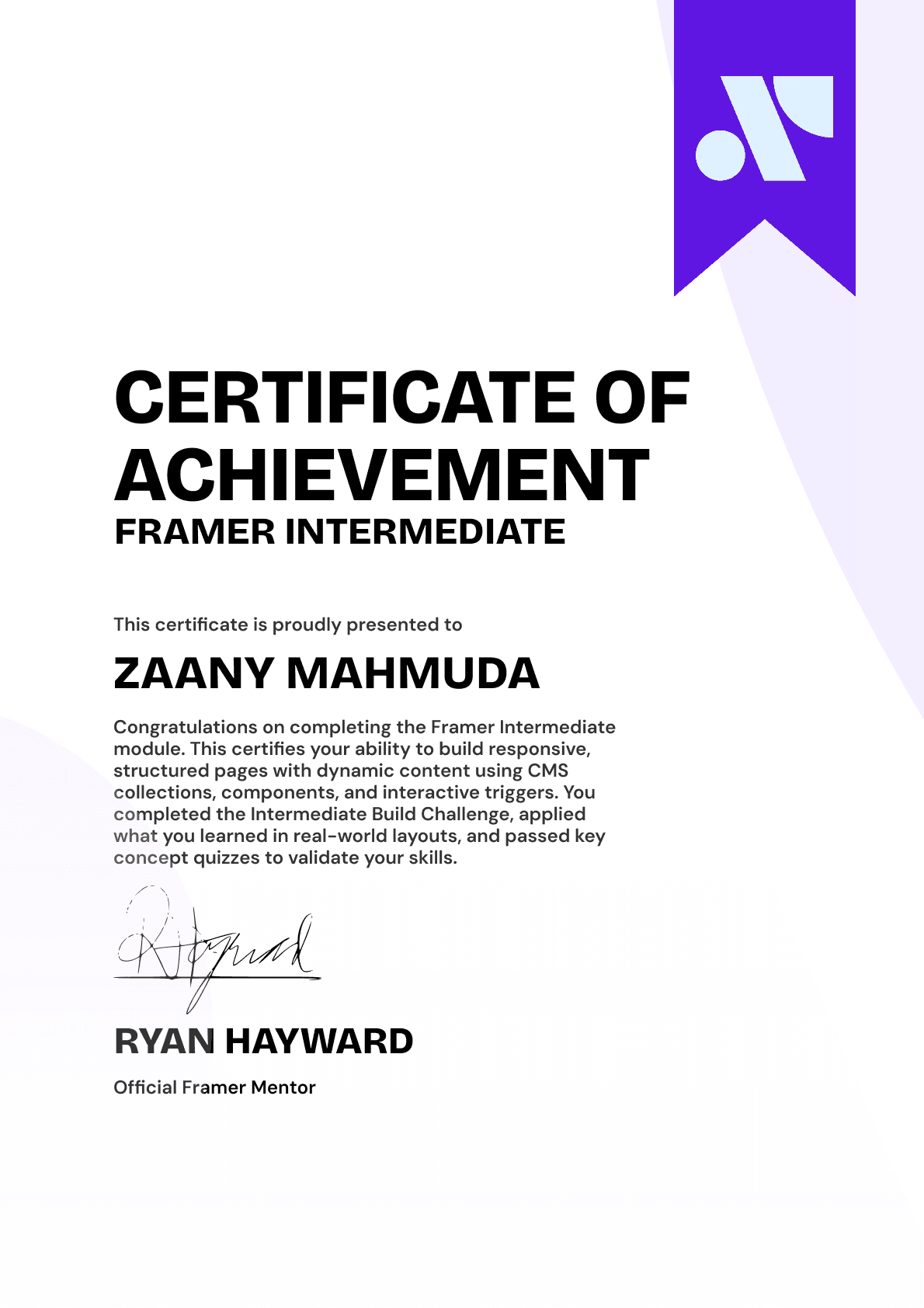
Ultimate Framer Masterclass intermediate certificate of completion with Framer x insert frame branding.
Ultimate Framer Masterclass Beginner certificate of completion with Framer x insert frame branding.
Ultimate Framer Masterclass expert certificate of completion with Framer x insert frame branding.
Ultimate Framer Masterclass intermediate certificate of completion with Framer x insert frame branding.
Ultimate Framer Masterclass Beginner certificate of completion with Framer x insert frame branding.
Purple gradient background for Ultimate Framer Masterclass hero section.
Brooke kong
Brooke kong
Brooke kong
Brooke kong
Brooke kong

Rated excellent by 900+ students

4.8

DO MORE THAN LEARN FRAMER. MASTER IT.

DO MORE THAN LEARN FRAMER. MASTER IT.

Enroll in the Ultimate Framer Masterclass.
I'll see you in the first lesson.

Enroll in the Ultimate Framer Masterclass.
I’ll see you in the first lesson.

Lifetime access

14-day money-back guarantee

Stream anywhere

Ryan Hayward and the lesson thumbnails speaking about the Ultimate Framer Masterclass.
Ultimate Framer Masterclass Badge

A complete learning experience & course for Framer by Ryan Hayward + Insert Frame Education

© 2026 Insert Frame Pty LTD

Proudly built with Framer

More Insert Frame products

A complete learning experience & course for Framer by Ryan Hayward + Insert Frame Education

© 2026 Insert Frame Pty LTD

Proudly built with Framer

More Insert Frame products

A complete learning experience & course for Framer by Ryan Hayward + Insert Frame Education

© 2026 Insert Frame Pty LTD

Proudly built with Framer

More Insert Frame products