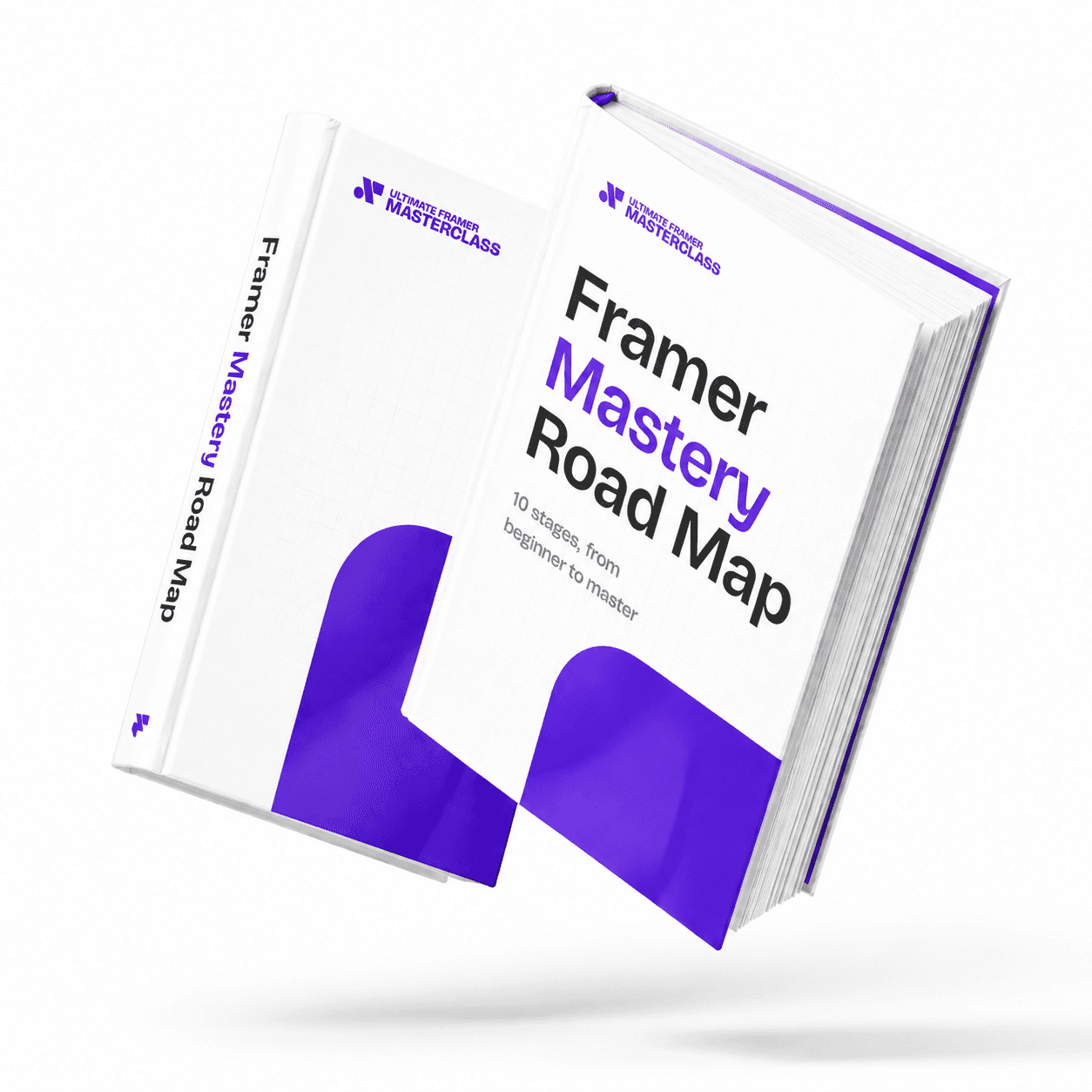
Part of 100+ video lessons
Short, step-by-step lessons you can rewatch anytime.
Hands-on project
Follow along in the host project and build as you learn.
Certificate path
Counts toward your Framer Fundamentals certificate.


Create the file, paste the component, then expose the settings you want.
In the assets tab, create a new code component and the editor opens.
Write it yourself, or have AI write it, then save and drag it onto the canvas.
Expose text, colour and size in the properties panel so you can restyle without editing code.

ADD FUNCTIONALITY FRAMER DOESN'T HAVE
Drop a working code component onto the canvas like any other element.
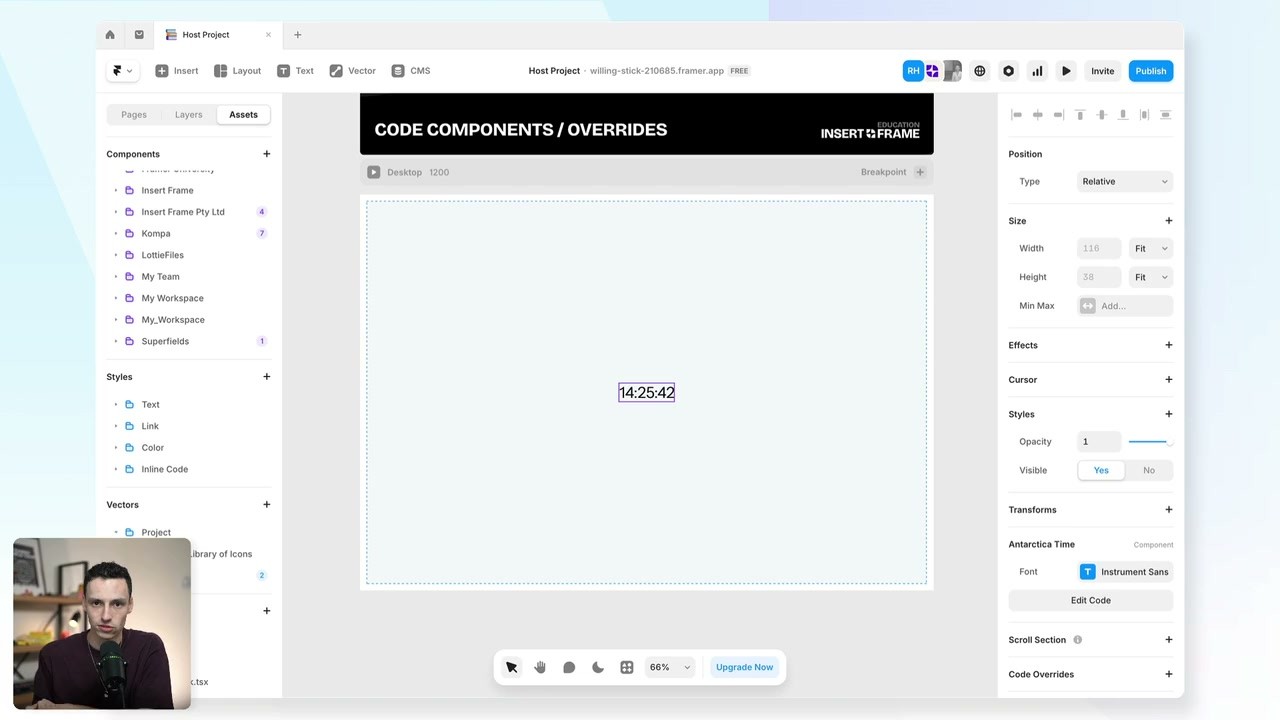
CONTROL IT FROM THE PANEL
Property controls turn code into something you can restyle visually.

OVERRIDE AN EXISTING ELEMENT
Attach an override to change how something already on the page behaves.

AI Tools in Framer
What Framer AI actually does for you day to day: generate a page to start from, build components you couldn't code yourself, and make the imagery to fill them.

Using Agents in Framer
The Agent tab sits where the properties panel used to be. Give it context with @, add a skill with /, pick a model, and undo anything it gets wrong.

CURRICULUM
WHAT YOU’LL LEARN IN THIS COURSE
In the Ultimate Framer Masterclass, you’ll master Framer from the ground up. Follow real projects, get expert feedback, and finally design and ship the way you’ve always wanted to.
Create one code component with a property control, then write an override that changes an existing text element.
05:27
PUBLISH CHECKLIST
Code file created
Component saved and placed
Property controls added
Override file created
Override attached to an element
Checked in preview
TRY IT OUT
Cesar Rodrigues
Founder, Craate Creative
FREQUENTLY ASKED QUESTIONS
Everything you need to know about this lesson.
What's the difference between a code component and an override in Framer?
A code component adds something new to the canvas. An override changes how an element already on the page behaves. Both work because Framer is built on React.
Do I need to be a developer to use code in Framer?
No. Create a code file in the assets tab, paste in a component you or AI wrote, then drag it onto the canvas like any other element.
How do I make a code component editable without touching code?
Add property controls. They expose text, colour and size in the properties panel, so you can restyle the component visually instead of editing the file.
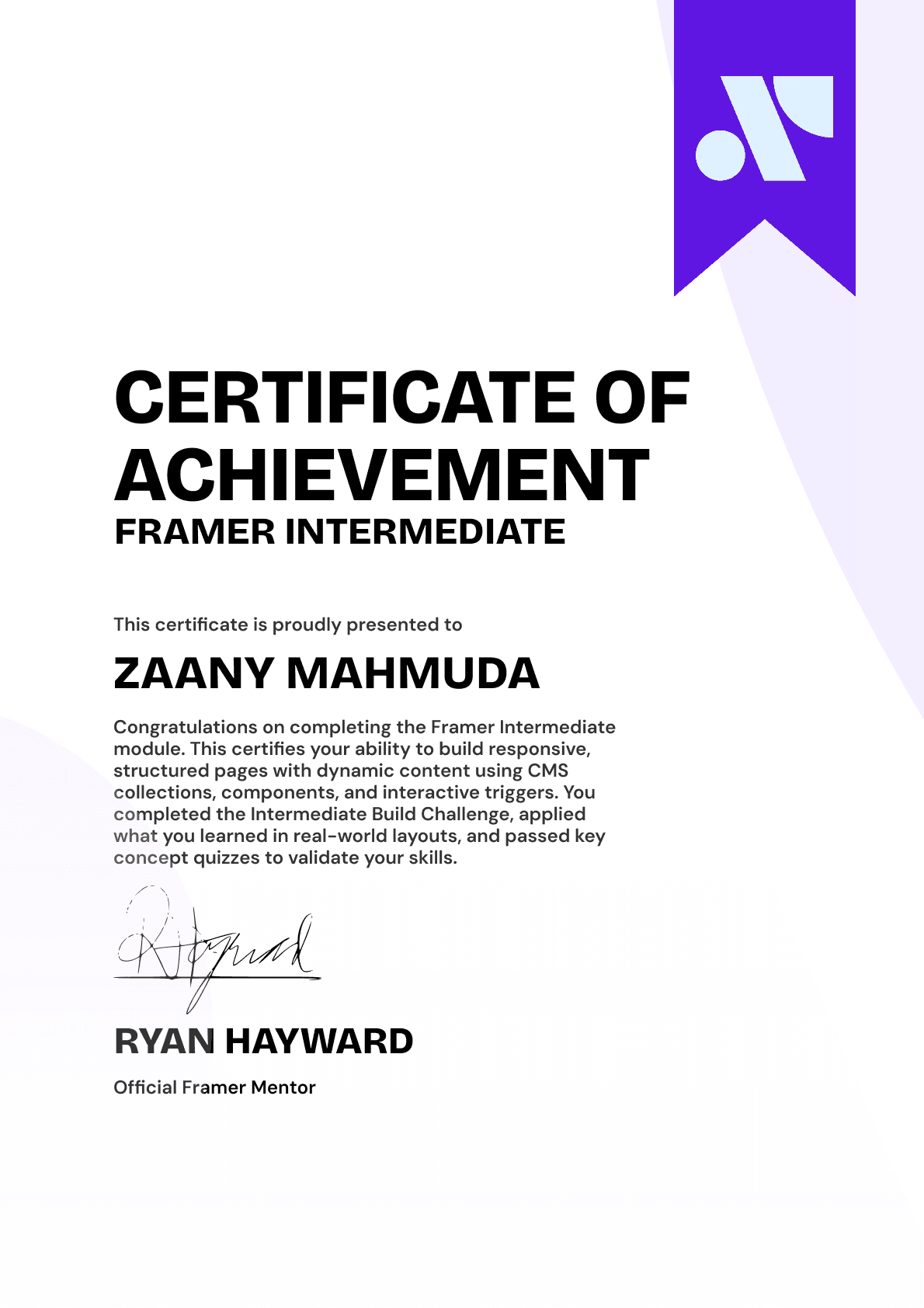
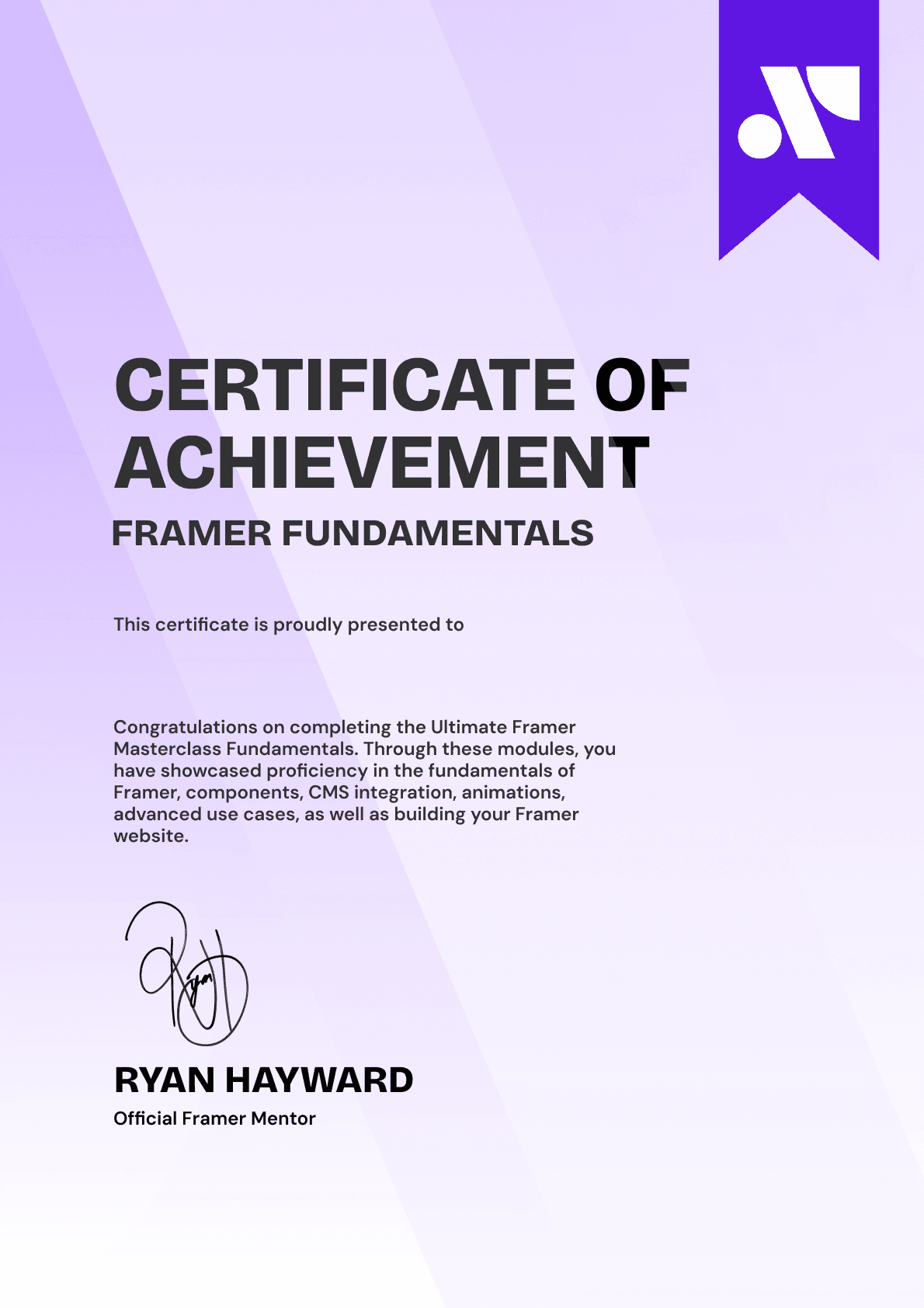
CERTIFICATION
BECOME A CERTIFIED FRAMER MASTER
Earn 3 official certifications that show you don’t just know Framer, but you can
design, build, and execute real pixel-perfect sites.







Rated excellent by 900+ students
4.8
Lifetime access
14-day money-back guarantee
Stream anywhere




